Caregiver Visit Records: What to Keep Before Payroll
Quick-read version · 1 minA caregiver visit record should help the office answer a simple question before payroll: what time did the caregiver work, and what record explains it?
Home health agencies often have more than one record for the same day. There may be a schedule, an EVV record, a time clock entry, a mileage note, a missed-punch correction, and a supervisor approval.
Those records do not all do the same job. Before payroll, the agency needs an employee time record it can explain without turning EVV, clinical notes, or client messages into a substitute for time tracking.
Start with the payroll question
The first question is not whether the visit was documented somewhere. Before payroll closes, the office needs to know whether the employee time record is complete enough to review.
For each caregiver, the office should be able to see:
- Who worked.
- Which client, visit, job, or location the time was tied to.
- When paid work started and ended.
- Whether travel time or mileage notes affect the review.
- Whether a missed punch, wrong visit, or late correction was fixed.
- Who approved the final time record before payroll.
If the answer is scattered across texts, schedules, EVV screens, handwritten notes, and payroll edits, the agency may still be able to pay on time. But it is harder to explain the record later.
Separate the time record from EVV
EVV and time tracking are related, but they are not the same record.
EVV usually exists to document required visit information for Medicaid-covered personal care or home health services. A time record exists to support employee hours, corrections, approval, and payroll readiness.
That difference matters when something changes. A caregiver might clock in late because the client was not ready. A visit may be moved to a different address. A supervisor may approve a missed clock-out after confirming the visit ended on time.
The office needs a time record that can hold those payroll details without pretending the time clock is the EVV system, the care plan, or the payer record. For a closer look at that difference, read EVV vs time tracking.
Capture the visit detail the office actually uses
Do not make caregivers choose fields nobody reviews. But if the office later needs visit detail, capture it while the work is happening.
Useful visit-time fields often include:
- Caregiver.
- Client, visit, job, or location.
- Date.
- Clock-in and clock-out time.
- Travel or mileage note when it affects the workday.
- Missed punch or correction reason.
- Supervisor approval.
- Pay-period status.
For a simple printable backup, use the caregiver timesheet template. For a worksheet that helps the office review a visit-time question, use the caregiver visit review worksheet template.
Keep travel and mileage visible
Many caregiver workdays are not one fixed shift at one fixed place. A caregiver may drive from one client to another, stop by the office for supplies, pick up an added visit, or spend time charting or contacting the office after a visit.
When that time affects the workday, it should not live only in a text message or memory. The time record should show what happened, what changed, and who reviewed it.
For the deeper payroll issue, read caregiver travel time and mileage.
The location demo below shows one way a time record can keep visit context visible during review: the office can see the clock record, the location report, and the payroll-ready record without turning the map into the whole answer.
No login required. Opens in one click.
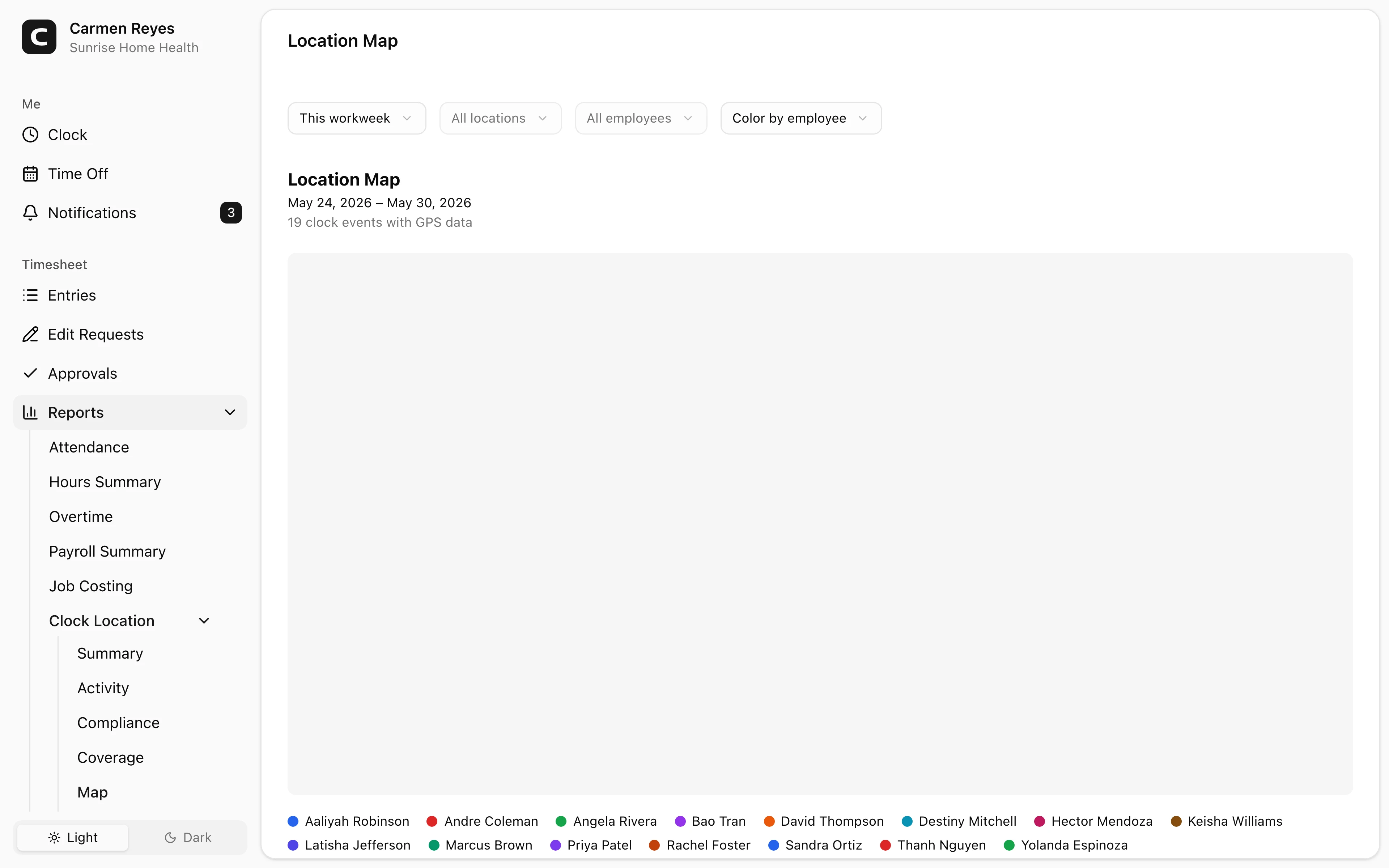
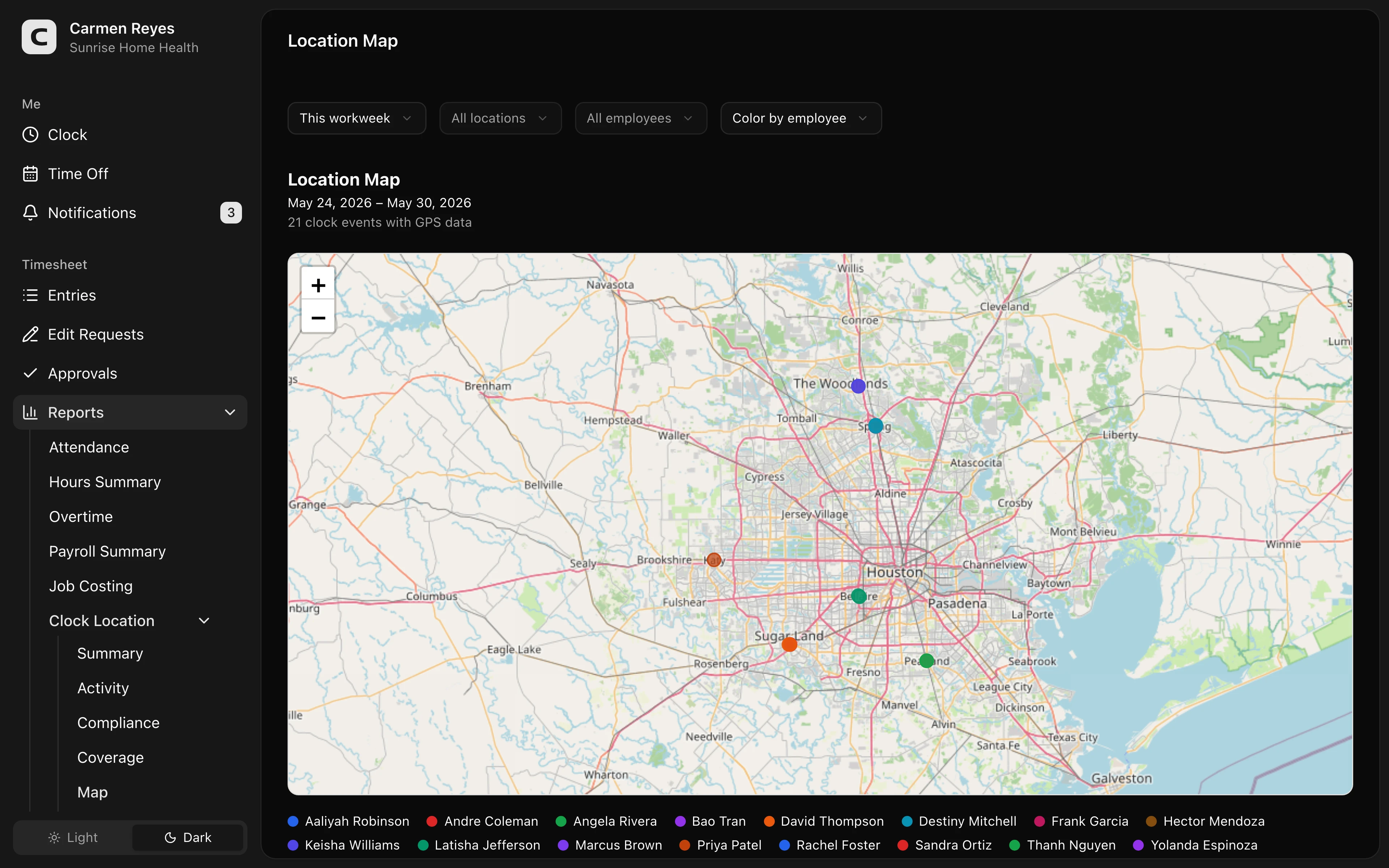 Open a no-login Clockspot demo with time entries, edits, approvals, and payroll-ready records.
Treat corrections as part of the record
Missed punches happen. The important question is whether the correction is visible and explained.
If a caregiver forgets to clock out after the last visit, the record should show:
- The original missing clock-out.
- The corrected time.
- The reason for the correction.
- Who made or approved the change.
- Whether the correction affected travel time, overtime, mileage, or the visit record.
That protects the business and the caregiver. The goal is not to assume bad intent. The goal is to make the final time record clear enough that both sides can understand what changed.
For the missed-punch workflow, read how to handle caregiver missed punches before payroll.
Approve before payroll, not after there is a problem
Approval should happen while the pay period is still fresh.
Before payroll, the reviewer should be able to answer:
- Are all expected caregiver time records present?
- Are missed punches corrected with reasons?
- Are travel or mileage notes reviewed when they affect the day?
- Are EVV, schedule, clinical, or message records checked separately when the question is not only about employee time?
- Are approved hours ready for the next payroll step?
Approval does not make an incomplete record complete by itself. It confirms that the right person reviewed the record before payroll moved forward.
When Clockspot is a good fit
Clockspot is a good fit when your agency needs payroll-ready time records for caregivers and office staff, especially when visits, locations, corrections, and approvals need to stay connected.
Clockspot can help with:
- Employee clock-in and clock-out records.
- Client, job, or location labels.
- Missed-punch corrections with reasons.
- GPS context for review.
- Manager approval before payroll.
- Payroll-ready time reports.
Clockspot does not replace EVV, clinical documentation, payer billing, care plans, dispatch, mileage reimbursement decisions, or payroll processing.
FAQ
Is a caregiver visit record the same as EVV?
No. EVV may be required for certain Medicaid-covered services and usually captures visit verification details. A caregiver time record is the employee time record used to review hours, corrections, approvals, and payroll-ready totals.
Should caregiver travel time be in the time record?
If travel time is part of the paid workday or affects payroll review, the office should have a clear record for it. Mileage reimbursement and paid travel time are separate questions, but both are easier to review when the time record is complete.
Should every correction have a reason?
Yes. A correction reason helps explain why the record changed. It also helps the caregiver, manager, and office understand what happened before payroll closes.
Does Clockspot replace payroll?
No. Clockspot helps small businesses track employee time and keep payroll-ready records. Payroll itself still happens in your payroll system or process.
The bottom line
A caregiver visit record should make payroll review easier to explain. Keep employee time, visit context, travel notes, corrections, and approvals connected, while treating EVV, clinical, payer, and mileage records as separate records with their own jobs.
Keep reading
How to Track Employee Hours for Payroll
Use this payroll-ready time tracking workflow to capture hours, review exceptions, approve edits, and keep records you can explain later.
Caregiver Missed Punches: How to Fix Time Records Before Payroll
Handle caregiver missed punches by keeping visit context, correction reasons, supervisor review, and payroll-ready time records together.
EVV vs Time Tracking: What Home Health Agencies Should Separate
Understand the difference between EVV visit verification and payroll time tracking, and why home health agencies may need both records to stay clean.
Caregiver Travel Time and Mileage: What Home Health Agencies Should Track
Track caregiver travel time, mileage, visits, location context, corrections, approvals, and payroll-ready records without treating EVV as payroll.
About Clockspot
Clockspot helps small businesses track employee time and keep payroll-ready records. Used in all 50 states since 2007, we focus on getting time and pay right — including the wage-and-hour rules that shape both.
Clockspot helps caregiver teams keep visit-time records, corrections, approvals, and payroll-ready employee hours connected. See how Clockspot supports caregiver time tracking.