Time Clock App for Auto Repair Shops and Dealerships: What to Look For
Quick-read version · 1 minAuto repair shops and dealerships often have hourly work spread across the service desk, shop, parts counter, detail team, lot, and office.
If employee time is tracked on paper, spreadsheets, or messages, the manager may not see missed punches, department changes, edits, or overtime questions until payroll is already close.
Start with the department record
Before choosing a time clock, decide what the office needs before payroll:
- Who worked.
- When each employee clocked in and out.
- Which department, location, job, or role the time belongs to.
- Whether anyone moved between service, parts, detail, lot, or office work.
- Which punches or times were corrected.
- Who approved the final time.
For the full payroll-ready workflow, read how to track employee hours for payroll.
Department detail should be practical
Some shops only need total hours. Others need hours by department, location, role, repair order, or job.
Do not add fields nobody reviews. But if department or job detail affects manager review, reporting, or payroll handoff, capture it while the shift is happening.
For setup help, read how to track employee hours by job or location.
The demo should show review, not just clock-in
The demo below shows the time-card workflow behind service and shop work: employee hours, corrections, approvals, and payroll-ready records in one place.
No login required. Opens in one click.
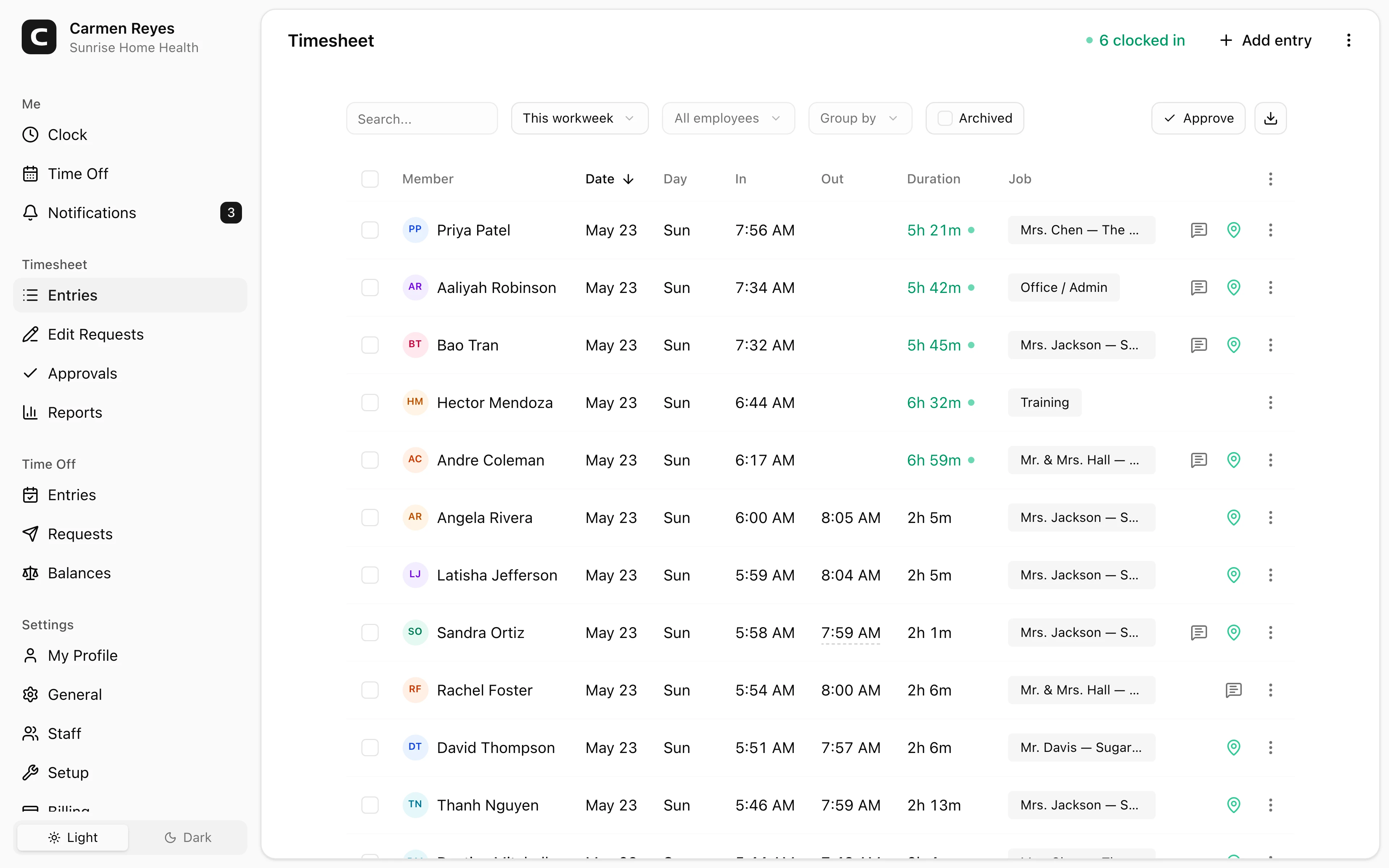
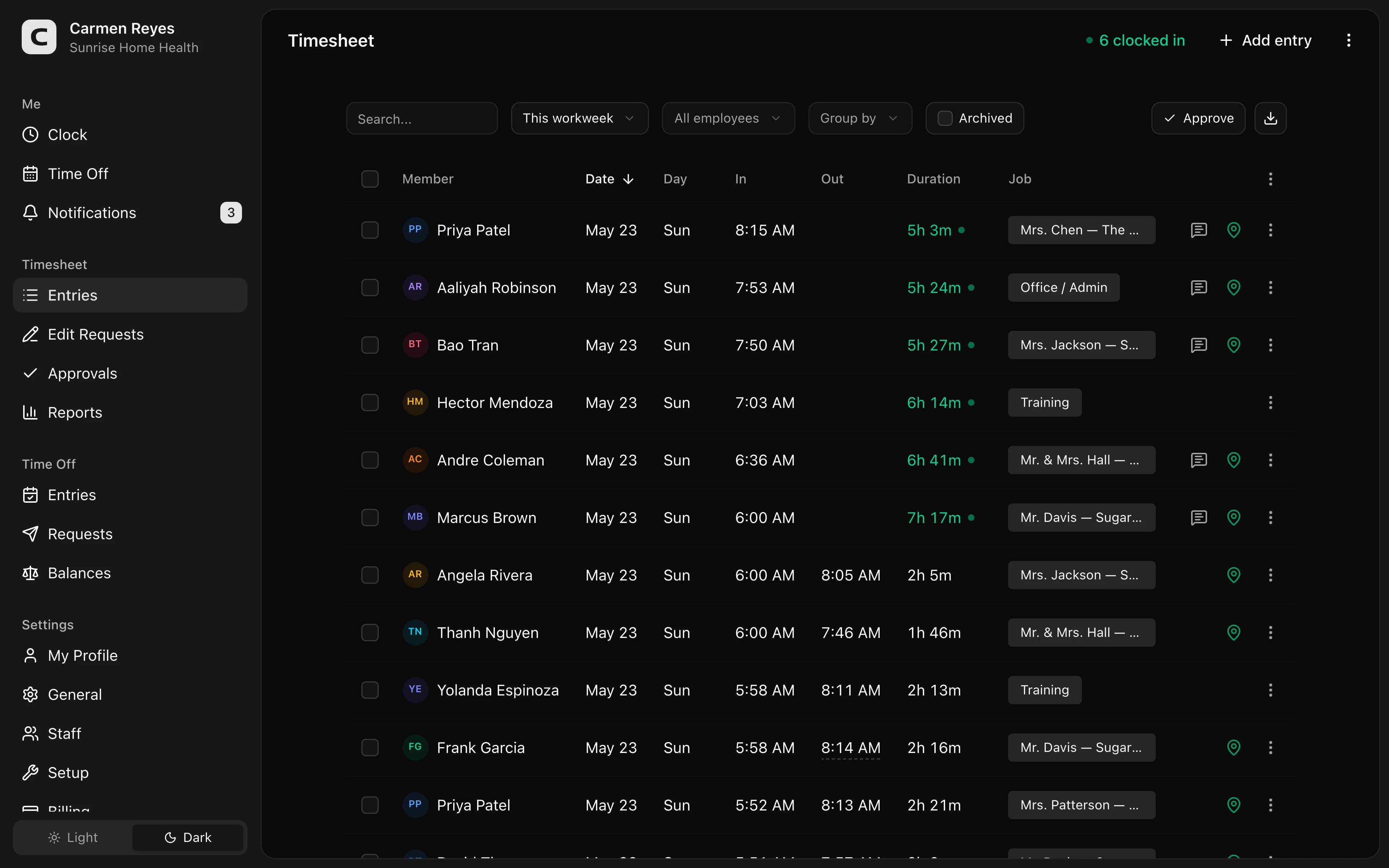 Open a no-login Clockspot demo with time entries, edits, approvals, and payroll-ready records.
When Clockspot is a good fit
Clockspot is a good fit when an auto repair shop, dealership department, or service business needs focused employee time tracking:
- Employees clock in and out.
- Managers review missed punches, edits, department or location detail, and approvals.
- Approved hours are ready before payroll.
- Time records stay available after the pay period closes.
Clockspot may be a poor fit if you need one system for repair orders, technician flat-rate pay, parts inventory, service scheduling, customer texting, DMS workflows, payroll processing, HR, or accounting.
If this is the workflow you need, open the demo above, then check Clockspot pricing or start a free trial.
FAQ
What should an auto repair time clock track?
An auto repair time clock should track clock-in and clock-out times, missed punches, corrections, approvals, and department, job, or location detail when that detail helps review.
Should dealerships track time by department?
Yes, when department detail helps managers review hours for service, parts, detail, lot, or office teams. If nobody uses the detail, keep the clock-in workflow simpler.
Does Clockspot replace shop management software?
No. Clockspot tracks employee time and payroll-ready records. Repair orders, parts inventory, service scheduling, DMS workflows, payroll processing, HR, and accounting are separate systems.
The bottom line
An auto service time clock should make employee hours easier to review before payroll.
Choose the app that helps staff record time clearly, helps managers approve corrections and department detail, and keeps the final hours connected to the record behind them.
Keep reading
How to Track Employee Hours for Payroll
Use this payroll-ready time tracking workflow to capture hours, review exceptions, approve edits, and keep records you can explain later.
How to Track Employee Hours by Job or Location
Track employee hours by job or location so payroll, job costing, overtime review, and manager approval all use the right time record.
Time Clock App for Schools and Childcare: What to Look For
Choose a school or childcare time clock by checking staff clock-ins, room or department detail, missed punches, breaks, approvals, payroll export, and records.
Time Clock App for Event Staffing and Valet Teams: What to Look For
Choose an event staffing or valet time clock by checking venue clock-ins, job detail, missed punches, GPS review, approvals, and records.
About Clockspot
Clockspot helps small businesses track employee time and keep payroll-ready records. Used in all 50 states since 2007, we focus on getting time and pay right — including the wage-and-hour rules that shape both.
Clockspot helps auto repair shops and dealership teams keep employee hours, corrections, approvals, and payroll-ready records together. See how Clockspot supports auto service time tracking.