Employee Time Clock With GPS: When Small Businesses Need It
A GPS time clock is useful when employees clock in away from a manager and the business needs to know where the work happened.
If every employee works at the same front desk, GPS may be unnecessary. If employees start at job sites, move between customers, work in the field, or clock in away from a manager, location can help explain where the work happened and whether the record is ready for payroll.
What GPS should prove
GPS should answer a practical question, not create a surveillance program.
For a small business, the useful questions are:
- Did the employee clock in from the expected job site?
- Did the employee move between jobs during the day?
- Does the time card match the job, customer, or location selected?
- Can the manager review location exceptions before payroll?
- Can payroll still trace the final hours back to the time record?
If GPS does not help answer those questions, it may add friction without improving payroll.
GPS is strongest for field teams
GPS time tracking is usually most useful when employees do not report to one fixed workplace.
That includes:
- Construction crews.
- Cleaning teams.
- Landscaping crews.
- Home service technicians.
- Delivery or field service employees.
- Employees who move between stores, customers, or job sites.
For these teams, the problem is not only "how many hours did someone work?" It is "where did those hours belong?"
If location affects payroll or job costing, read how to track employee hours by job or location.
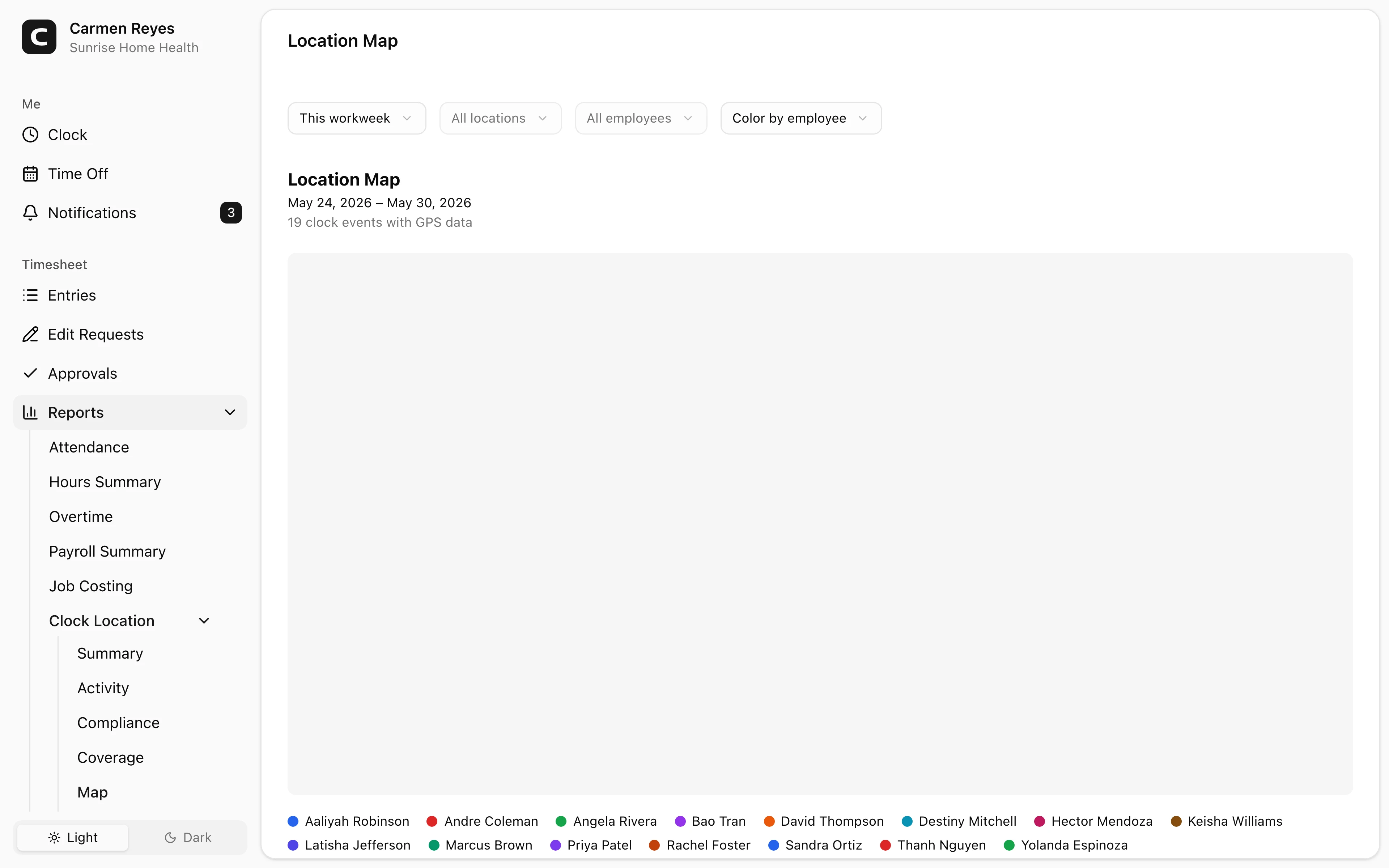
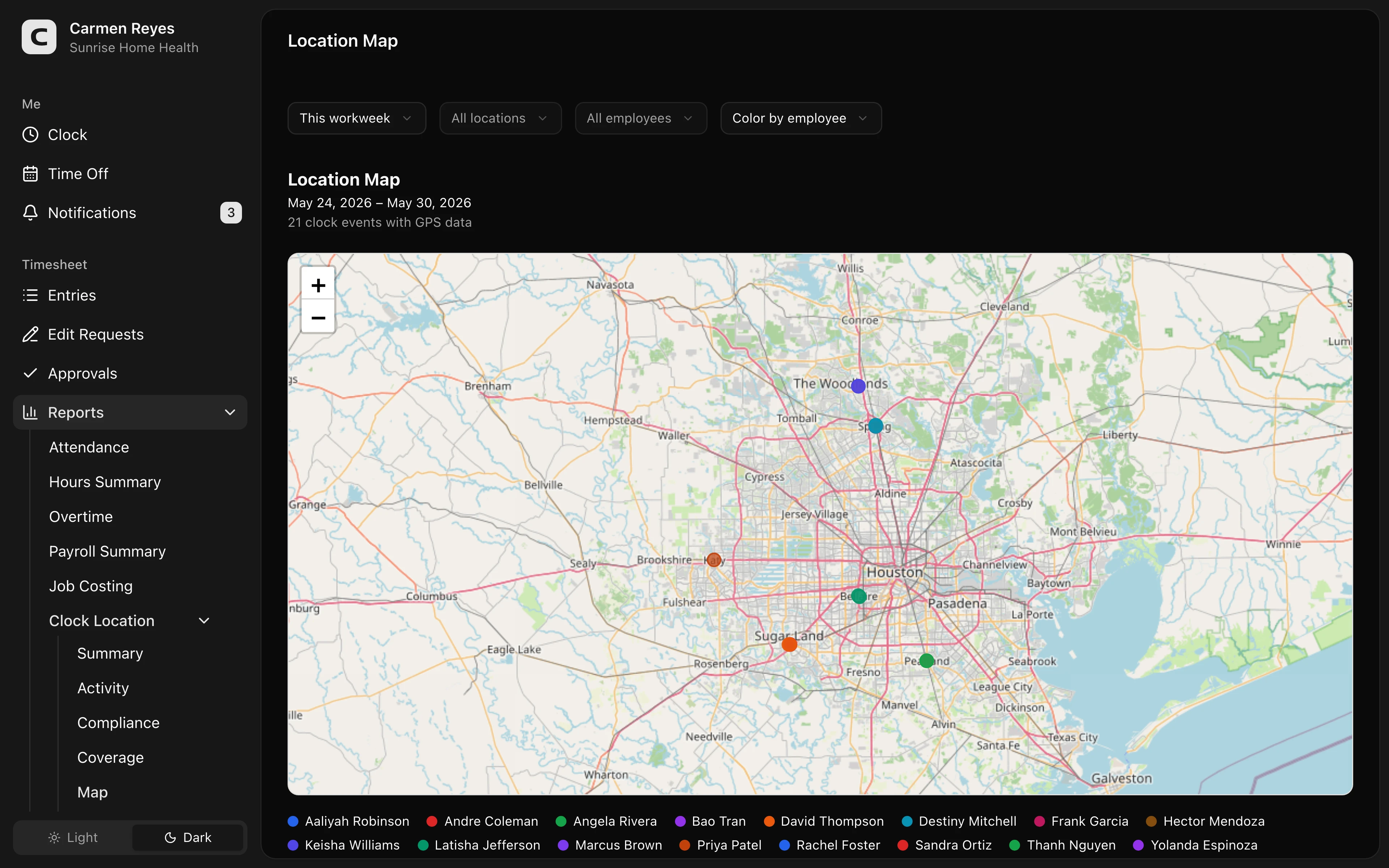
The location demo below shows where GPS context becomes reviewable instead of just visible on a map. Look for hours tied to location context so a manager can review where work happened before payroll.
No login required. Opens in one click.
 Open a no-login Clockspot demo with time entries, edits, approvals, and payroll-ready records.
What to look for in a GPS time clock
A useful GPS time clock helps the manager review where the employee clocked in, which job they selected, and whether the final hours are ready for payroll.
Look for:
- Mobile clock-in and clock-out.
- Job or location selection.
- Location attached to clock events.
- Clear exceptions when the location does not match the expected job.
- Edit reasons when a manager corrects the record.
- Manager approval before payroll.
- Payroll export or payroll-ready summaries.
- Records that remain searchable after payroll closes.
The key is not the map. The key is whether the map helps the manager approve the time card with confidence.
GPS should not replace manager judgment
GPS data can be wrong, incomplete, or missing.
Phones lose signal. Employees may work inside buildings where location is less precise. A worker may be near the job site but still not working. Another employee may be legitimately off-site picking up materials.
Use GPS as a review signal. Do not treat it as automatic proof.
Avoid turning GPS into micromanagement
GPS tracking can feel invasive if the business does not explain what it is for.
Set clear rules:
- Track location only when employees are on the clock.
- Tell employees what location data is collected.
- Explain that the purpose is payroll, job costing, and time-card review.
- Review exceptions before accusing anyone of misconduct.
- Keep the focus on the time record, not constant monitoring.
For a broader trust-focused approach, read how to prevent buddy punching without micromanaging.
When GPS is not worth it
GPS may be unnecessary when:
- Employees work at one fixed location.
- A manager is always present.
- Job costing does not depend on location.
- Employees use a shared kiosk or desktop clock.
- Location data would create more policy friction than payroll value.
In that case, a simpler time clock may be better.
Questions to ask before choosing
Before buying a GPS time clock, ask:
- Do employees work away from a fixed workplace?
- Does location affect payroll, job costing, billing, or approval?
- Can managers review location exceptions quickly?
- Can employees correct mistakes without losing the record trail?
- Does GPS run only when employees are working?
- Can payroll see approved hours without digging through maps?
For the broader software decision, read best employee time clock for small business.
If GPS would make your time records easier to review, open the location demo above. Then check Clockspot pricing or start a free trial.
FAQ
Does every small business need GPS time tracking?
No. GPS helps when location affects the time record. A one-location team may need simple clock-in, approval, and payroll records more than GPS.
Should GPS track employees all day?
GPS should be tied to work time and explained clearly. The business should know what it collects, when it collects it, and why it needs it.
Can GPS prevent buddy punching?
It can help, especially when paired with job-site rules and manager review. It should not replace policy, approval, and exception review.
The bottom line
Use GPS when location makes payroll or job costing easier to explain.
The right GPS time clock does not just show dots on a map. It helps employees record time, helps managers review exceptions, and leaves payroll with approved records the business can trust.
Keep reading
How to Track Employee Hours for Payroll
Use this payroll-ready time tracking workflow to capture hours, review exceptions, approve edits, and keep records you can explain later.
Best Employee Time Clock for Small Business: What to Look For
Choose an employee time clock for small business by checking payroll workflow, missed punches, approvals, overtime, breaks, locations, and records.
How to Track Employee Hours by Job or Location
Track employee hours by job or location so payroll, job costing, overtime review, and manager approval all use the right time record.
How to Prevent Buddy Punching Without Micromanaging
Reduce buddy punching with clear rules, manager review, location checks, edit trails, and a time tracking workflow employees can actually follow.
About Clockspot
Clockspot helps small businesses track employee time and keep payroll-ready records. Used in all 50 states since 2007, we focus on getting time and pay right — including the wage-and-hour rules that shape both.
Clockspot helps small businesses track employee hours, jobs, locations, edits, approvals, and payroll-ready records in one workflow. See how Clockspot supports GPS time tracking.