Caregiver Travel Time and Mileage: What Home Health Agencies Should Track
Quick-read version · 1 minCaregiver travel gets messy when the visit record and the payroll record do different jobs.
A home health or home care agency may know that a visit happened, but still have payroll questions. Did the aide drive between clients? Was there travel time after the first visit? Was mileage reviewed separately? Did a missed clock-out get corrected before payroll?
Start with the day, not the report
Before choosing software, write down what happens when a caregiver finishes one visit, drives to the next client, and later needs payroll reviewed:
- The caregiver starts with the first client.
- The visit record shows when the covered visit happened.
- The caregiver drives to another client, the office, or a supply stop.
- A missed clock-out, late visit, or changed schedule creates an exception.
- The office reviews the exception before payroll.
- Approved hours are ready before payroll.
- Mileage or reimbursement questions stay tied to the day they came from.
That does not mean one system has to do everything. It means the agency needs to know which record answers which question.
If you are choosing software for this kind of work, read time clock app for home health care. If your agency also uses EVV, read EVV vs time tracking.
Separate visit verification from payroll review
EVV may verify the covered visit. Payroll still needs the time record the agency can review, approve, export, and find later.
Those records may overlap, but they are not automatically the same:
- EVV may show the visit start and end.
- The time clock may show the employee's workday.
- Mileage records may show business miles.
- Schedule notes may explain why the day changed.
- Corrections and approvals show who fixed the time record and why.
If the office has to rebuild that story from texts and spreadsheets, payroll is not ready.
The location demo below shows the kind of record the office should be able to review: employee hours with location context, corrections, approvals, and payroll-ready history in one place. It does not decide whether a drive is paid; it helps preserve the facts the agency needs to review.
No login required. Opens in one click.
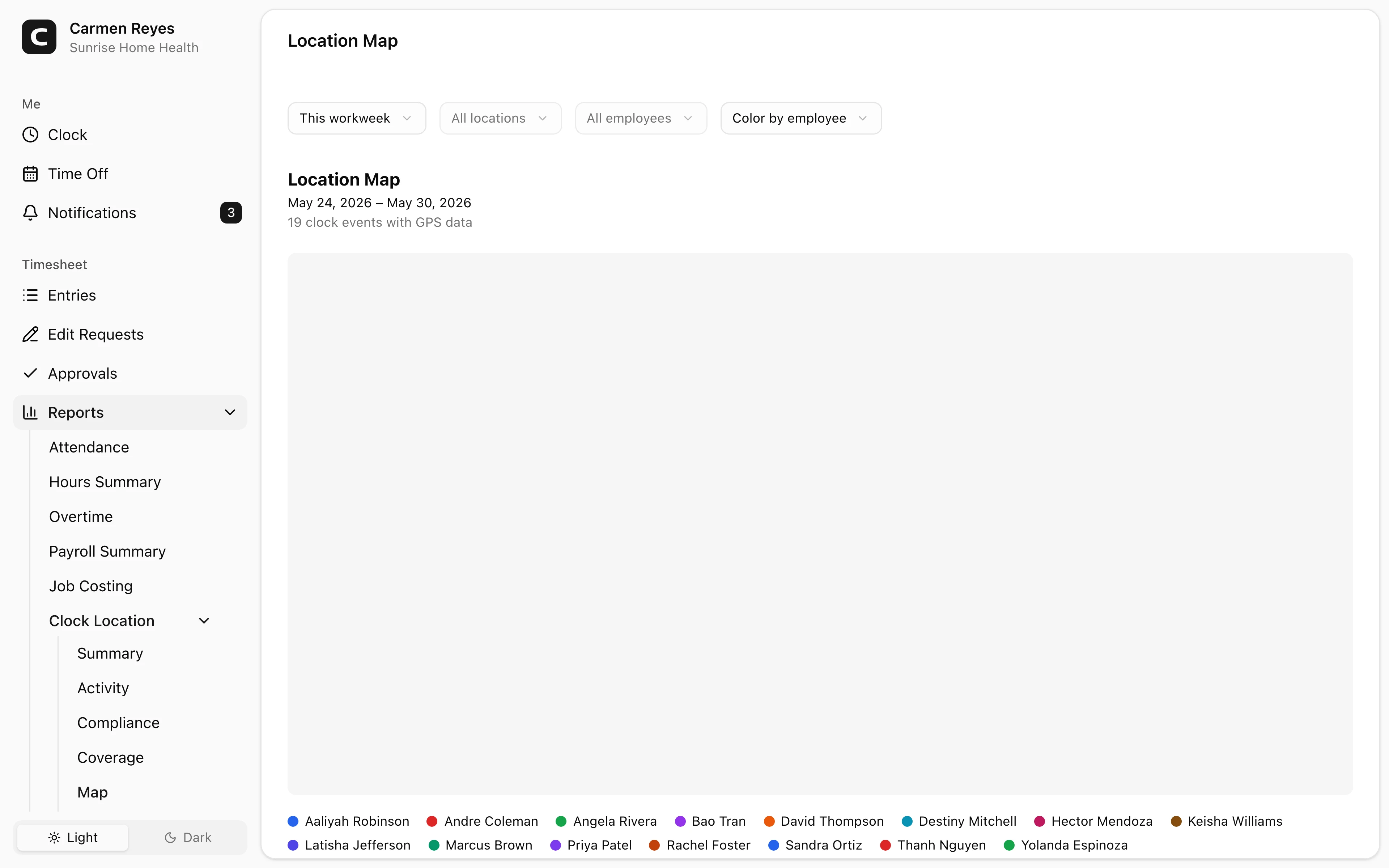
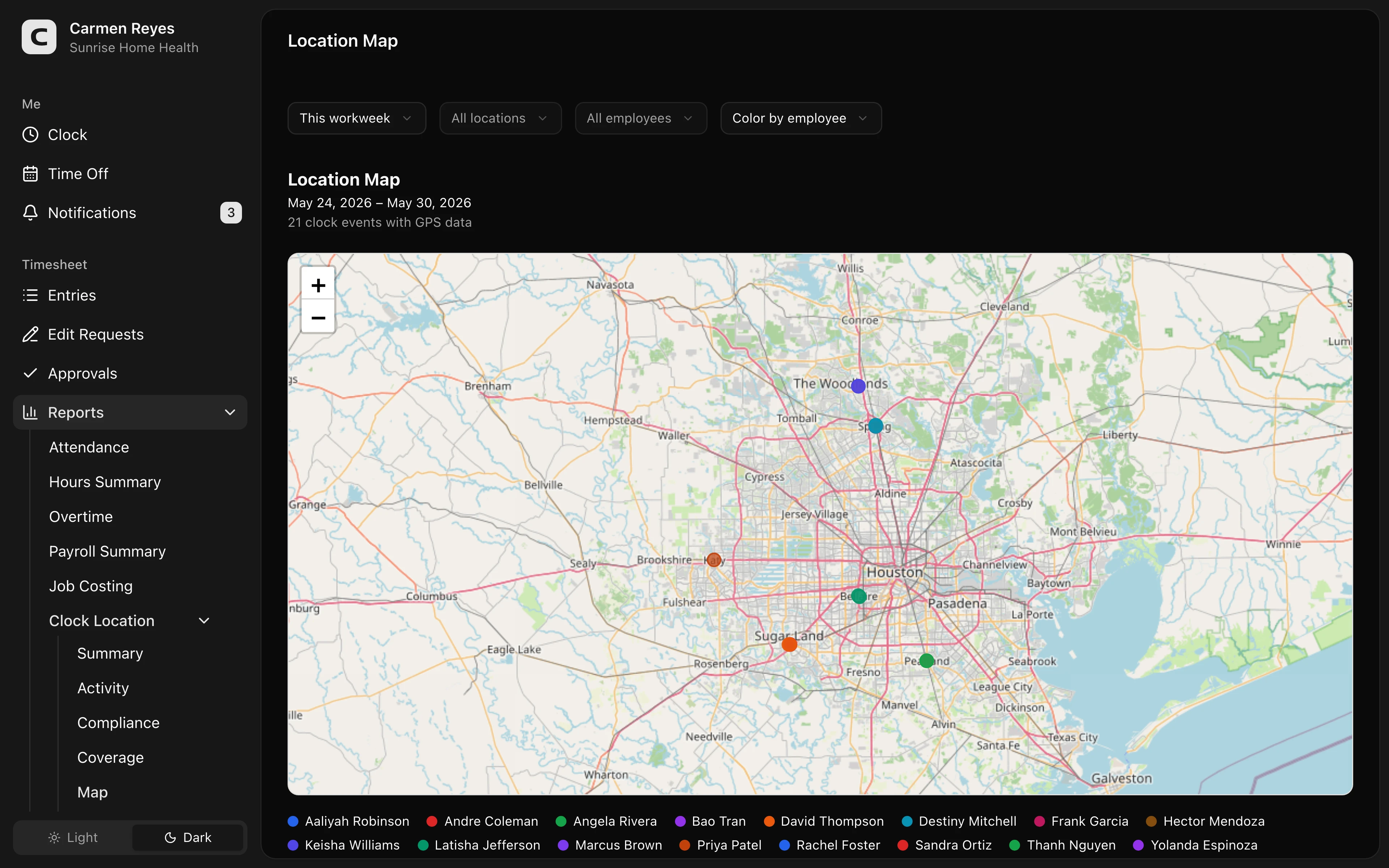 Open a no-login Clockspot demo with time entries, edits, approvals, and payroll-ready records.
Know which travel questions you are trying to answer
The time record should help the office answer practical travel questions before payroll:
- Did the caregiver travel between client homes?
- Was the travel part of the workday or ordinary commuting?
- Did the caregiver return to the office for supplies or paperwork?
- Did the caregiver pick up an added visit?
- Was mileage recorded under the agency's policy?
- Did the final approved hours match the corrected record?
A time clock will not answer every legal question by itself. It should make the facts easier to review. For the pay rules behind travel and mileage, read travel time pay and mileage reimbursement requirements by state.
Keep mileage policy separate from time tracking
Mileage and travel time are related, but they are not the same record.
For many agencies, mileage review asks:
- Which trip was business-related?
- Which client, visit, job, or location did it belong to?
- Was the mileage submitted on time?
- Did someone review it under the agency's policy?
- Can the office find it later if there is a question?
The IRS standard mileage rate is a tax and reimbursement reference point, not a complete answer to every wage-and-hour question. Use the agency's policy and state rules to decide how mileage is handled.
For travel and mileage review, start with this note format and adapt the fields to your agency's workflow.
Review exceptions before payroll closes
Travel days create more exceptions than one-location work.
Look for:
- Missing clock-ins or clock-outs between visits.
- Visit records that do not match the time record.
- Same-day schedule changes.
- Travel or mileage notes with no matching time entry.
- Location exceptions that need explanation.
- Manual corrections without reasons.
- Time cards not approved before payroll.
The goal is not to challenge every caregiver. The goal is to catch records that need a second look while the day is still easy to explain.
For the full payroll-ready time record, read how to track employee hours for payroll.
When Clockspot is a good fit
Clockspot is a good fit when a home health, home care, or field-service team needs focused time tracking before payroll:
- Employees clock in and out from the field.
- Hours can be reviewed with location context.
- Missed punches and corrections include reasons.
- Supervisors approve final time before payroll.
- The business can find the time record later.
Clockspot may be a poor fit if the agency needs state-certified EVV, clinical documentation, payer billing, care plans, mileage reimbursement processing, or patient records in the same product.
If that fits your agency's time-tracking problem, open the demo above, then check Clockspot pricing or start a free trial.
FAQ
Is caregiver travel time always paid?
Not always. Ordinary home-to-work commuting is different from travel that happens as part of the workday. The answer can depend on the facts and the state, so this article focuses on the records an agency should keep before payroll review.
Is mileage the same thing as travel time?
No. Travel time is about hours worked. Mileage is about vehicle use and reimbursement or policy review. The records often sit next to each other, but they answer different questions.
Does EVV replace caregiver time tracking?
No. EVV can verify a covered visit, but it may not give the agency a complete payroll workflow for missed punches, corrections, travel time, approvals, exports, and record lookup.
The bottom line
Do not wait until payroll to reconstruct a caregiver's travel day.
Keep the visit record, time record, location context, mileage notes, corrections, and approvals close enough that the office can review the day while the facts are still fresh.
Keep reading
How to Track Employee Hours for Payroll
Use this payroll-ready time tracking workflow to capture hours, review exceptions, approve edits, and keep records you can explain later.
Time Clock App for Home Health Care: What Agencies Should Look For
Choose a home health care time clock app by checking caregiver visits, EVV fit, GPS, mileage, travel time, approvals, payroll export, and records.
EVV vs Time Tracking: What Home Health Agencies Should Separate
Understand the difference between EVV visit verification and payroll time tracking, and why home health agencies may need both records to stay clean.
How to Handle Missed Punches Before Payroll
Use this missed-punch workflow to correct time cards before payroll, keep an audit trail, and avoid paying from hours nobody can explain.
About Clockspot
Clockspot helps small businesses track employee time and keep payroll-ready records. Used in all 50 states since 2007, we focus on getting time and pay right — including the wage-and-hour rules that shape both.
Clockspot helps small businesses keep employee hours, location context, corrections, approvals, and payroll-ready records connected. See how Clockspot supports caregiver time records.