GPS Time Clock for Home Health Care: What It Should and Should Not Do
Quick-read version · 1 minA home health GPS time clock should help the office review caregiver time without being treated as EVV.
Caregivers work in client homes, move between visits, report corrections after the day changes, and may need travel or mileage notes reviewed before payroll. Location can help explain the record, but it is only one part of the workflow.
The practical question is whether GPS makes caregiver time easier to review without creating a heavy-handed process for employees or families.
Start with the visit workflow
For a home health agency, GPS matters most when caregivers clock in from client homes instead of one supervised office.
The useful questions are concrete:
- Did the caregiver clock in near the expected client visit?
- Did the time record show the visit start and end clearly?
- Did the caregiver move between client homes during the workday?
- Did a missed punch, late correction, travel note, or mileage note need review?
- Did a supervisor approve the final time record before payroll export?
If GPS helps the office answer those questions, it can be useful. If it only adds another screen to check, it may not be worth the friction.
GPS is not the same as EVV
EVV and time tracking can overlap, but they answer different questions.
EVV usually focuses on visit verification: who provided care, who received it, where it happened, when it started and ended, and what service was provided. A time clock focuses on employee hours, corrections, approvals, and payroll-ready records.
If your agency needs state-certified EVV, confirm that requirement separately. A GPS time clock can support the timekeeping side of the workflow, but it should not be described as a replacement for EVV, care plans, clinical notes, payer billing, or patient records.
For the full distinction, read EVV vs time tracking.
Use location as review context
GPS is most useful when it helps a supervisor review time-record exceptions before payroll.
For example, a caregiver may clock in near the wrong address because the scheduled visit changed, the client moved temporarily, the phone signal was imprecise, or the caregiver started with a required office stop. The office still needs a human review step.
Use GPS as a prompt to check the record. Do not treat location by itself as final proof that time is right or wrong.
The location demo below shows the kind of screen that can make GPS review practical: employee hours with location context, corrections, approvals, and payroll-ready records in one place.
No login required. Opens in one click.
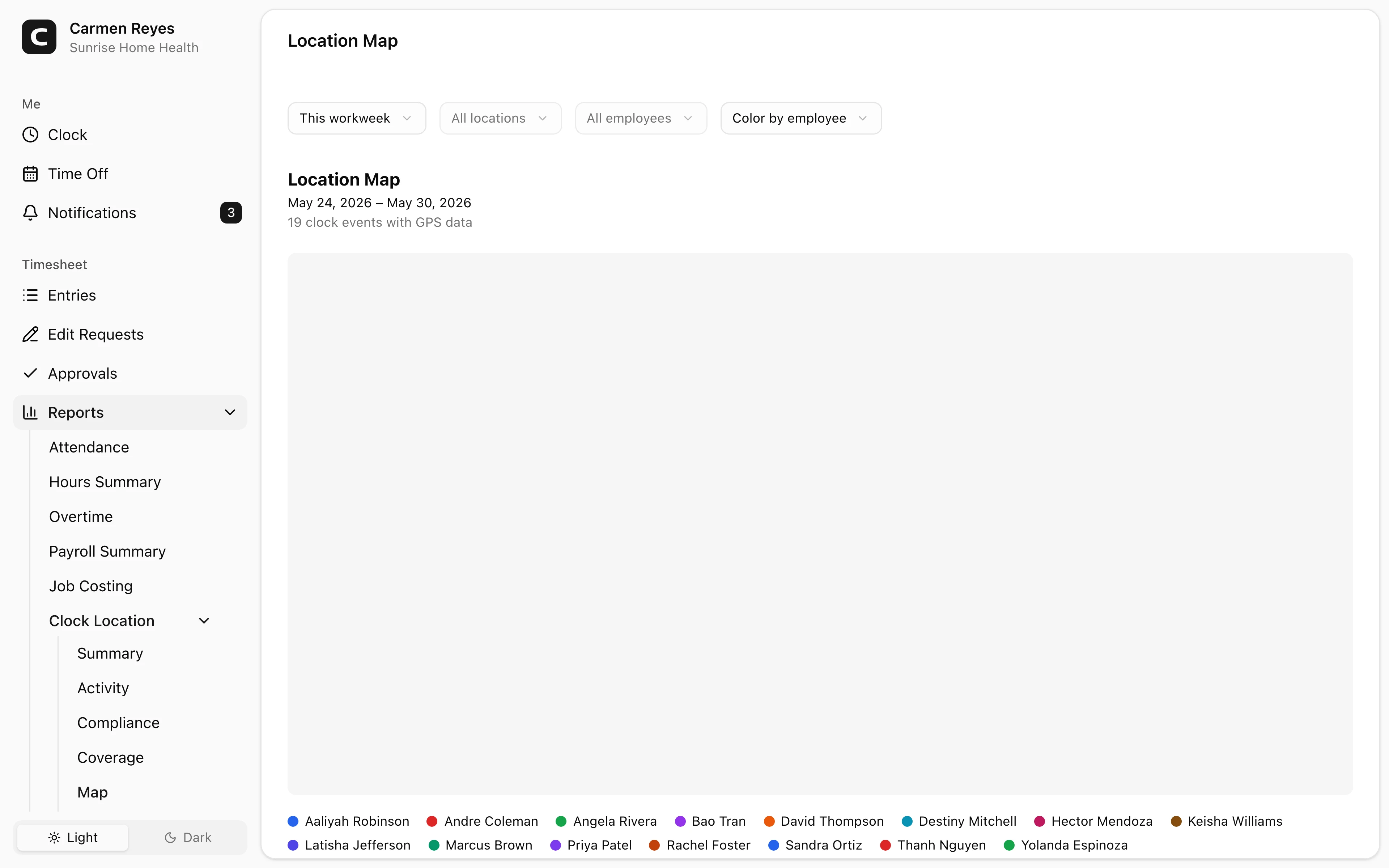
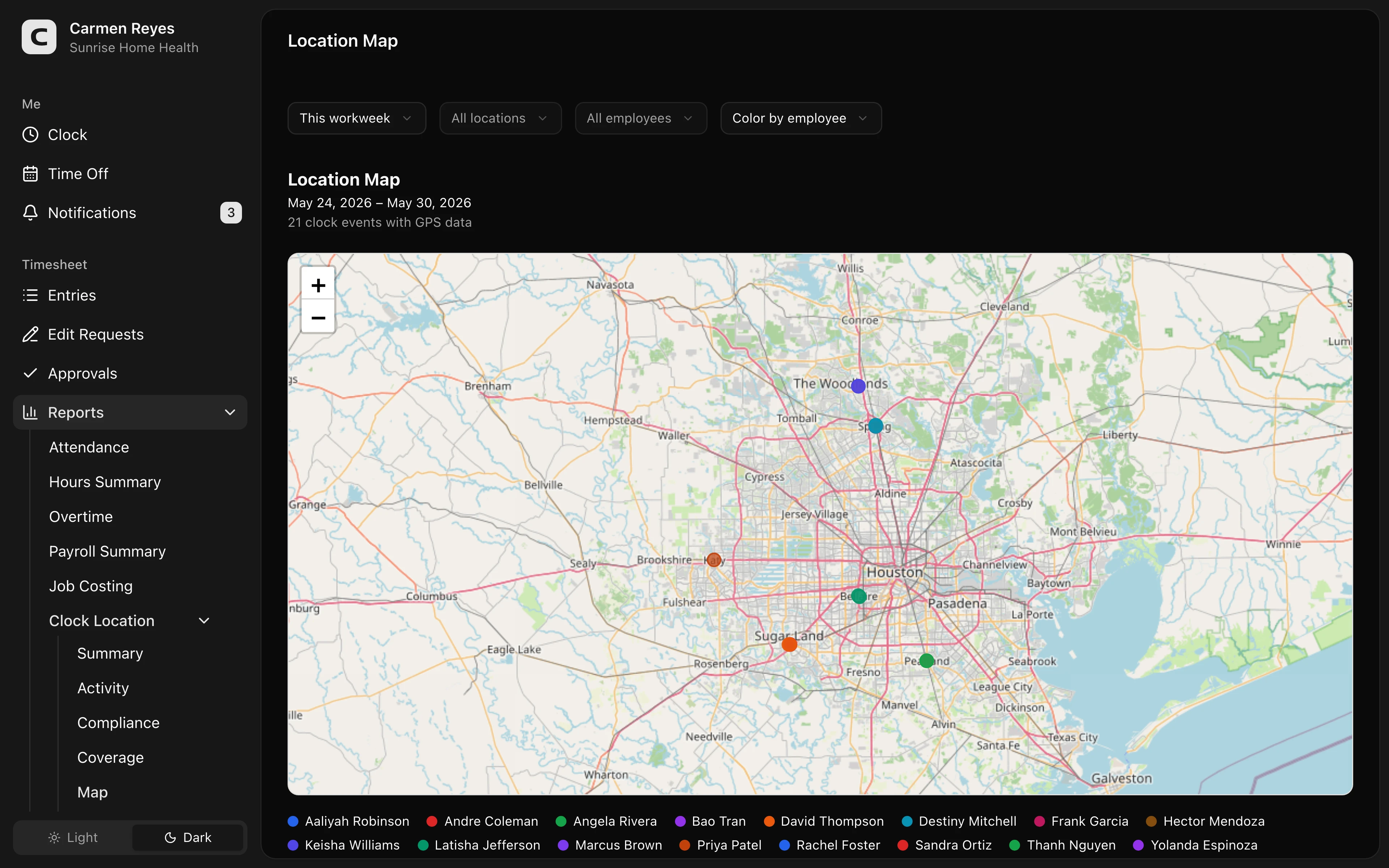 Open a no-login Clockspot demo with time entries, edits, approvals, and payroll-ready records.
Travel time needs a separate review
Home health work often includes travel between client homes.
That travel can create two separate records:
- Time record: whether the travel is part of the paid workday.
- Mileage note: whether mileage should be reimbursed under company policy or state rules.
Do not collapse those into one vague "GPS shows where they went" answer. A useful workflow keeps visit time, travel time, mileage notes, corrections, and approval close enough that the office can review the final record.
For the travel-time side, read caregiver travel time and mileage. For a short policy starting point, use the caregiver time tracking policy template.
What to look for before choosing
A home health GPS time clock should support the office review after the visit, not just capture a dot on a map.
Look for:
- Mobile clock-in and clock-out.
- Job, client, visit, or location labels that match your office language.
- GPS attached to clock events.
- Missed-punch corrections with reasons.
- Travel or mileage notes when your policy requires them.
- Supervisor approval before payroll export.
- Searchable records after payroll closes.
- A clear boundary between time tracking and EVV.
The best fit is an agency that already knows its EVV requirements but needs cleaner employee time records before payroll.
When GPS may not be worth it
GPS may be unnecessary if caregivers always start and end at one supervised location, if your EVV system already gives the office enough timekeeping detail, or if the added review work would not improve payroll readiness.
It may also be a poor fit if the business cannot clearly explain when location is collected and how it is used. Employees should know the purpose: clearer time records, fewer payroll questions, and fair review of exceptions.
For the general GPS buying criteria, read employee time clock with GPS.
Questions to ask before buying
Before choosing a GPS time clock for home health care, ask:
- Does our EVV system already cover the record we need, or do we still rebuild payroll from notes and messages?
- Do caregivers travel between visits during the workday?
- Can supervisors review location exceptions before payroll?
- Can employees explain missed punches or corrections without losing the original record?
- Does GPS collect location only when employees are working?
- Can payroll export approved hours without using the map as the final answer?
If GPS would make caregiver time easier to review, open the location demo above. Then check Clockspot pricing or start a free trial.
FAQ
Is a GPS time clock the same as EVV?
No. EVV and time tracking may both involve visit location and time, but they serve different purposes. Confirm EVV requirements separately before treating any time clock as enough for your agency.
Should caregivers be tracked all day?
Usually no. A practical GPS time clock should focus on clock events and working time, not constant monitoring. The policy should explain when location is collected and why.
Can GPS prove a caregiver was at a client home?
GPS can support review, but it should not be the whole answer. Phone signal, address changes, office stops, and schedule changes can all require human review.
Does GPS decide whether travel time is paid?
No. GPS can show location context, but travel-time pay depends on the workday, the type of travel, company policy, and applicable law.
The bottom line
A GPS time clock is useful for home health care when it helps the office connect caregiver hours, visit context, travel notes, corrections, approvals, and payroll-ready records.
It is not a substitute for EVV or clinical documentation. Treat GPS as review context, then keep the final time record explainable.
Keep reading
How to Track Employee Hours for Payroll
Use this payroll-ready time tracking workflow to capture hours, review exceptions, approve edits, and keep records you can explain later.
Caregiver Missed Punches: How to Fix Time Records Before Payroll
Handle caregiver missed punches by keeping visit context, correction reasons, supervisor review, and payroll-ready time records together.
Employee Time Clock With GPS: When Small Businesses Need It
Use GPS time tracking when location affects payroll, job costing, field work, approvals, or trust. Here is what to look for before choosing a GPS time clock.
Time Clock App for Home Health Care: What Agencies Should Look For
Choose a home health care time clock app by checking caregiver visits, EVV fit, GPS, mileage, travel time, approvals, payroll export, and records.
About Clockspot
Clockspot helps small businesses track employee time and keep payroll-ready records. Used in all 50 states since 2007, we focus on getting time and pay right — including the wage-and-hour rules that shape both.
Clockspot helps small businesses track employee time and keep payroll-ready records. Clockspot has been used in all 50 states since 2007. We focus on helping teams keep time records clear before payroll. See Clockspot.