Time Clock App for Law Firms: What to Look For
Quick-read version · 1 minLaw firms often have two different time records. One record may support client billing. The other supports payroll: when employees worked, what changed, who approved the time, and what payroll received.
Clockspot is for the payroll record. It helps small law firms track employee time for paralegals, assistants, reception, file clerks, intake staff, runners, and other hourly roles.
Track employee hours separately from billable time
Billable time and payroll time should not be treated as the same thing.
Billable time answers questions like:
- Which client or matter should be billed?
- What work was performed?
- What rate applies?
Payroll time answers a different set of questions:
- When did the employee start work?
- When did the employee stop work?
- Was the time card corrected?
- Who reviewed and approved it?
- What hours should be sent to payroll?
That separation is useful even when the same person works on client matters all day. Payroll still needs a clean hours record.
Use roles and locations when they help review
A law office may not need complicated job costing, but it often helps to know where time belongs.
Useful labels can include:
- Front desk.
- Intake.
- File room.
- Court runner.
- Administrative work.
- Main office or satellite office.
- Remote work.
The goal is not to turn payroll time into case management. The goal is to give the office enough context to review hours before payroll.
Keep corrections visible
Missed punches happen. Someone forgets to clock in after lunch, works from home with approval, or enters the wrong time.
The important part is the correction trail. A useful time clock should show:
- The original record.
- The corrected time.
- The reason for the edit.
- Who made or approved the correction.
That makes payroll review easier and keeps the time record from becoming a set of private side notes.
Review time before payroll
Law firms often have small teams where one office manager handles several jobs at once. That makes a simple approval step important.
Before payroll, review:
- Missing punches.
- Manual edits.
- Unusual overtime.
- Remote-work entries.
- Office or role labels.
- Employee questions about the time card.
Approval should mean the record is ready for payroll, not just that someone clicked through a screen.
What the time record should show
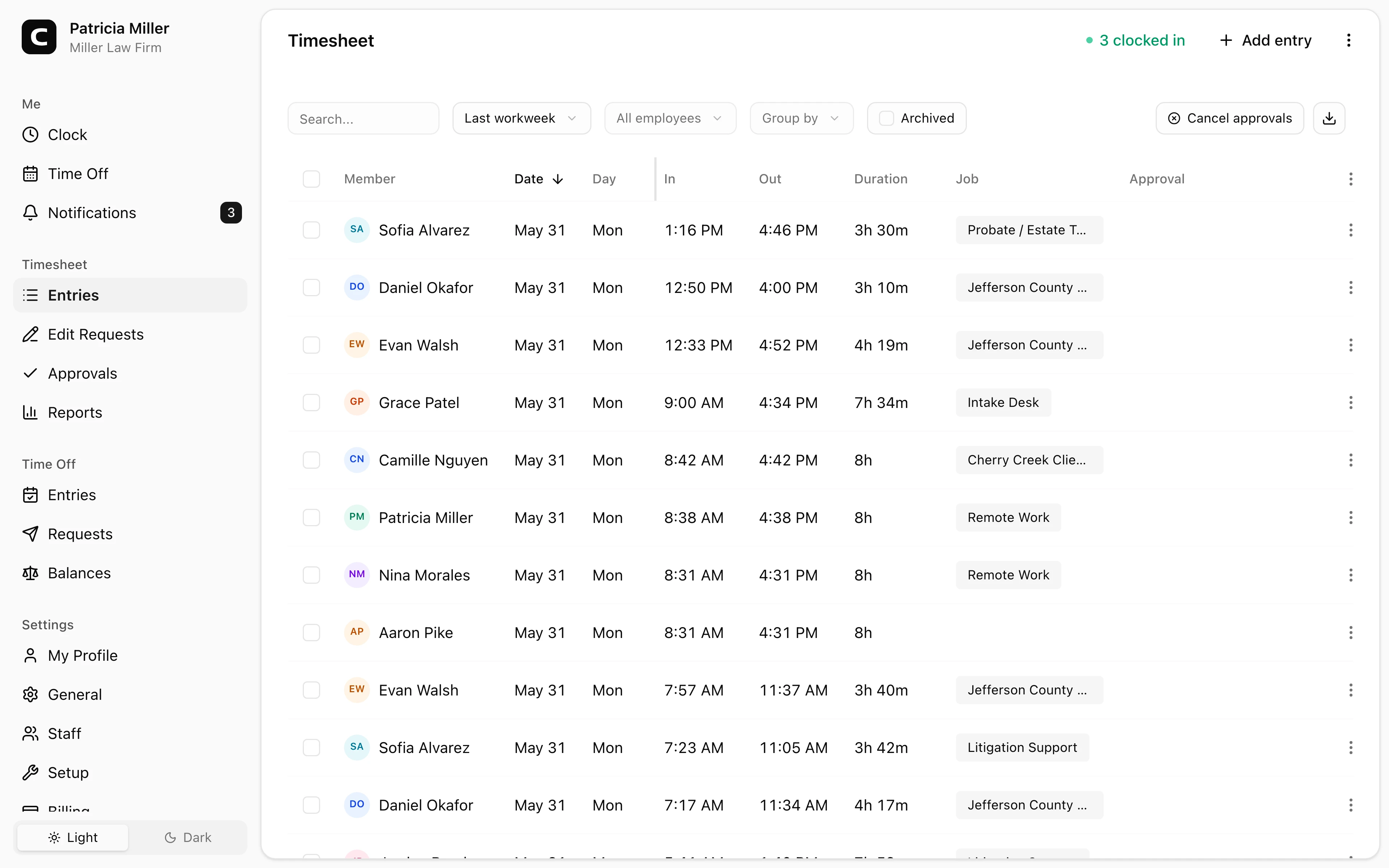
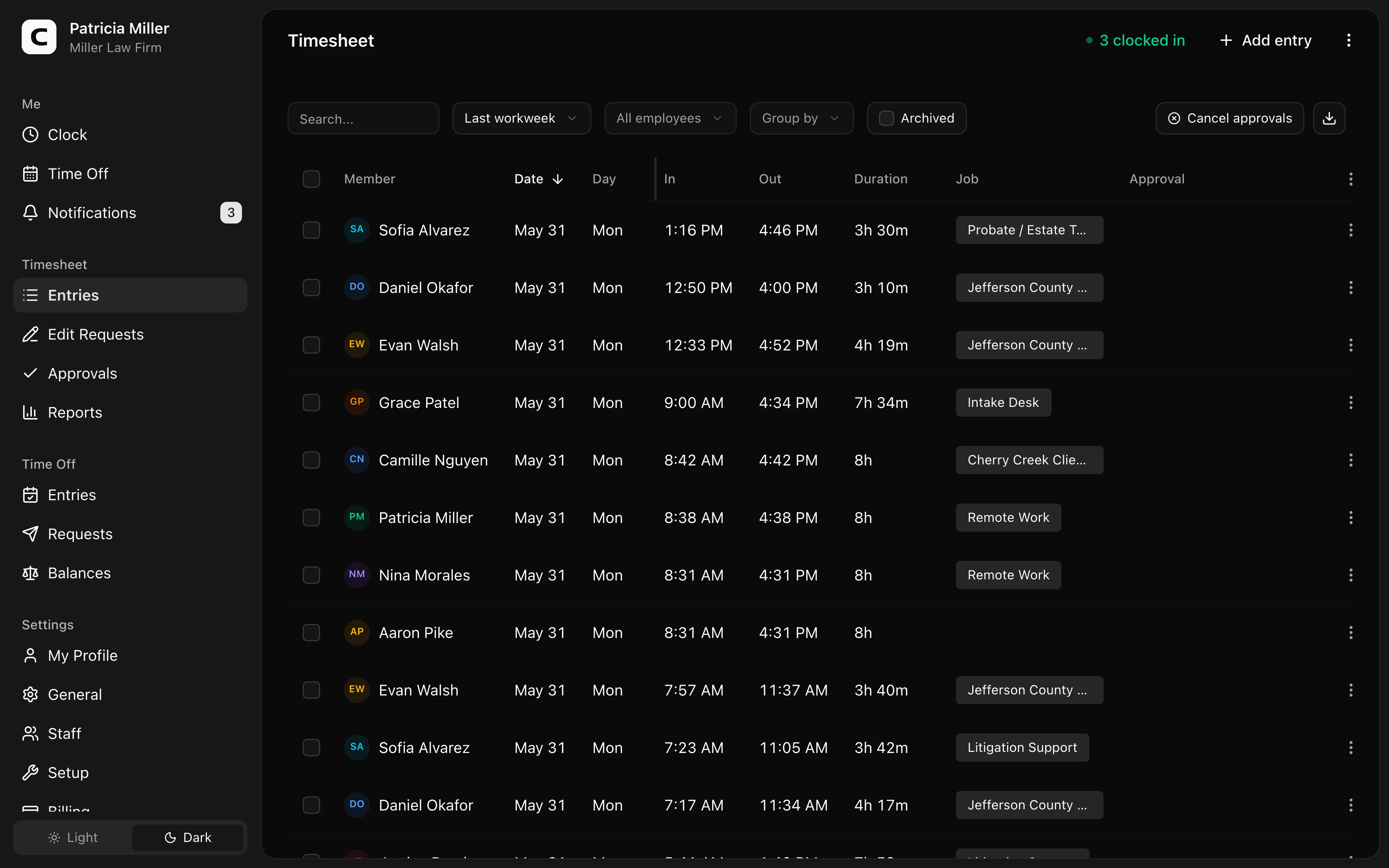
Before payroll, the law firm should be able to see employee clock-ins, edits, approvals, and reports in one place.
That record is not legal billing software. It is the payroll-side record that helps the office understand staff hours before payroll is prepared.
Explore the sample account
Miller Law Firm is an example law firm in Denver, Colorado, with attorney, paralegal, and admin time records organized by role, client work, approvals, and reports already filled in with sample data.
No login required. Opens in one click.
For the broader category, read time clock app for professional services. If this is the workflow your firm needs, check Clockspot pricing or start a free trial.
What Clockspot does not replace
Clockspot does not replace:
- Legal billing software.
- Case management software.
- Trust accounting.
- Practice management.
- Payroll processing.
- HR records.
- Accounting software.
- Legal advice.
Use Clockspot when the problem is employee time tracking and payroll-ready records.
FAQ
Should a law firm time clock replace billable-time tracking?
No. Billable time and payroll time answer different questions. Clockspot is for employee hours, approvals, corrections, and payroll-ready records.
Can a law firm track office roles or locations?
Yes. You can use labels such as office, role, department, or job when that context helps managers review time before payroll.
What should managers review before payroll?
Review missed punches, manual edits, overtime, remote-work entries, and employee questions before approving time cards.
Keep reading
How to Track Employee Hours for Payroll
Use this payroll-ready time tracking workflow to capture hours, review exceptions, approve edits, and keep records you can explain later.
Time Clock App for Professional Services: What to Look For
Choose a professional services time clock by checking staff hours, office or role detail, corrections, approvals, and payroll-ready records.
Time Clock App for Medical Clinics: What to Look For
Choose a medical clinic time clock by checking staff hours, breaks, missed punches, approvals, location detail, and payroll-ready records.
Time Clock App for Dental Offices: What to Look For
Choose a dental office time clock by checking hygienist and assistant hours, late appointments, breaks, corrections, approvals, and payroll-ready records.
About Clockspot
Clockspot helps small businesses track employee time and keep payroll-ready records. Used in all 50 states since 2007, we focus on getting time and pay right — including the wage-and-hour rules that shape both.
Clockspot helps law firms keep employee hours, corrections, approvals, and payroll-ready records separate from billable time. See how Clockspot supports law firm time tracking.