GPS Time Clock for Cleaning Companies: What to Look For
Quick-read version · 1 minA cleaning-company GPS time clock should help the office review where crews worked and which client or job the hours belong to.
Cleaning work often happens away from the office. A crew may start at a commercial building, drive to a residential job, stop for supplies, cover an added job, and finish somewhere else.
GPS can help the office review that day before payroll. It should not become a substitute for job labels, manager review, correction reasons, or a clear time tracking policy.
Start with client and job time
For cleaning companies, location is useful only when it helps explain the time record.
The office usually needs to know:
- Which client or job the hours belong to.
- Whether the crew clocked in near the expected site.
- Whether travel or a supply stop needs a note.
- Whether the employee picked the wrong job.
- Whether a manager approved the final time before payroll export.
If GPS is separate from the job, correction, and approval workflow, it can become another thing to check instead of a better record.
GPS helps most with field crews
GPS time tracking is strongest when crews clock in at client sites without a manager standing next to the clock.
That can include:
- Residential cleaning crews moving between homes.
- Commercial cleaners working after hours.
- Janitorial teams assigned to several buildings.
- Supervisors checking work across routes.
- Same-day add-on jobs or emergency cleans.
For a crew that always clocks in at one supervised office, GPS may not add much. For a crew that moves between client sites, GPS can help the manager review whether the record matches the day.
The location demo below shows the kind of review screen that matters for cleaning teams: clock events with location context, job or client assignments, corrections, approvals, and payroll-ready records in the same workflow.
No login required. Opens in one click.
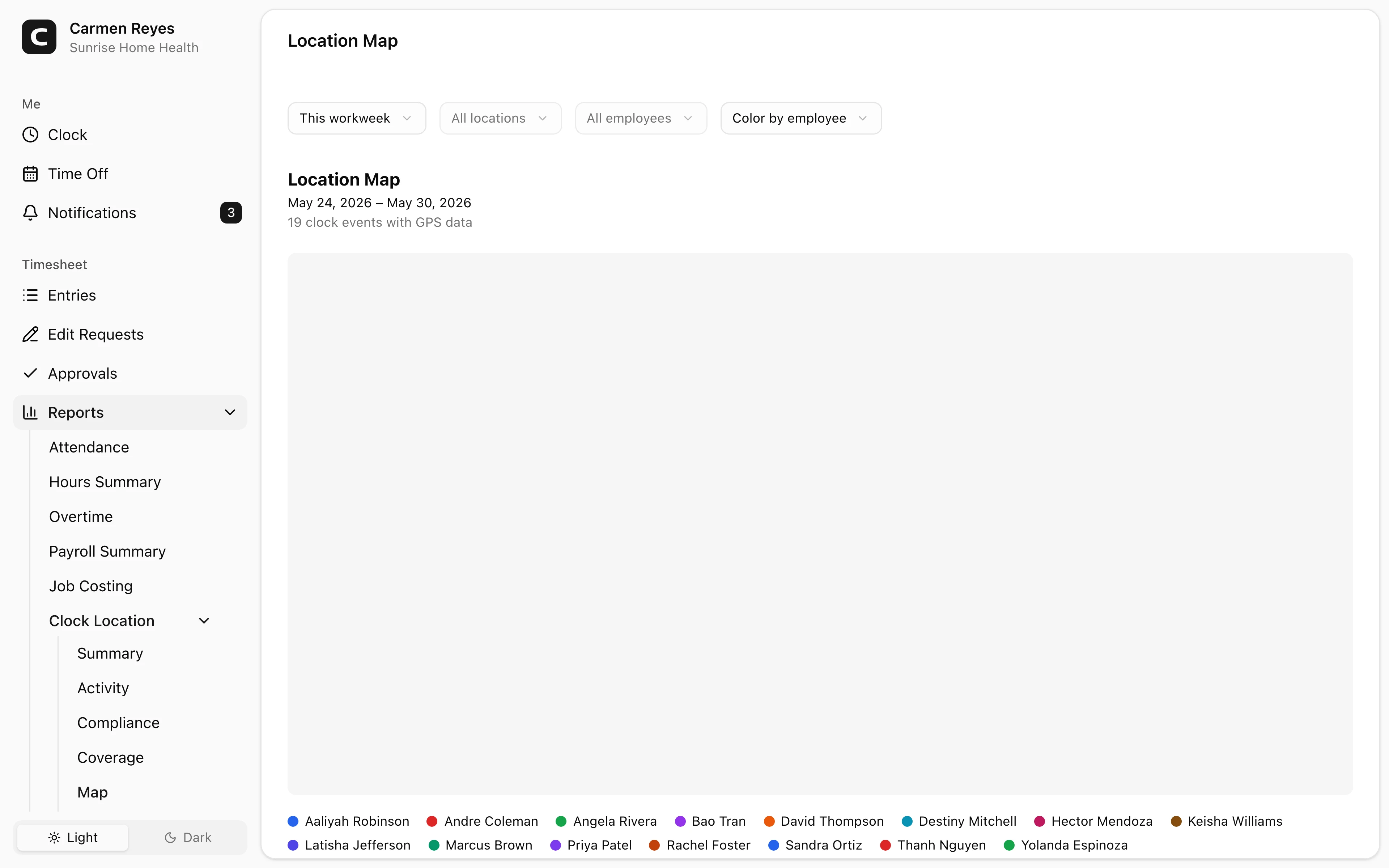
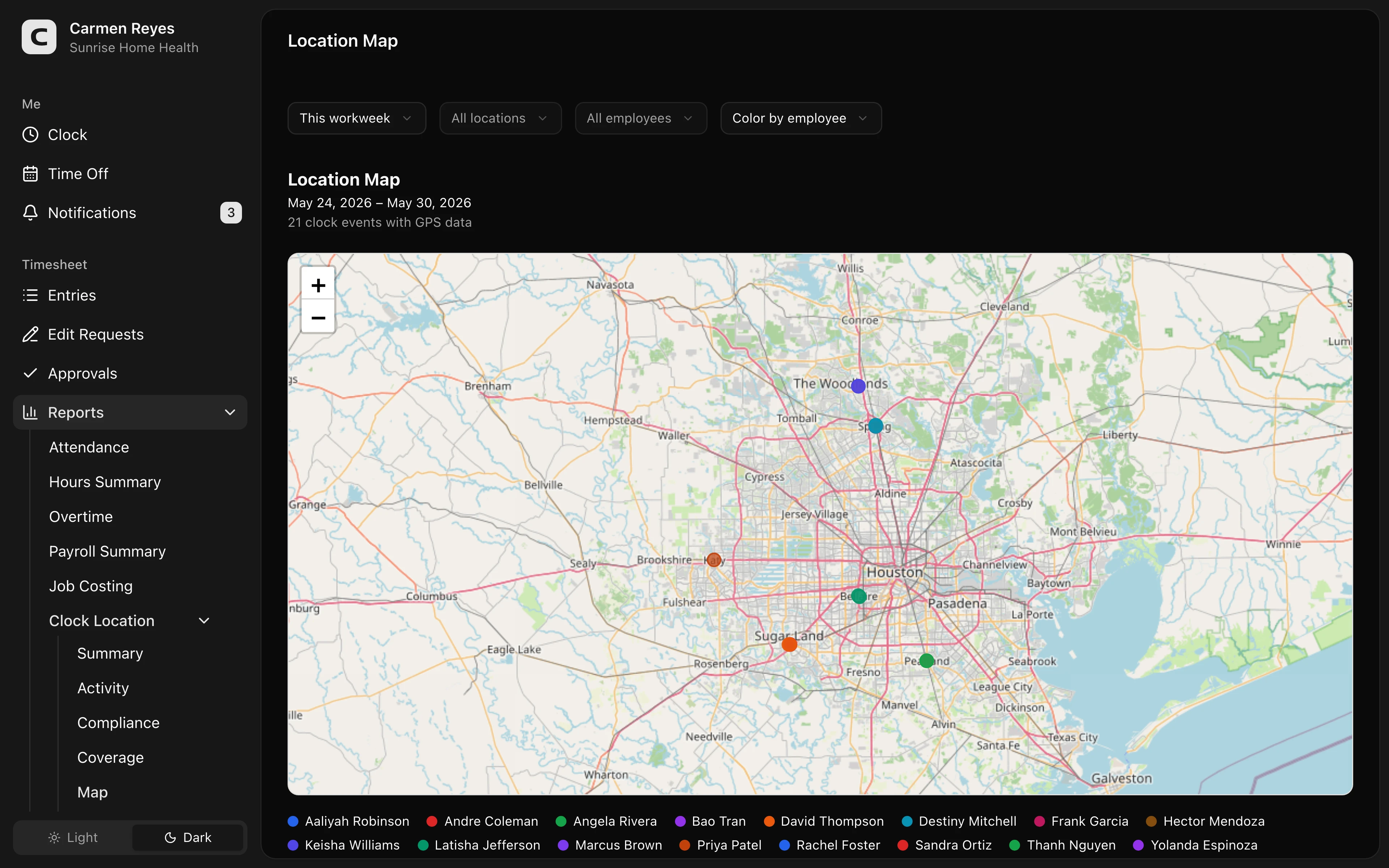 Open a no-login Clockspot demo with time entries, edits, approvals, and payroll-ready records.
Do not let GPS replace job labels
GPS can show where a clock-in happened. It does not know whether the employee selected the right client, whether the job changed, whether the crew made a supply stop, or whether the final time card is ready for payroll.
For cleaning companies, the client or job label is often as important as the map.
If the office bills by client, reviews job labor, or compares time across routes, each time record needs the right client, job, or location. GPS can support that review, but it should not be the only field the business relies on.
For the job-label workflow, read track cleaning crew hours by client or job.
Travel and supply stops need clear notes
Cleaning days often include movement that does not look like one clean block of client time.
A crew may:
- Drive from one client to another.
- Return to the office for keys or supplies.
- Pick up a same-day job.
- Wait for building access.
- Correct a wrong client or job entry later.
Those details should be reviewable before payroll. A GPS point can support the review, but the manager still needs the job, time, note, correction reason, and approval trail.
Use the cleaning crew travel note template when a travel or supply stop needs a simple note before final approval.
Set the policy before rollout
Employees should know what location data is collected and how the business uses it.
A simple policy should explain:
- Location is attached to clock events or working time.
- GPS is used to review client jobs, travel notes, corrections, and payroll-ready records.
- Employees can report mistakes or missing context.
- Managers review exceptions before approving time.
- GPS is not constant off-the-clock tracking.
For a copyable starting point, use the GPS time tracking policy template.
What to look for before choosing
A useful GPS time clock for cleaning companies should support the whole review workflow:
- Mobile clock-in and clock-out.
- Client, job, or location selection.
- GPS attached to time records.
- Wrong-job corrections with reasons.
- Travel or supply-stop notes.
- Manager approval before payroll.
- Searchable records after payroll closes.
The best fit is a cleaning company with field crews, multiple client sites, or client/job reporting needs. The poor fit is a one-location team where the map adds friction without making the record clearer.
If GPS would make client-site time easier to review, open the location demo above. Then check Clockspot pricing or start a free trial.
FAQ
Do cleaning companies need GPS time tracking?
Not always. GPS is most useful when cleaners work at client sites, move between jobs, or clock in away from a supervisor.
Should GPS track cleaners all day?
Usually no. A practical setup focuses on working time and clock events, not constant off-the-clock tracking.
Can GPS prevent wrong-client time entries?
GPS can help catch a mismatch, but the employee still needs to choose the right client or job. The correction reason should stay attached to the time record.
Should travel between cleaning jobs be tracked?
Often yes, at least clearly enough for the office to review the route, time record, mileage note, and final approval. Whether travel is paid or reimbursed depends on the facts, company policy, and applicable rules.
The bottom line
A GPS time clock is useful for cleaning companies when it connects location, client jobs, travel notes, corrections, approvals, and payroll-ready records.
The goal is not a bigger map. The goal is a time record the office can explain before payroll.
Keep reading
How to Track Employee Hours for Payroll
Use this payroll-ready time tracking workflow to capture hours, review exceptions, approve edits, and keep records you can explain later.
Cleaning Company Proof of Work: Time Records for Client Questions
Use cleaning crew time records to answer client questions about job hours, locations, corrections, approvals, and payroll-ready records.
Time Clock App for Cleaning Companies: What to Look For
Choose a cleaning company time clock app by checking GPS, client locations, job codes, crew hours, approvals, payroll export, and labor records.
How to Track Cleaning Crew Hours by Client or Job
Set up cleaning crew time tracking so hours stay tied to the right client, job, location, approval, and payroll record.
About Clockspot
Clockspot helps small businesses track employee time and keep payroll-ready records. Used in all 50 states since 2007, we focus on getting time and pay right — including the wage-and-hour rules that shape both.
Clockspot helps small businesses track employee time and keep payroll-ready records. Clockspot has been used in all 50 states since 2007. We focus on helping teams keep time records clear before payroll. See Clockspot.