How to Track Employee Breaks for Payroll
Break tracking gets messy when the business only notices problems after payroll is due.
If breaks affect pay, overtime, compliance, or employee disputes, the time card needs more than a daily total. It needs a clear record of when the employee stopped work, when they returned, and what happened when the break was missed, short, late, or interrupted.
The break tracking workflow
Each break record should show what happened before payroll has to calculate hours:
- Tell employees which breaks must be recorded.
- Record the start and end of unpaid meal breaks.
- Flag missing, short, late, or interrupted breaks.
- Add notes when a break record needs correction.
- Review break exceptions before payroll.
- Keep break records with the time card after payroll closes.
The goal is not to turn every break into paperwork. The goal is to avoid guessing later.
Break tracking is one part of the broader payroll-ready time tracking workflow: capture what happened, review exceptions, approve the final record, and keep the trail behind payroll.
Start with the break types that affect payroll
Some breaks change pay or compliance risk, and some do not.
Focus first on breaks that can affect payroll or legal compliance:
- Unpaid meal breaks.
- Breaks required by state law.
- Missed breaks.
- Short breaks.
- Interrupted breaks.
- Breaks that affect overtime or total hours worked.
If you need the break rules by state, read meal and rest break laws by state.
The demo below shows where break records live in the same time-entry workflow payroll reviews. Look for the connection between clock times, break details, edits, and the final record a manager can approve.
No login required. Opens in one click.
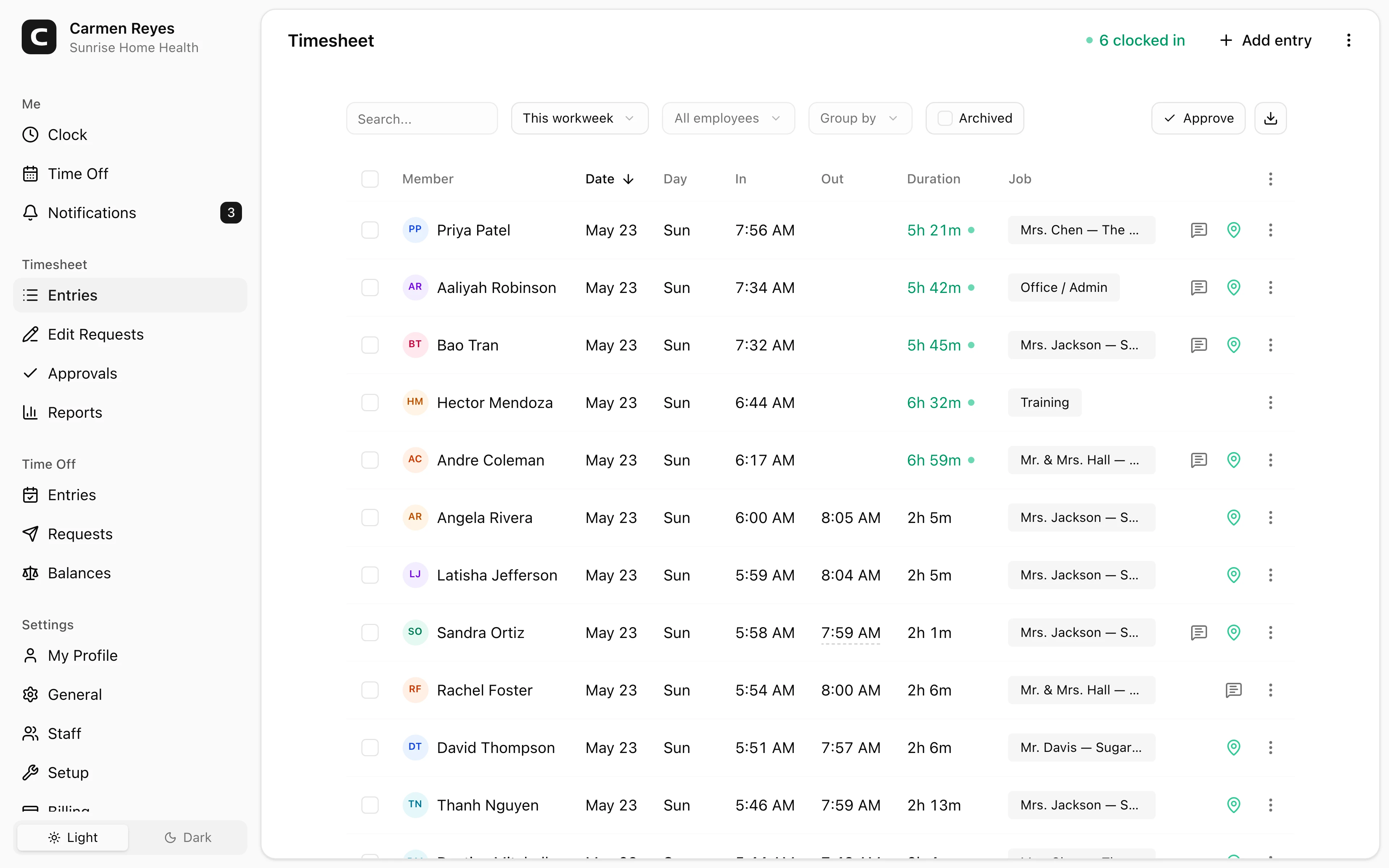
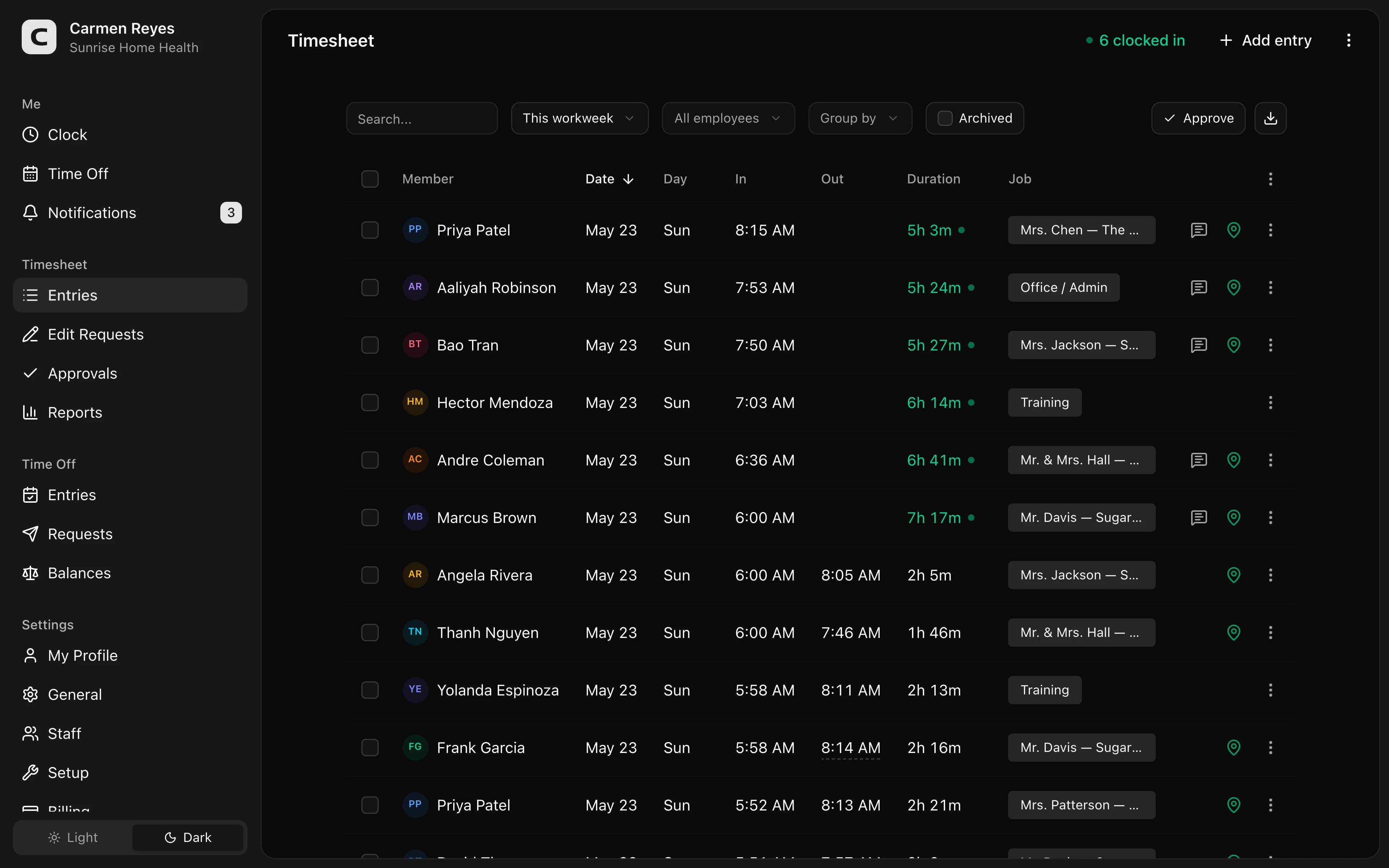 Open a no-login Clockspot demo with time entries, edits, approvals, and payroll-ready records.
Record start and end times
For unpaid meal breaks, a start and end time is stronger than a checkbox.
A checkbox may show that someone said a break happened. A start and end time helps answer more useful questions:
- When did the break start?
- When did it end?
- Was it long enough?
- Did it happen during the right part of the shift?
- Did the employee return to work early?
Those details matter most when an employee later says the break was missed or interrupted.
Review break exceptions before payroll
Break exceptions should be reviewed before payroll exports hours.
Look for:
- No break recorded on a long shift.
- Break shorter than expected.
- Break recorded too late in the shift.
- Break edited after the fact.
- Break note saying the employee worked through lunch.
- Manager correction with no reason.
If the record is unclear, fix it while the shift is still fresh.
Do not hide break issues inside generic edits
If a break was missed, short, or interrupted, the correction should say so.
Do not turn a break issue into a generic time edit that only changes the total hours. The record should preserve what happened, who corrected it, and who approved the final time card.
For the edit-trail workflow, read how to handle missed punches before payroll.
Connect breaks to time card approval
Managers should review break exceptions before approving time cards.
Approval should mean the manager looked at the records that can change pay: missed punches, overtime, manual edits, job or location changes, and break exceptions. If a break issue is unresolved, the time card is not ready for payroll.
For the approval workflow, read how to approve employee time cards.
Common mistakes
Tracking only total hours
Daily totals may not show whether an unpaid meal break was taken, missed, short, or interrupted.
Using a checkbox instead of time
A checkbox can be useful, but start and end times usually explain more.
Fixing breaks after payroll from memory
Break records are easier to verify while the shift is fresh.
Treating break rules as the same everywhere
Break rules vary by state and sometimes by industry. Link your workflow to the rule that applies where the employee works.
FAQ
Do employees need to clock out for lunch?
If the lunch break is unpaid, recording the start and end of the break is usually the clearest workflow. It helps separate paid work time from unpaid meal time.
Should paid rest breaks be tracked?
It depends on your state, industry, and workflow. Some businesses track rest breaks as exceptions rather than separate clock events.
What if an employee works through lunch?
Do not hide it. Record what happened, review whether the time should be paid, and handle any required break premium or correction under the rules that apply.
The bottom line
Break tracking is not just about whether someone took lunch.
It is about keeping a record that explains paid time, unpaid time, exceptions, corrections, and approval before payroll runs.
Keep reading
How to Track Employee Hours for Payroll
Use this payroll-ready time tracking workflow to capture hours, review exceptions, approve edits, and keep records you can explain later.
How to Handle Missed Punches Before Payroll
Use this missed-punch workflow to correct time cards before payroll, keep an audit trail, and avoid paying from hours nobody can explain.
How to Approve Employee Time Cards Before Payroll
Use this time card approval workflow to review exceptions, confirm corrections, and send payroll hours you can explain later.
Time Clock App for Restaurants: What to Look For
Choose a restaurant time clock app by checking shift clock-ins, breaks, overtime, approvals, edits, payroll export, and records managers can trust.
About Clockspot
Clockspot helps small businesses track employee time and keep payroll-ready records. Used in all 50 states since 2007, we focus on getting time and pay right — including the wage-and-hour rules that shape both.
Clockspot helps small businesses keep break records, time cards, edits, approvals, and payroll-ready hours in one place. See how Clockspot tracks break records.