Time Clock App for Farms and Agriculture: What to Look For
Quick-read version · 1 minFarm work does not always happen in one building. Employees may work in fields, barns, shops, packing areas, retail stands, routes, or seasonal crews.
A useful farm time clock should make those hours easier to review before payroll.
Track where the work happened
Agriculture teams often need more context than a start time and stop time.
Useful labels can include:
- Field.
- Barn.
- Shop.
- Packing area.
- Farm stand.
- Route.
- Crop or crew.
- Equipment work.
This is not about making the time card complicated. It is about helping the owner or manager understand where the time went before payroll is prepared.
Use GPS when people work away from the office
GPS can help when employees clock in from different places during the day.
For farms, that can mean checking whether a clock-in happened near an approved location, a field, a barn, a shop, or another work site. It can also help when crews start the day away from the main office.
GPS should support the time record. It should not replace clear policy, manager review, or employee questions when something looks wrong.
Keep seasonal work organized
Seasonal work can create more time-card questions because schedules change quickly.
Before payroll, review:
- New seasonal employees.
- Missed punches.
- Manual edits.
- Long days or overtime questions.
- Work by field, crew, or location.
- Travel or route time when it affects pay.
The easier the record is to review, the less payroll depends on memory at the end of the week.
What the time record should show
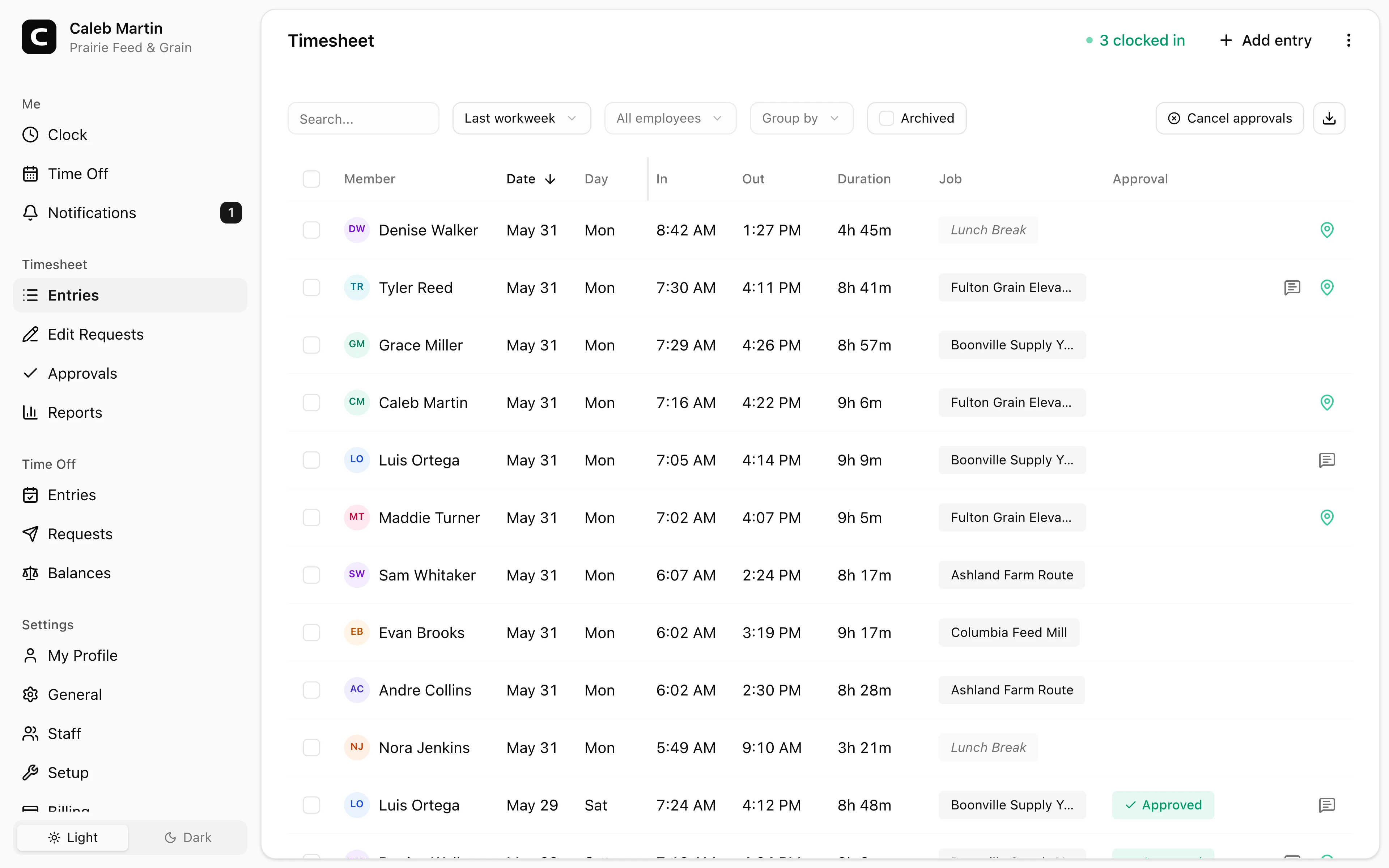
Before payroll, the farm should be able to see clock-ins, location context, edits, approvals, and reports in one place.
That record is not farm management software. It is the payroll-side record that helps the owner or manager understand employee hours before payroll is prepared.
Explore the sample account
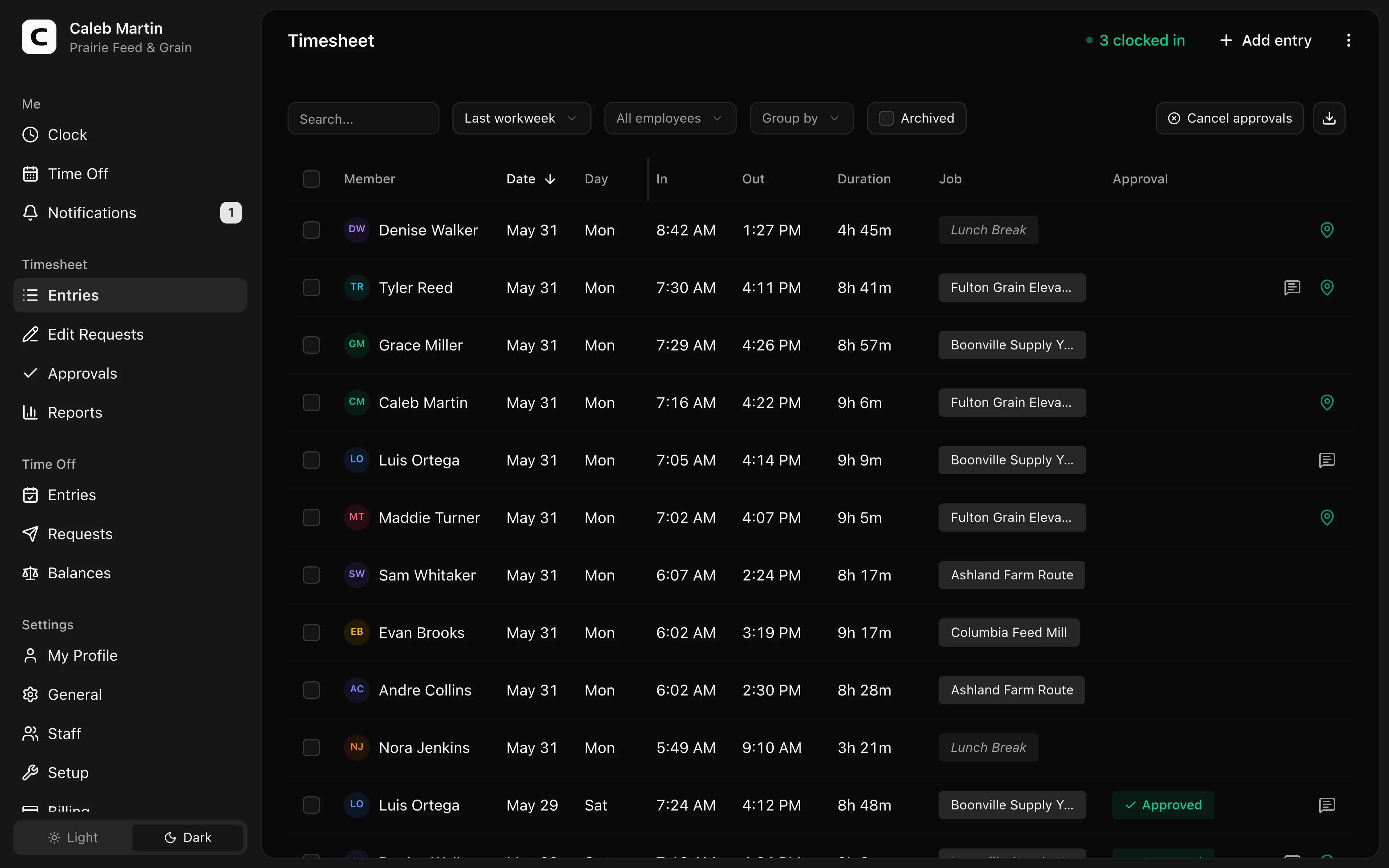
Prairie Feed & Grain is an example feed mill and farm supply operation in central Missouri, with mill, warehouse, route, and field records already filled in with sample data.
No login required. Opens in one click.
For the broader category, read time clock app for landscaping and farm crews. If this is the workflow your farm needs, check Clockspot pricing or start a free trial.
What Clockspot does not replace
Clockspot does not replace:
- Farm management software.
- Crop planning.
- Inventory.
- Equipment maintenance systems.
- Payroll processing.
- Accounting software.
- Legal advice.
Use Clockspot when the problem is employee time tracking and payroll-ready records.
FAQ
Should farms track employee hours by field or crew?
Often, yes. Field, crew, barn, shop, route, or crop labels can help managers review where hours went before payroll.
Can GPS help with farm time tracking?
Yes. GPS can help confirm whether employees clocked in near approved locations when they work away from the office.
What should farms review before payroll?
Review missed punches, manual edits, seasonal employees, long days, overtime questions, and work by field, crew, or location.
Keep reading
How to Track Employee Hours for Payroll
Use this payroll-ready time tracking workflow to capture hours, review exceptions, approve edits, and keep records you can explain later.
Time Clock App for Landscaping and Farm Crews: What to Look For
Choose a landscaping or farm crew time clock by checking mobile clock-ins, GPS, job or field detail, corrections, approvals, payroll export, and records.
Time Clock App for Medical Clinics: What to Look For
Choose a medical clinic time clock by checking staff hours, breaks, missed punches, approvals, location detail, and payroll-ready records.
Time Clock App for Dental Offices: What to Look For
Choose a dental office time clock by checking hygienist and assistant hours, late appointments, breaks, corrections, approvals, and payroll-ready records.
About Clockspot
Clockspot helps small businesses track employee time and keep payroll-ready records. Used in all 50 states since 2007, we focus on getting time and pay right — including the wage-and-hour rules that shape both.
Clockspot helps farms keep employee hours, locations, corrections, approvals, and payroll-ready records together. See how Clockspot supports farm time tracking.