How to Set Up a Time Clock for a Small Business
Setting up a time clock is not just turning on software.
The real setup is deciding how employees record time, how managers fix mistakes, when hours become final for payroll, and where the record lives after payday. If those rules are unclear, the software will collect punches but payroll will still clean up the mess.
Start with the weekly payroll workflow
Build the time clock around the steps your team follows before each payroll run.
Use this setup sequence:
- Decide who must track time.
- Choose where employees clock in.
- Define when employees clock in and out.
- Decide how breaks are recorded.
- Decide how missed punches and edits are fixed.
- Assign manager approval.
- Confirm how payroll receives approved hours.
- Keep records after payroll closes.
For the full payroll-ready model, read how to track employee hours for payroll.
Decide who uses the time clock
Start with the employees whose hours directly affect payroll.
Most small businesses should have hourly nonexempt employees record working time every workday. Salaried employees may need different treatment depending on classification. Do not rely on job titles alone. If classification is unclear, read salaried nonexempt employees.
Keep the rule simple enough for employees and managers to remember.
Set clock-in and clock-out rules
Employees should know exactly when paid time starts, when it stops, and what to do when the day does not follow the normal schedule.
Write down:
- When to clock in.
- When to clock out.
- Whether unpaid breaks are clocked.
- Whether job, department, or location must be selected.
- What to do if work happens away from the normal location.
- What to do if the employee forgets.
This does not need to be long. It needs to be clear.
For the policy layer, read how to write an employee time tracking policy.
The demo below shows the employee-facing start of that setup: where someone clocks in and creates the first record payroll will later review. Use it to check whether the daily workflow is simple enough before you add policies, edits, and approvals around it.
No login required. Opens in one click.
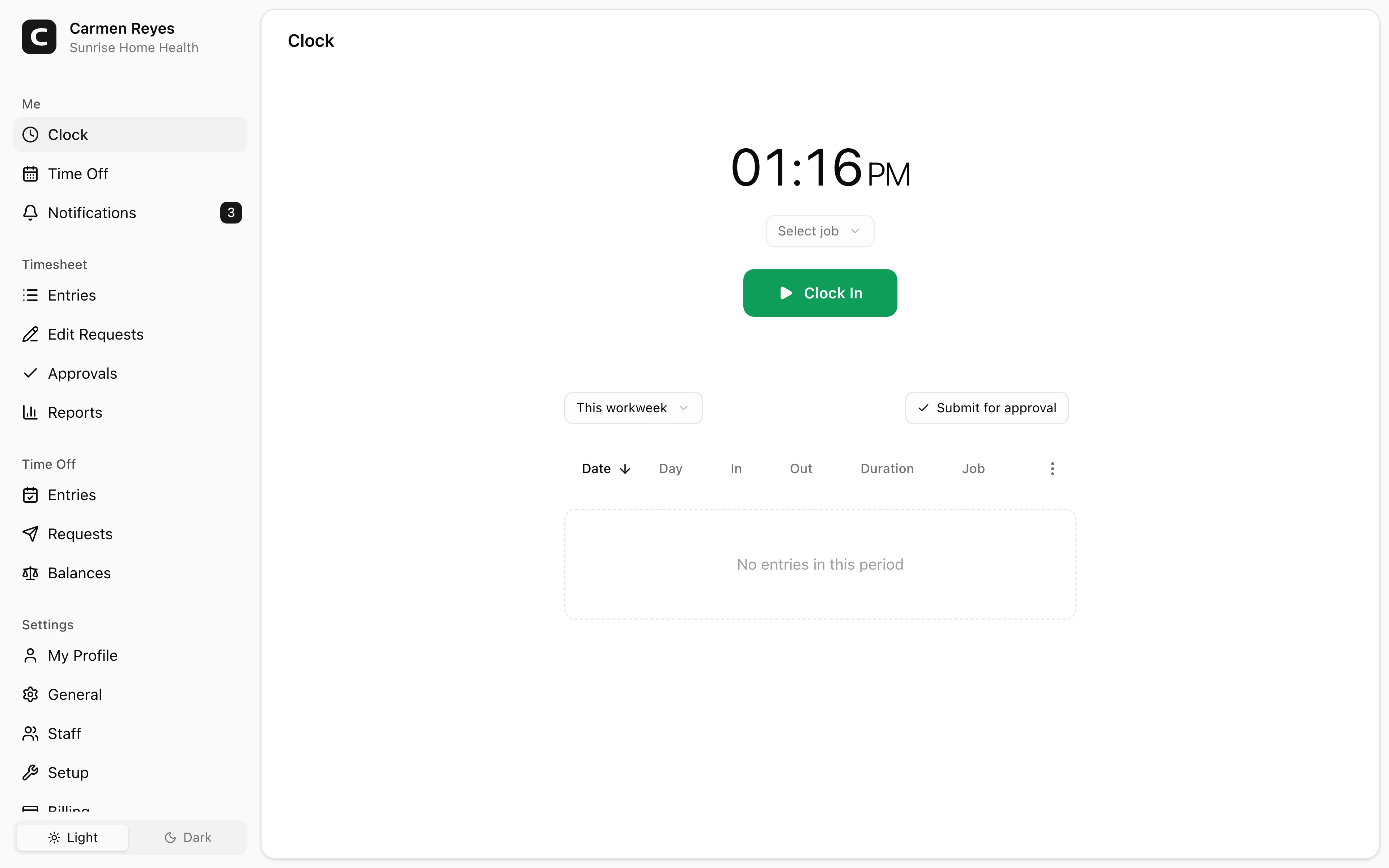
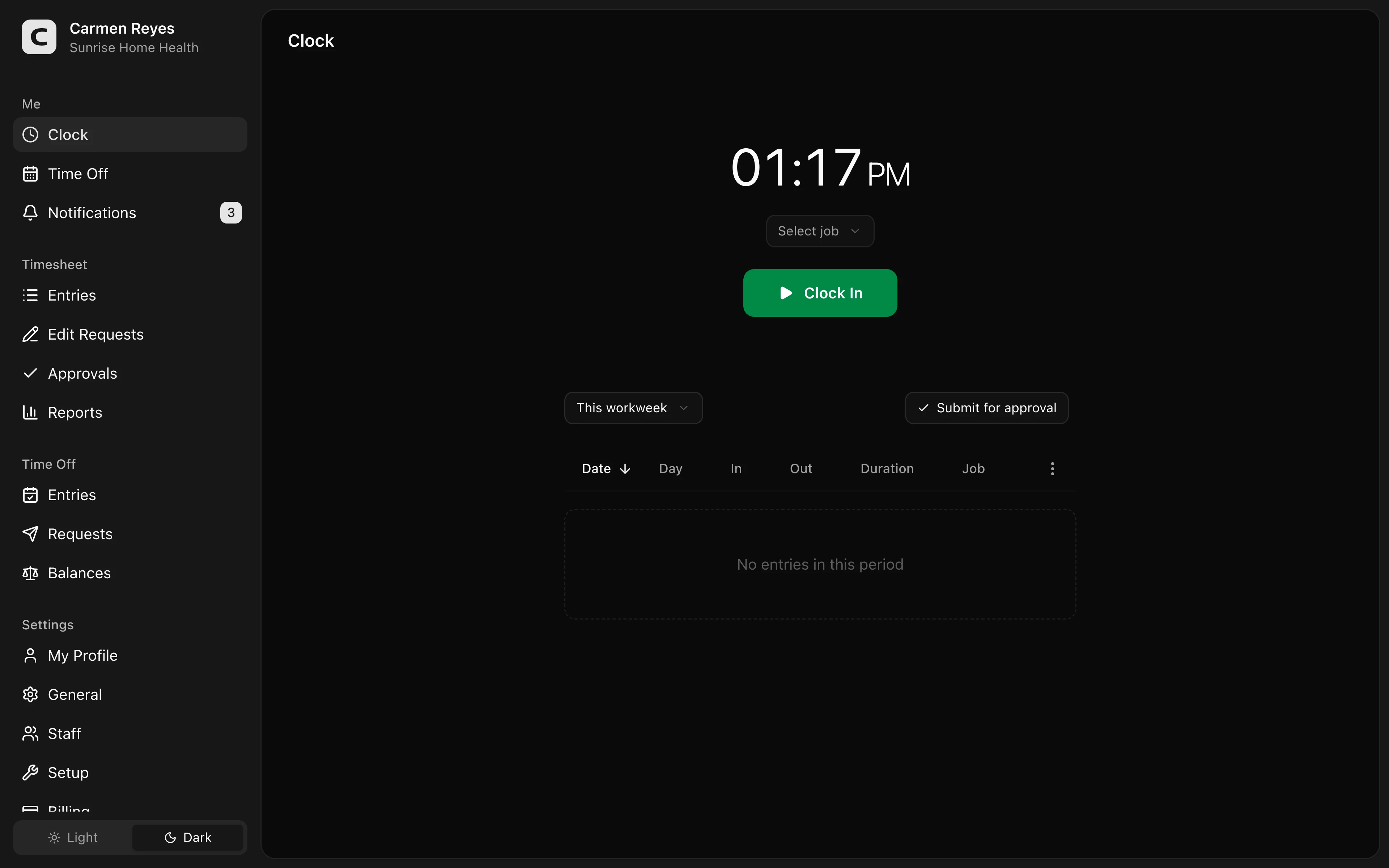 Open a no-login Clockspot demo with time entries, edits, approvals, and payroll-ready records.
Set up missed-punch handling before it happens
Every business gets missed punches.
Decide the process before payroll week:
- Employee reports the missed punch.
- Manager or authorized admin corrects it.
- The correction includes a reason.
- The original record remains visible.
- The corrected time card is reviewed before payroll.
Do not let payroll guess from memory. For the detailed workflow, read how to handle missed punches before payroll.
Assign manager approval
Someone should own the final time card before payroll.
For many small businesses, the manager closest to the work should approve the time card. Payroll should verify that approval is complete, then export or enter the approved hours.
Manager approval should answer:
- Are all punches complete?
- Are breaks handled?
- Are edits explained?
- Are jobs or locations correct?
- Is overtime reviewed?
- Is the record ready for payroll?
For the approval workflow, read how to approve employee time cards.
Connect the time clock to payroll
Payroll should receive approved hours, not open questions.
That can mean a payroll integration, a CSV export, or a clean summary the payroll processor can use. The format matters less than the handoff: payroll should know which hours are final and where the record behind the total lives.
Roll it out in one pay period
Do not make the first real test happen on payroll day.
During the first pay period:
- Have employees clock in and out normally.
- Review missed punches daily.
- Fix setup mistakes while the week is still open.
- Ask managers to approve before payroll.
- Keep notes on what confused employees.
- Adjust the policy after the first close.
The goal is a stable weekly process, not a perfect first day.
Common mistakes
Choosing software before defining the workflow
Software cannot fix an unclear approval or payroll handoff.
Letting everyone edit everything
Keep edit permissions clear. Time-card changes should have owners and reasons.
Waiting until payroll day to review
Daily or mid-period review keeps payroll from becoming the first cleanup step.
Forgetting old records
The time clock should not only produce this week's payroll. It should keep the record behind prior paychecks.
FAQ
What is the easiest way to set up a time clock?
Start with the weekly payroll workflow: who tracks time, when they clock in, how mistakes are fixed, who approves, and how payroll receives final hours.
Should employees clock in from a phone or a shared device?
Use the method that fits the workplace. Field teams often need mobile access. One-location teams may be fine with a shared device or browser workflow.
Do I need a written time tracking policy?
Yes, at least a simple one. Employees and managers need the same rules before the first missed punch happens.
The bottom line
A time clock setup is a payroll workflow setup.
Define the rules, keep the process simple, assign approval, and make sure every payroll total can be traced back to the time record.
Keep reading
How to Track Employee Hours for Payroll
Use this payroll-ready time tracking workflow to capture hours, review exceptions, approve edits, and keep records you can explain later.
How to Handle Missed Punches Before Payroll
Use this missed-punch workflow to correct time cards before payroll, keep an audit trail, and avoid paying from hours nobody can explain.
How to Approve Employee Time Cards Before Payroll
Use this time card approval workflow to review exceptions, confirm corrections, and send payroll hours you can explain later.
How to Write an Employee Time Tracking Policy
Create a simple employee time tracking policy that tells workers when to clock in, how to report mistakes, who approves time, and what records the business keeps.
About Clockspot
Clockspot helps small businesses track employee time and keep payroll-ready records. Used in all 50 states since 2007, we focus on getting time and pay right — including the wage-and-hour rules that shape both.
Clockspot helps small businesses set up employee time tracking with clock-ins, edits, approvals, and payroll-ready records in one place. See how Clockspot supports time clock setup.