Payroll Approval Workflow for Small Business
Payroll approval should happen before payroll runs.
That sounds obvious, but many small businesses do the real review after the hours are already in payroll. By then, missed punches, unexplained edits, break issues, and overtime questions are harder to fix.
The approval workflow
Each pay period, the approval process should move hours from employee time cards to manager-approved payroll records:
- Employees record time.
- Employees report obvious mistakes.
- Managers review exceptions.
- Managers correct approved edits with reasons.
- Managers approve final time cards.
- Payroll verifies approval is complete.
- Payroll exports or enters approved hours.
- Late corrections are documented after payroll closes.
This workflow keeps payroll from becoming the first reviewer.
For the narrower manager-approval article, read how to approve employee time cards.
Separate review from approval
Managers need time to find problems before they click approve.
Review is the work of finding problems: missing punches, overtime, break exceptions, job errors, and edits without reasons.
Approval is the manager saying the record is ready for payroll.
If those two steps collapse into one rushed click on payroll morning, the approval does not mean much.
The demo below shows approval as a workflow managers can review before payroll, not as a one-click formality. Look for the time cards that are ready, the ones still waiting, and the review state behind the final approval.
No login required. Opens in one click.
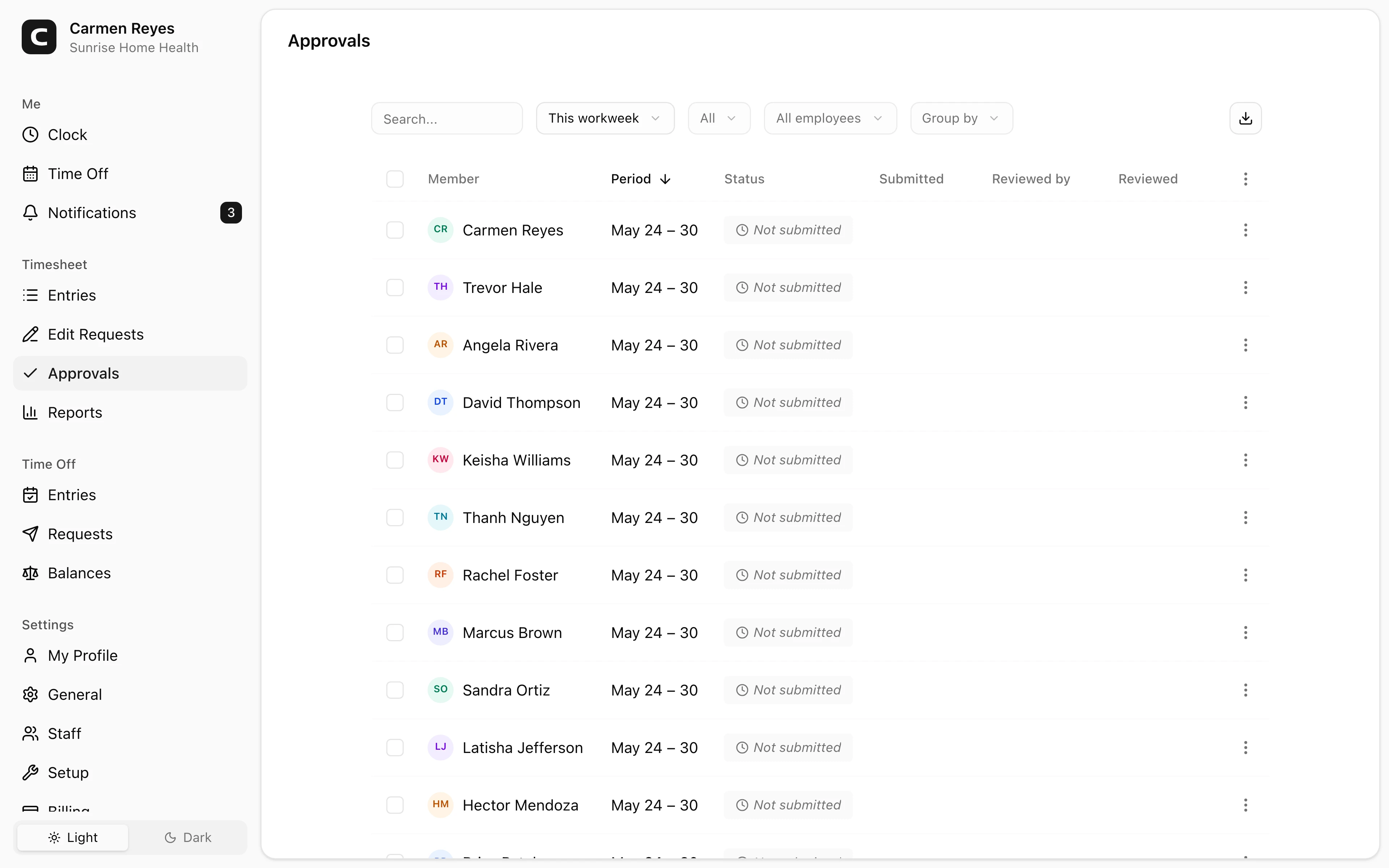
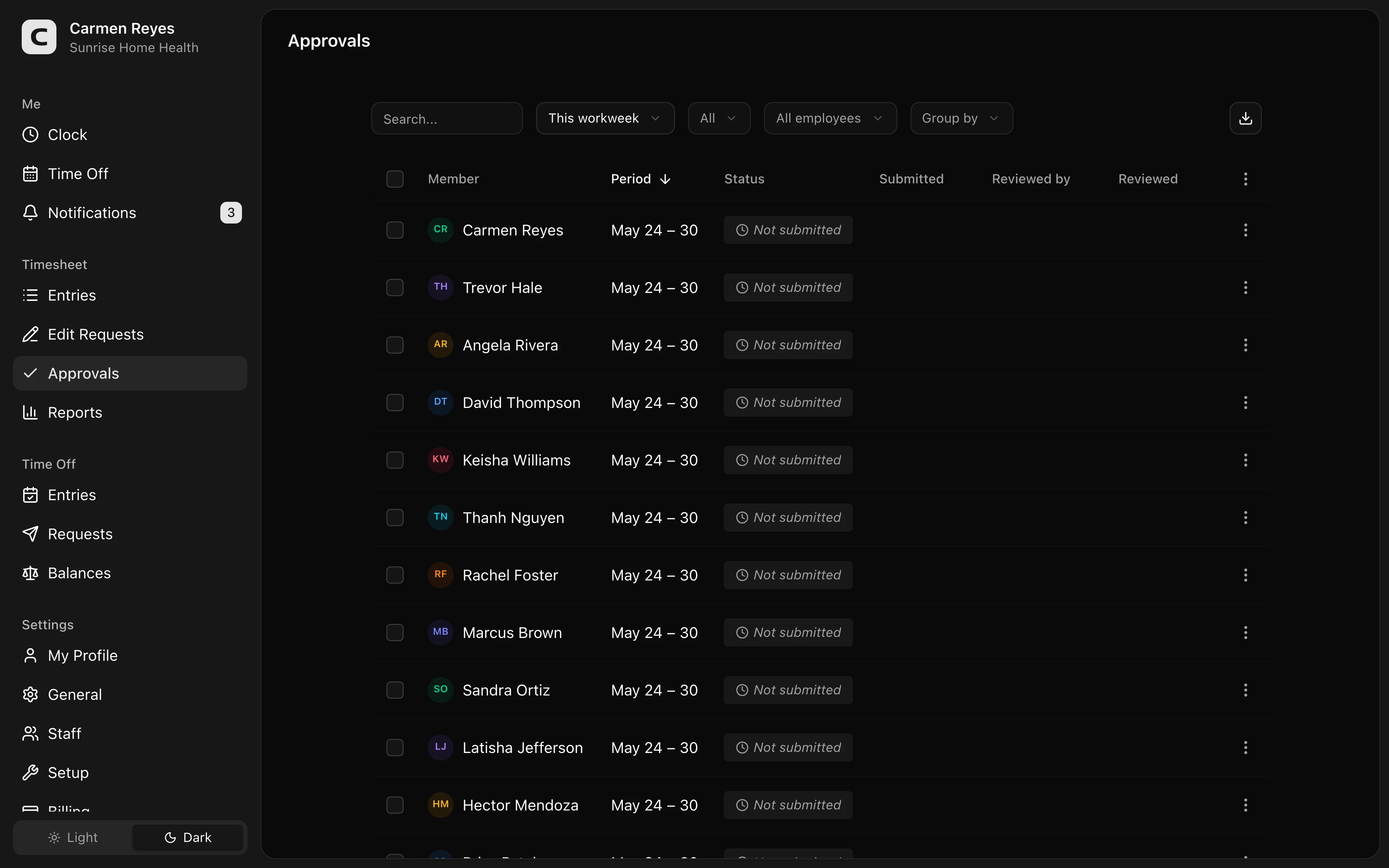 Open a no-login Clockspot demo with time entries, edits, approvals, and payroll-ready records.
Decide who approves what
Small businesses do not need a complicated approval chain. They do need clear ownership.
A practical split is:
- Employee reviews their own time for obvious mistakes.
- Manager approves the time card because they know the work.
- Payroll verifies approvals and exports final hours.
- Owner or admin handles exceptions that managers cannot approve.
The person closest to the work should usually approve the time. Payroll should not have to reconstruct what happened during the shift.
Review exceptions before approving
Managers should focus on records most likely to change pay:
- Missing clock-ins or clock-outs.
- Unpaid breaks that look missed, short, or interrupted.
- Overtime or near-overtime weeks.
- Long shifts.
- Manual edits.
- Job, department, or location mismatches.
- Time entered after the shift.
For missed punches, read how to handle missed punches before payroll. For pay-period close, read how to close a pay period for hourly employees.
Keep edits visible
Approving a time card should not hide the edits that happened before approval.
If a manager fixes a missed punch, changes a job code, or adjusts a break record, the business should be able to see what changed and why. Payroll needs the final number, but the business needs the record behind the number.
For the audit-trail layer, read time card audit trail.
Approve before export
When payroll exports hours, the investigation should already be finished.
Before export, payroll should be able to answer:
- Are all required time cards approved?
- Are there unresolved missing punches?
- Are break and overtime exceptions reviewed?
- Are late corrections separated from the current payroll run?
- Can each payroll total be traced back to the approved time record?
If not, the payroll approval workflow is not finished.
Common mistakes
Letting payroll fix everything
Payroll may know the pay run. Managers usually know the shift.
Approving totals without reviewing the record
A weekly total can look clean while hiding a missed punch, wrong job, or unexplained edit.
Reopening closed periods quietly
Late corrections should be visible. Do not hide them inside the old record.
Treating approval as optional
If nobody approves hours, payroll becomes the approval process by default.
FAQ
Who should approve employee hours before payroll?
Usually the manager closest to the work should approve the time card. Payroll should verify that approvals are complete and export the approved hours.
Should employees approve their own time cards?
Employee review can help catch obvious mistakes, but manager approval serves a different purpose. The manager accepts the business record for payroll.
Can payroll change hours after approval?
Yes, if the record is wrong, but the change should include the reason for the correction and a visible trail.
The bottom line
A good payroll approval workflow gives payroll hours that have already been reviewed and approved.
Review exceptions, fix mistakes with reasons, approve before export, and keep the trail behind the paycheck.
Keep reading
How to Track Employee Hours for Payroll
Use this payroll-ready time tracking workflow to capture hours, review exceptions, approve edits, and keep records you can explain later.
How to Handle Missed Punches Before Payroll
Use this missed-punch workflow to correct time cards before payroll, keep an audit trail, and avoid paying from hours nobody can explain.
How to Approve Employee Time Cards Before Payroll
Use this time card approval workflow to review exceptions, confirm corrections, and send payroll hours you can explain later.
How to Close a Pay Period for Hourly Employees
Use this pay-period close workflow to review time cards, resolve exceptions, approve hours, export payroll, and keep records after payroll runs.
About Clockspot
Clockspot helps small businesses track employee time and keep payroll-ready records. Used in all 50 states since 2007, we focus on getting time and pay right — including the wage-and-hour rules that shape both.
Clockspot helps small businesses review time cards, approve hours, and keep payroll-ready records together before payroll runs. See how Clockspot supports payroll approvals.