Settings / Setup
Company
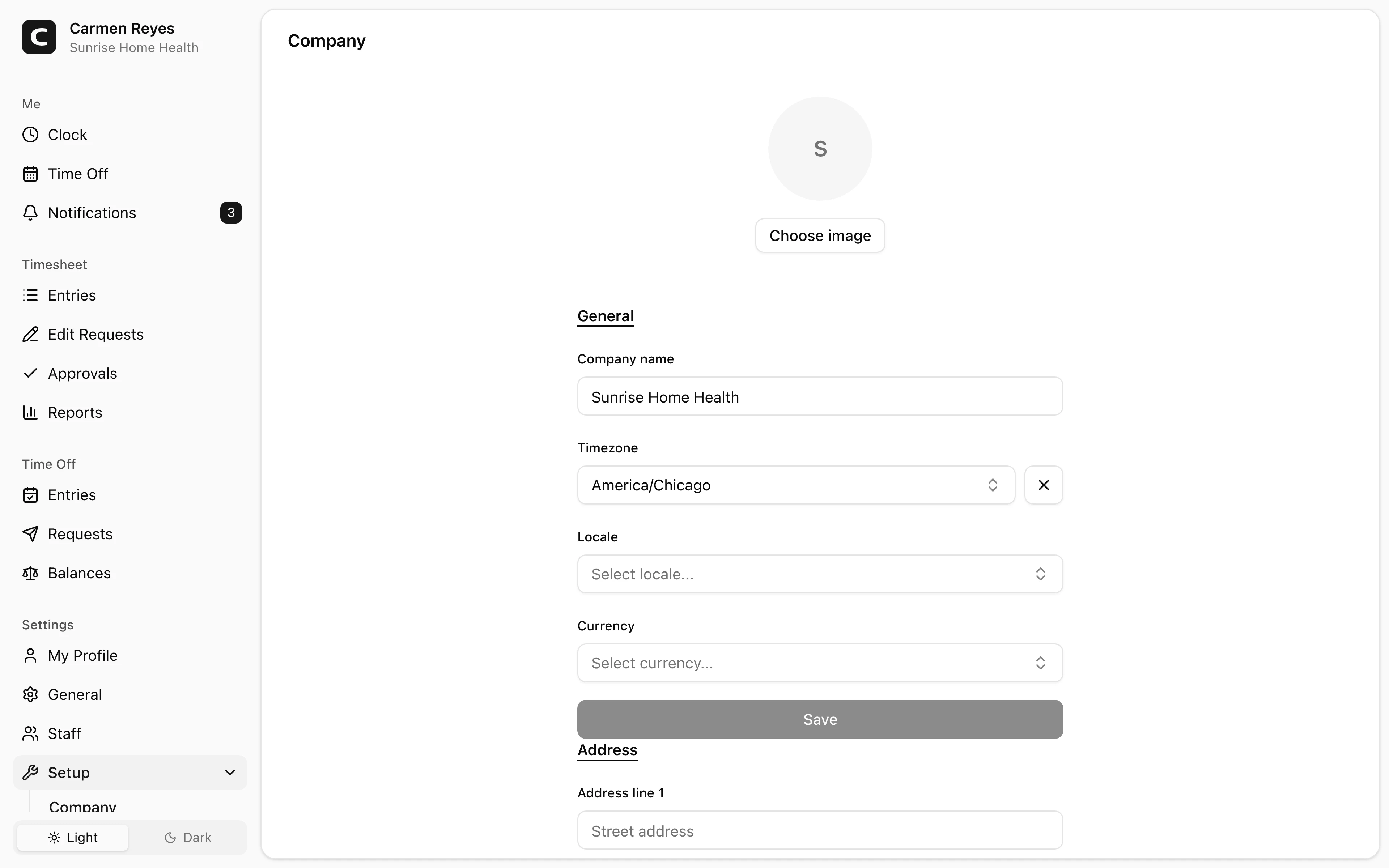
Your company's name, logo, location, and currency — the basics shown on reports and exports.
What you can set
- Logo — your company's mark; appears in headers and print views.
- Company name — shown in headers and exports.
- Timezone — the workspace's default timezone; each employee can override on their own profile.
- Locale — workspace default for date and number formatting.
- Currency — used by pay-related reports (Payroll Summary, Job Costing).
- Address — your mailing or billing address.
Common questions
Can I run multiple companies from one workspace? One workspace = one company. To track multiple legal entities, create a separate workspace per entity.
Does changing the company name or address affect past invoices and reports? Past invoices keep the values they were issued with. Reports refresh on view, so a name change is reflected the next time you open one.
What's the difference between Company timezone and My Profile timezone? Company timezone is the workspace default — affects reports and grouping. My Profile timezone is personal — affects how times display to you throughout the app.