Timesheet / Reports / Clock Location
Summary
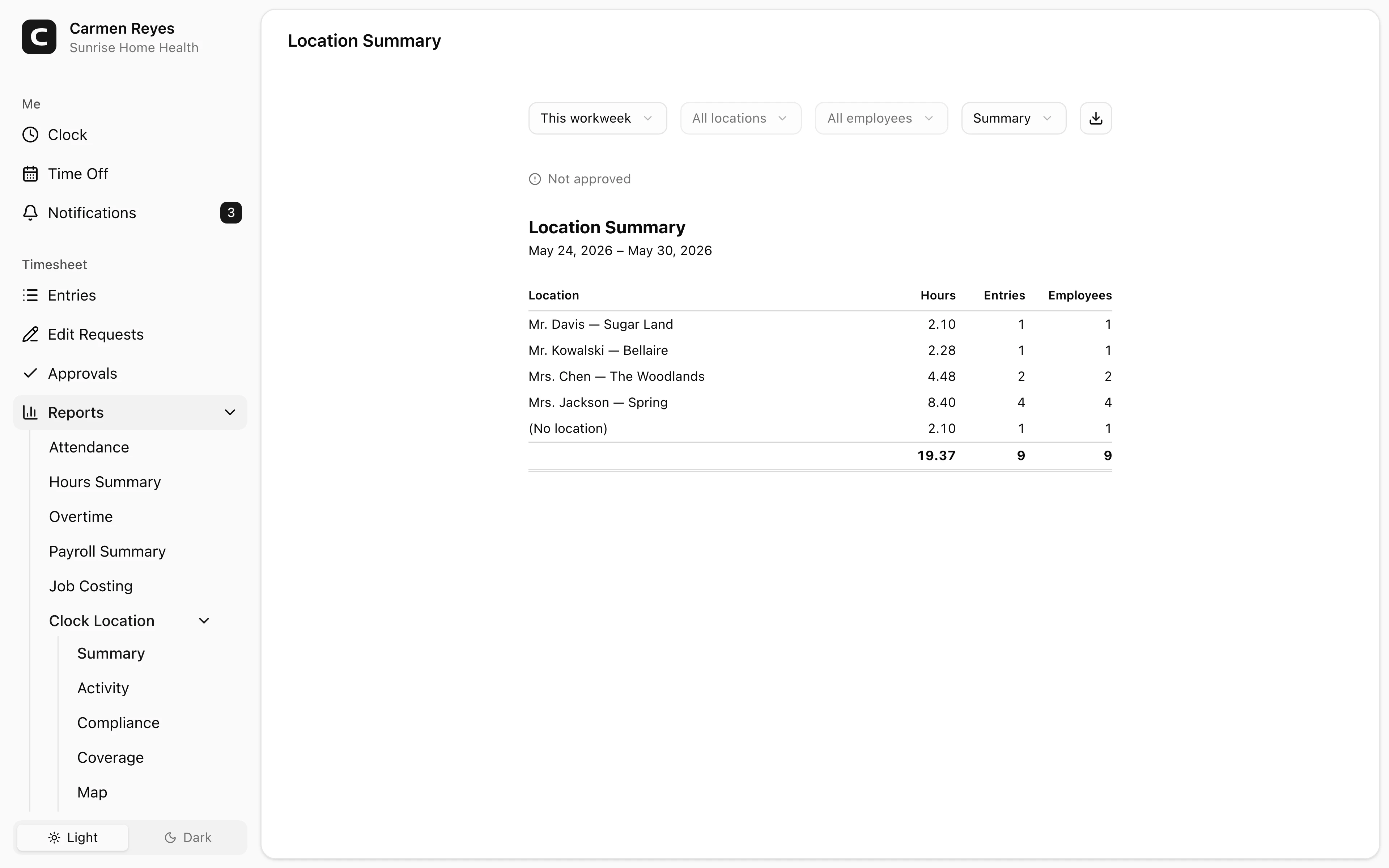
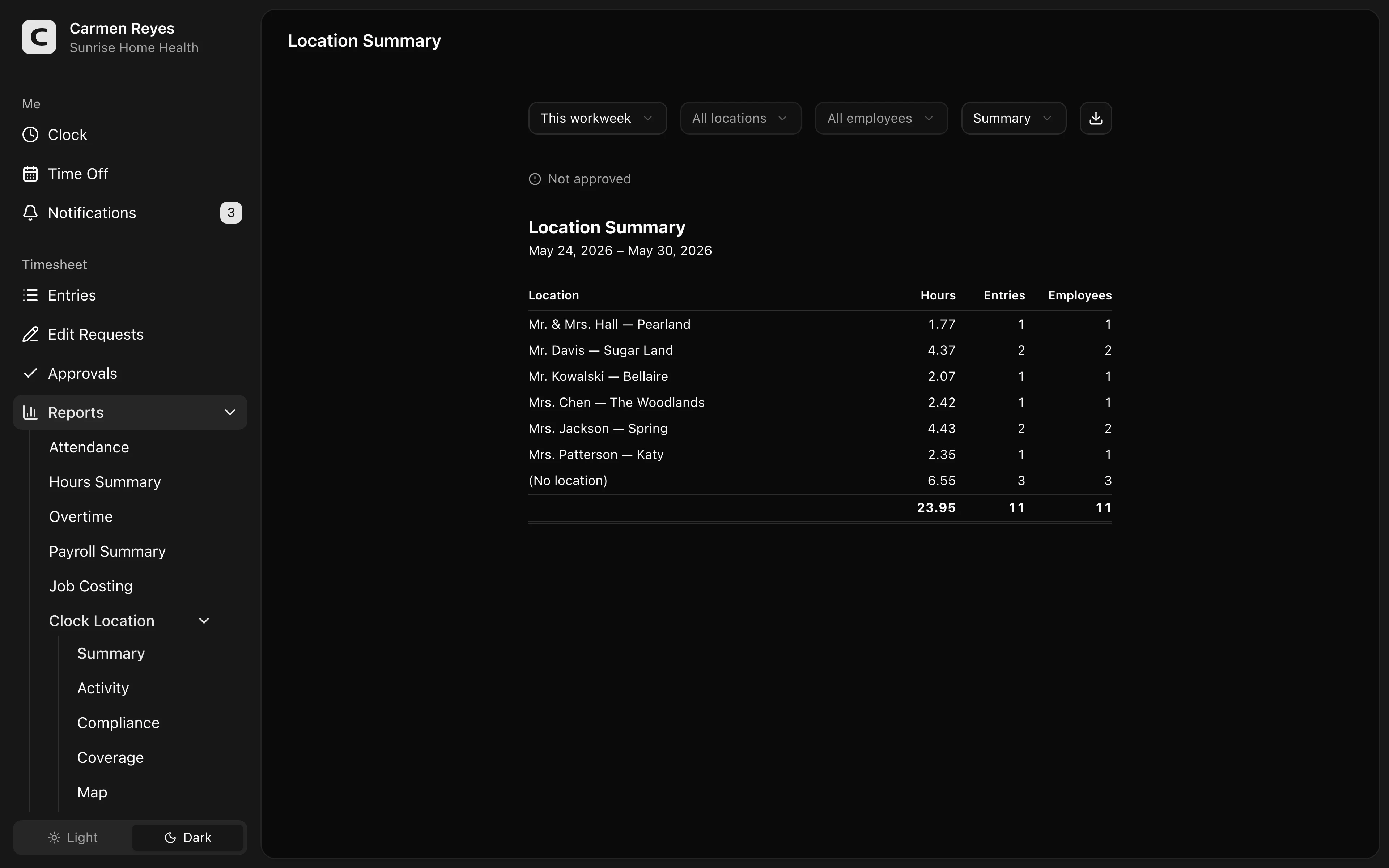
Hours per clock location — who worked where, and how much.
What this report shows
Hours your team logged at each clock location in the date range. Three views:
- Summary (default) — one row per location with total hours, clock-in count, and unique employee count.
- By location — each location with the employees who clocked in there and their hours.
- By employee — each employee with the locations they clocked in at and their hours.
Filters
Date range, location, employee, and view mode in the toolbar. A banner above the report shows how much of the period's timesheets are approved.
Exporting
The export menu downloads the current view as CSV or copies it to the clipboard.
When to use a different report
- Every clock-in and clock-out, with where it happened? → Location Activity
- Were any sites uncovered? → Location Coverage
- Were clock-ins in the right geofence? → Location Compliance
- Where on the map? → Location Map
Common questions
Why don't the distinct-employee counts add up across locations? Most employees clock in at more than one location and they're counted in each. Per-location counts won't add up to your team headcount.
A location has zero hours but I know people clocked in there. Check the date range and filters first. If they're correct, the entries may have been clocked at a different (or no) location — open the Timesheet page for that period to verify.