Timesheet / Reports
Overtime
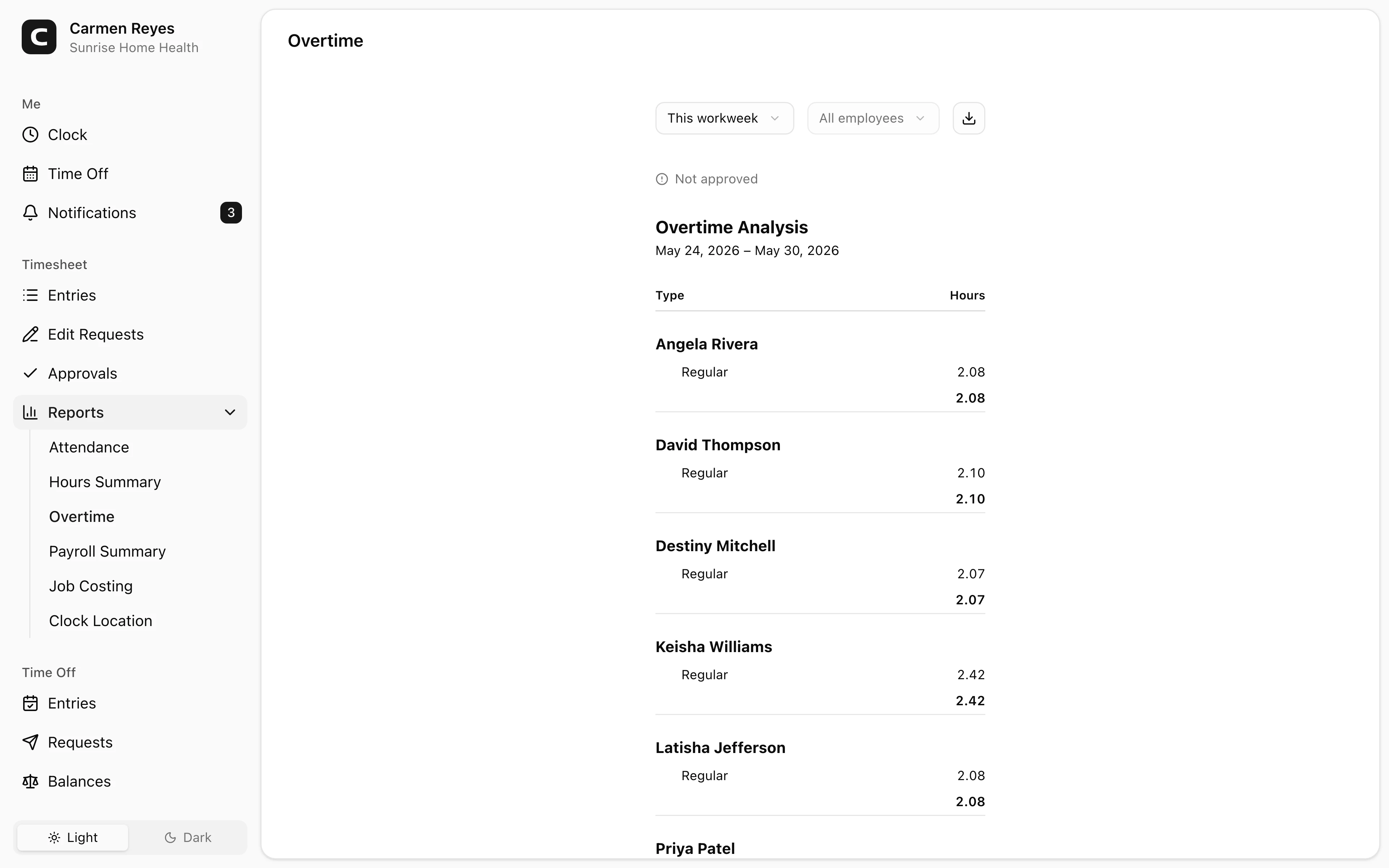
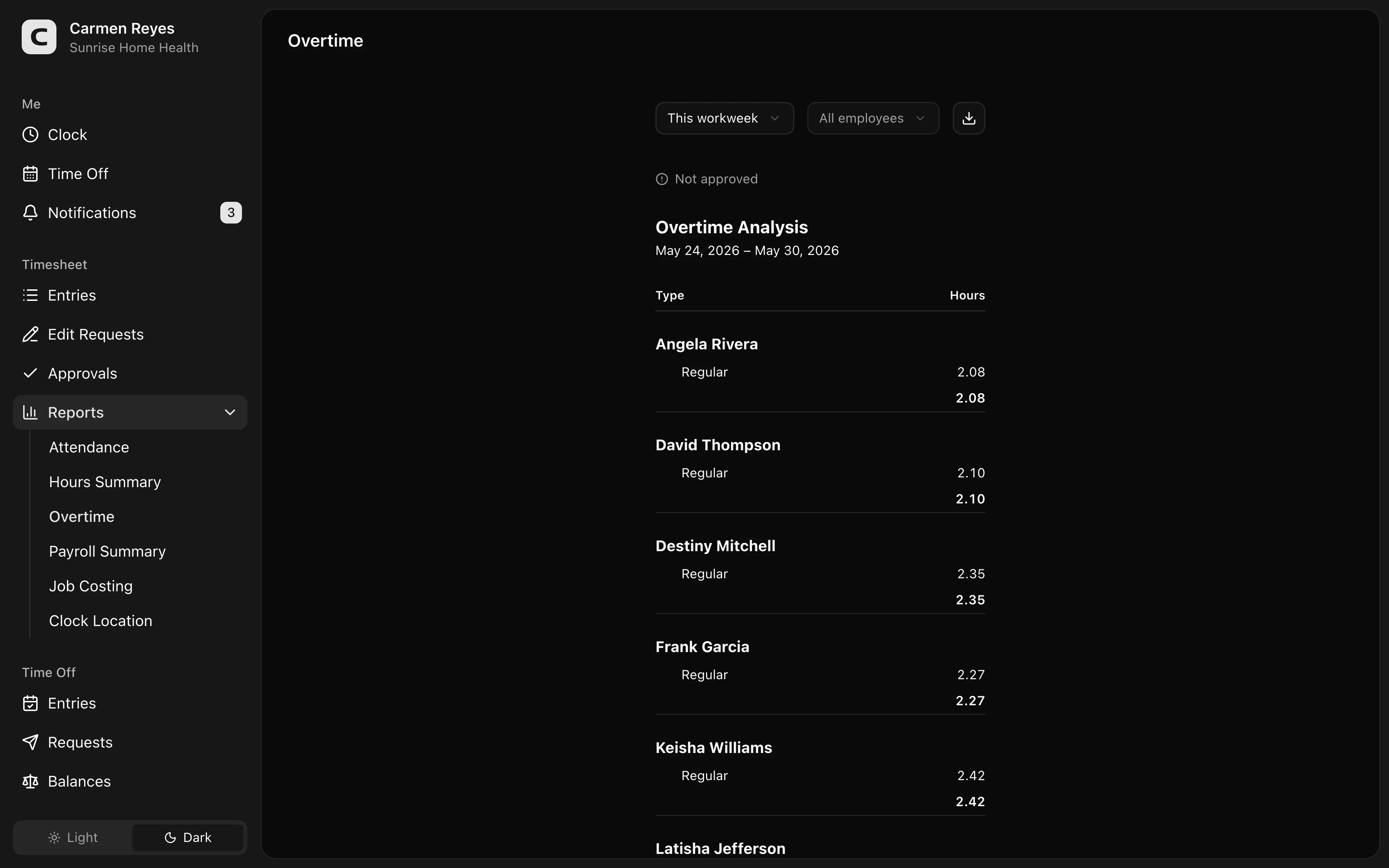
Who has overtime, by week, with the rule that triggered each tier.
What this report shows
For each employee in the date range, grouped by workweek:
- Regular hours
- Overtime tiers (1.5×, 2×, or any custom multiplier your workspace uses)
- For each tier, the sources that contributed — e.g. Over 8 hours / day, Over 40 hours / week, 7th consecutive day
- Weekly Total hours
The breakdown helps you see why someone is in overtime, not just how many hours.
Filters
Date range and employee select in the toolbar. A banner above the report shows how much of the period's timesheets are approved.
Where the rules come from
Overtime rules live in Settings → General. The thresholds and multipliers configured there determine which sources fire on this report.
Exporting
The export menu downloads the full breakdown (employee → week → tier → source) as CSV or copies to the clipboard. Payroll systems can use the tier and multiplier columns to map to pay codes.
Common questions
An employee worked 41 hours but I see no overtime. Overtime is calculated per workweek, not per pay period. If their hours straddle the workweek boundary, they may not have crossed the threshold in either week. Check the workweek start day in Settings → General.
Why does someone have daily overtime but not weekly? Daily and weekly overtime are separate rules. If your workspace has both configured, each fires when its own threshold is crossed.
Are paid leave hours counted toward overtime thresholds? That depends on how your overtime rules are configured in Settings → General. Most setups count actual worked hours only.