Time Off
Requests
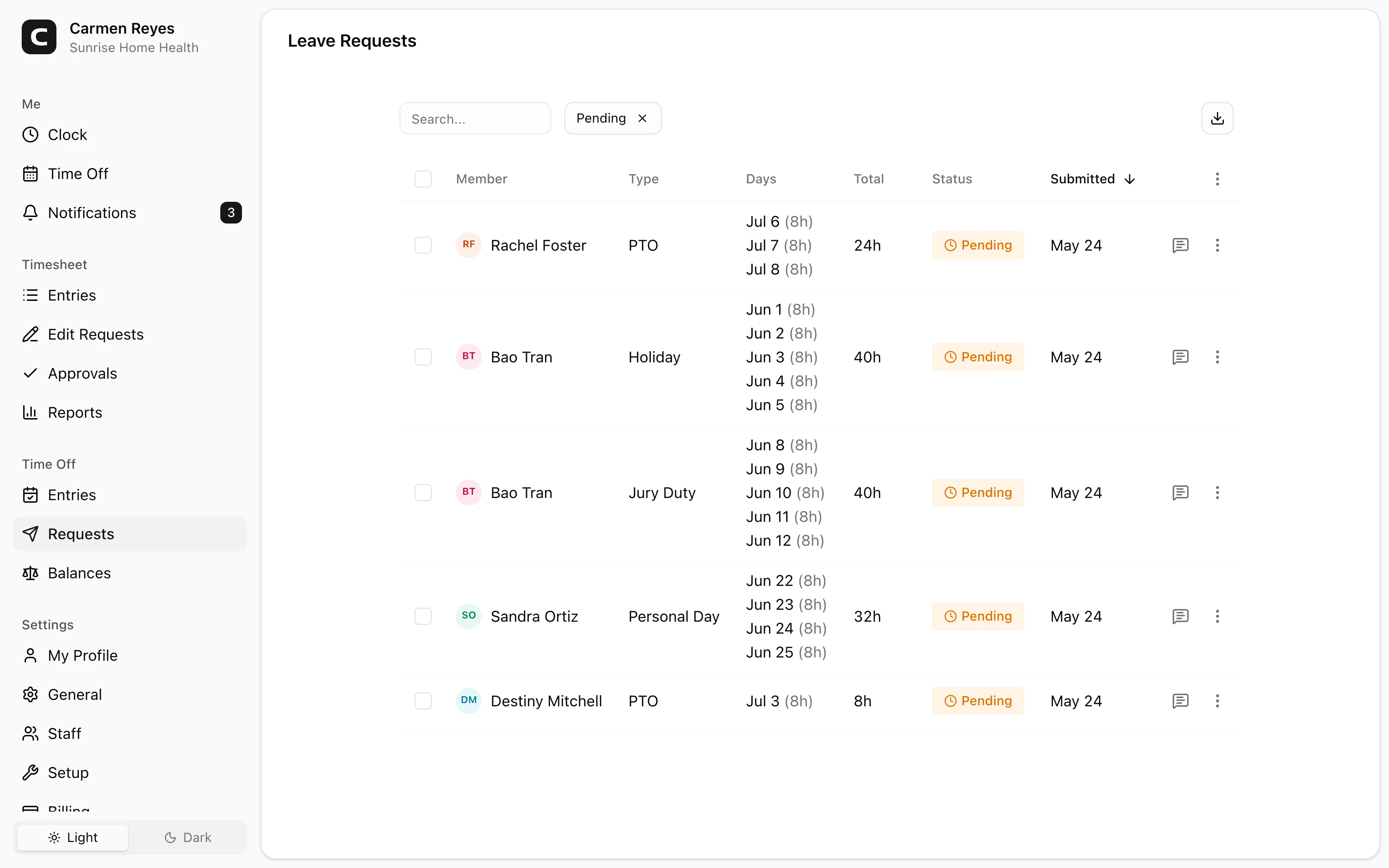
Review and decide on your team's pending leave requests.
What this page shows
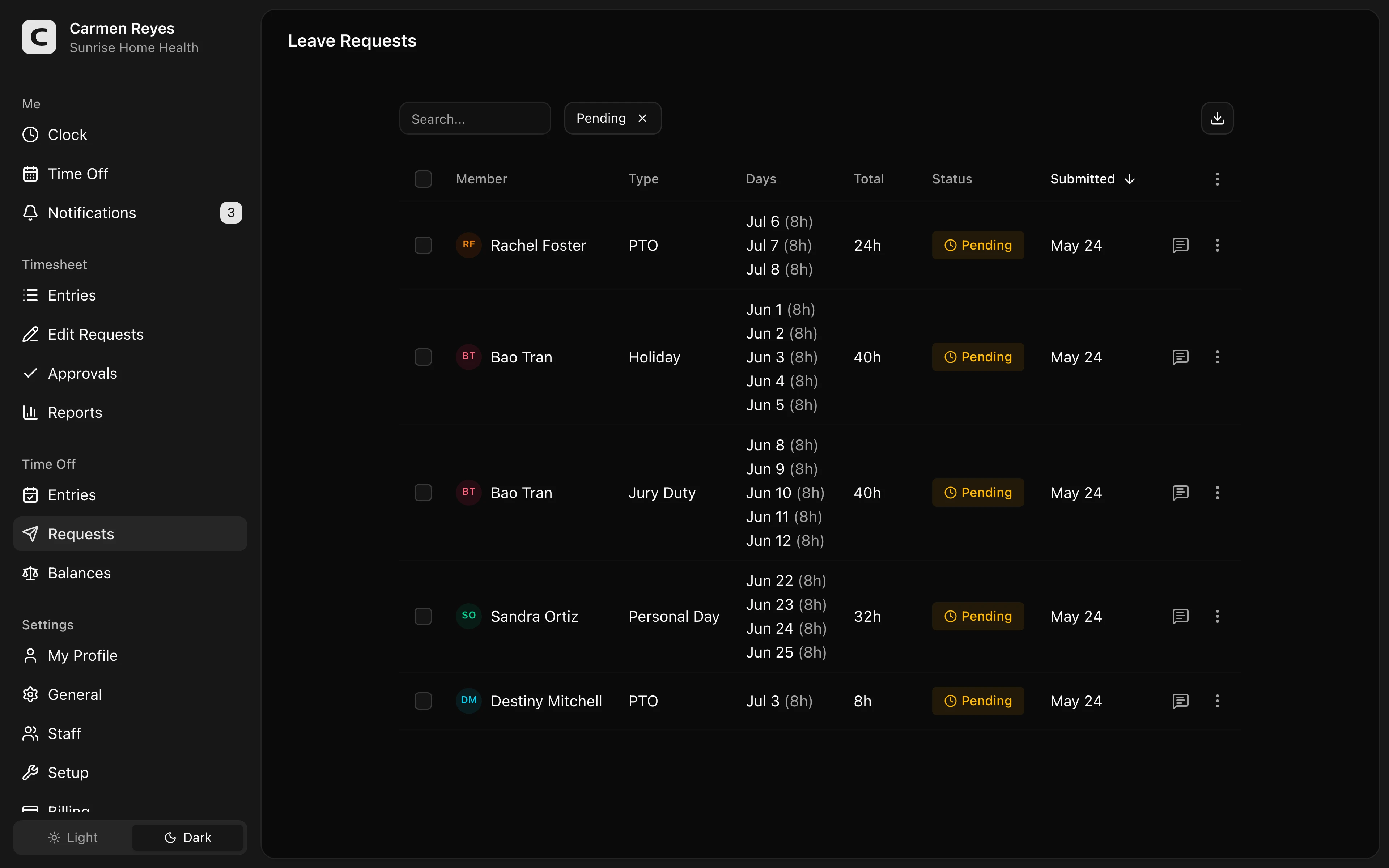
Every leave request your team has submitted, with the employee, leave type, the specific dates and hours requested, total hours, and status. The list defaults to Pending — use the status filter in the toolbar to also see Approved or Rejected.
If a request has a note from the employee or your prior review note, a speech-bubble icon appears on the row; click to read.
Reviewing a request
Open the row menu and choose Review request (pending only) for the full date-by-date breakdown and the option to approve or reject. Your review note is included in the employee's notification.
To act on many at once, select rows and use Approve or Reject in the toolbar. Bulk decisions don't carry a per-row review note; review individually for that.
What happens after a decision
- Approved — the leave is recorded as entries on the Leave Entries page, and the hours are deducted from the employee's balance.
- Rejected — no entries are created and the hours return to the employee's balance. The employee is notified.
Common questions
The dates or hours aren't quite right. You can't edit a request — only approve or reject. Either reject with a note explaining what you'd accept (the employee resubmits), or approve and then fix the resulting entries on the Leave Entries page.
Can I approve part of a request? No — approval is all-or-nothing. Reject with a note asking the employee to resubmit a smaller request.
Where do approved requests live after this page? Each approved request becomes one or more entries on the Leave Entries page (one per day). For per-employee balance summaries, see Leave Balances.