Settings
Billing
Your subscription status, payment method, and past invoices.
Subscription
The Subscription section shows:
- Status — Free trial (during the trial), Active (paying), Past due (a payment failed), or Inactive (trial ended without payment).
- Trial ends — the date your trial expires (only shown during the trial).
- Price — $5 per employee, per month.
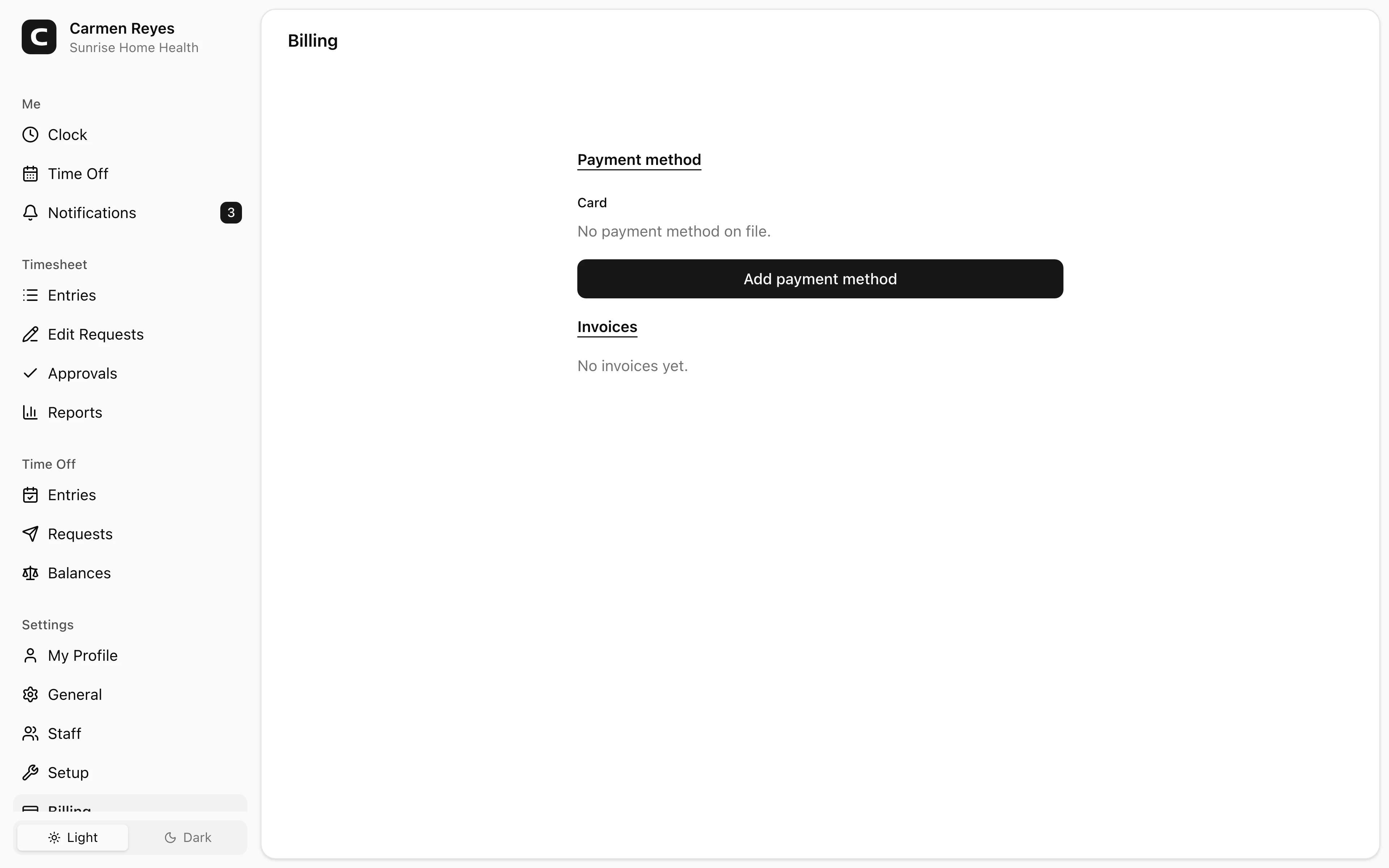
Payment method
Add a card with Add payment method, or Replace the one on file. Card details are entered directly into a Stripe-hosted form, so they're handled by Stripe.
Remove takes the card off file. With no card on file, the next charge will fail and your account will move to Past due.
Invoices
The Invoices section lists every billing period with dates, amount, and payment status — Paid, Failed, or Pending.
Common questions
My trial is about to end and I haven't added a card. Add one before the trial ends. Otherwise the workspace moves to Inactive and clock-ins stop working until you add payment.
A charge failed. Status switches to Past due. Replace the card and Stripe will retry the charge automatically — nothing else for you to do.
Why am I being charged $X this month? The total is $5 × the number of employees the workspace bills for. Compare it to your headcount on the Staff page.