Settings / Setup
Notifications
Choose which notification events you want delivered by email or SMS.
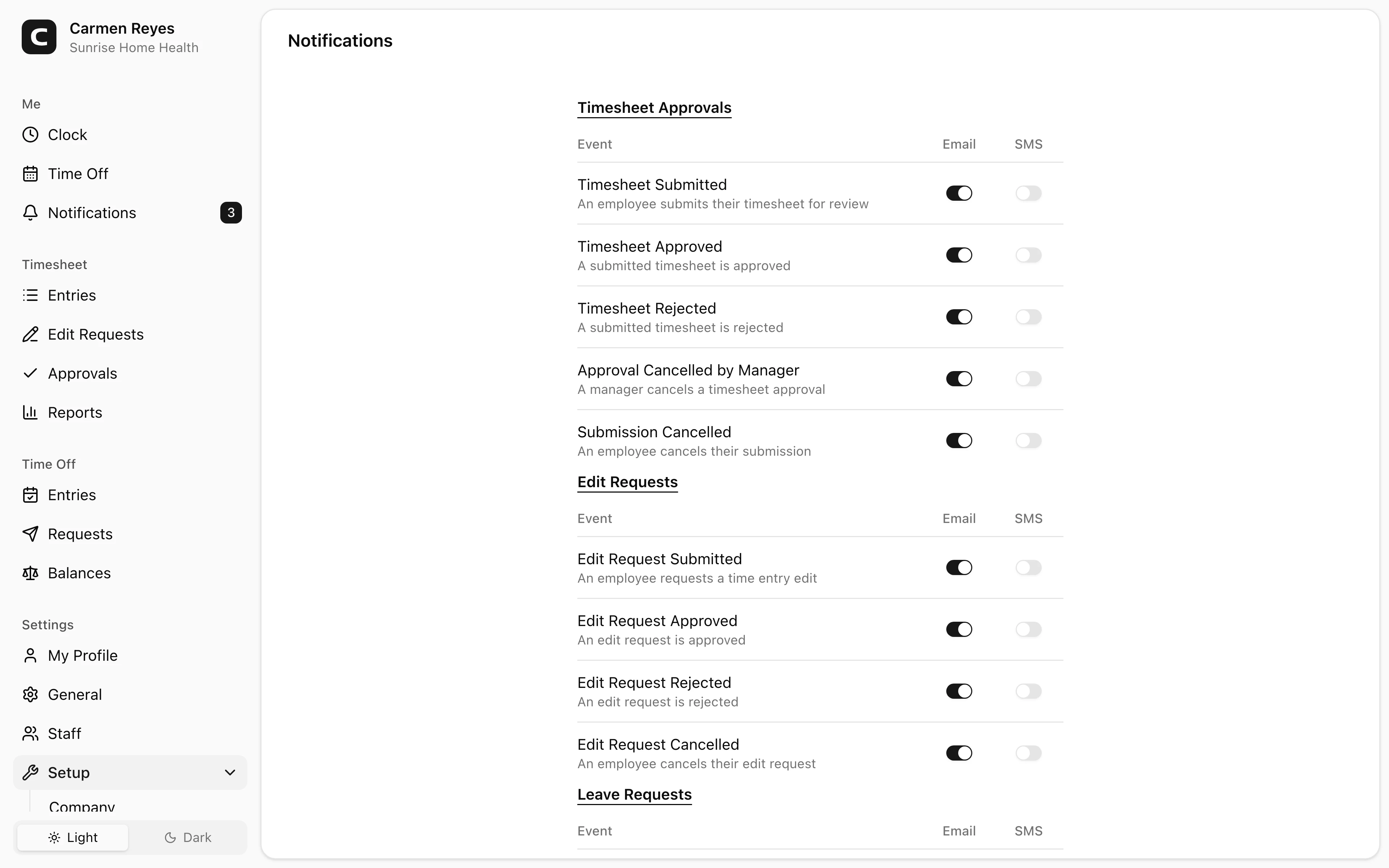
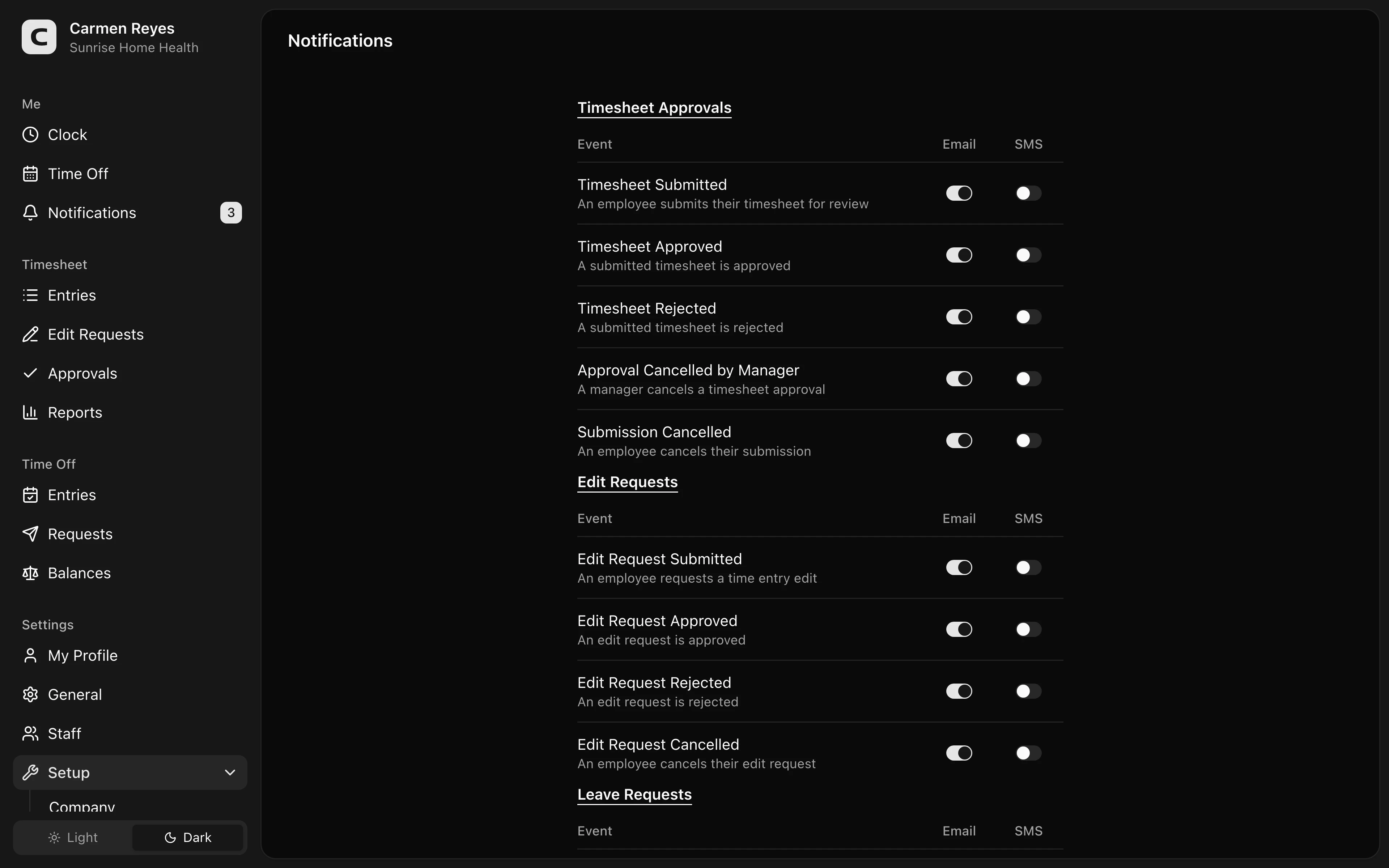
What you can configure
For every notification event, toggle whether you want it delivered by Email, SMS, both, or neither. Events are grouped into three categories:
- Timesheet Approvals — submissions, decisions, cancellations.
- Edit Requests — submissions, decisions, cancellations.
- Leave Requests — submissions, decisions, cancellations.
In-app notifications (the bell icon and the Notifications page) are always on — these toggles control the additional Email and SMS channels only.
Saving
Toggle the channels you want and press Save. Changes apply to your own account only; each team member has their own preferences.
Common questions
In-app notifications keep appearing even with everything off. In-app is always on — only Email and SMS are togglable here. Use the Notifications page to clear your inbox.
I'm not getting SMS even though it's enabled. Verify your phone number on My Profile. SMS only delivers to verified numbers.