Settings
Support
Send the Clockspot support team a message.
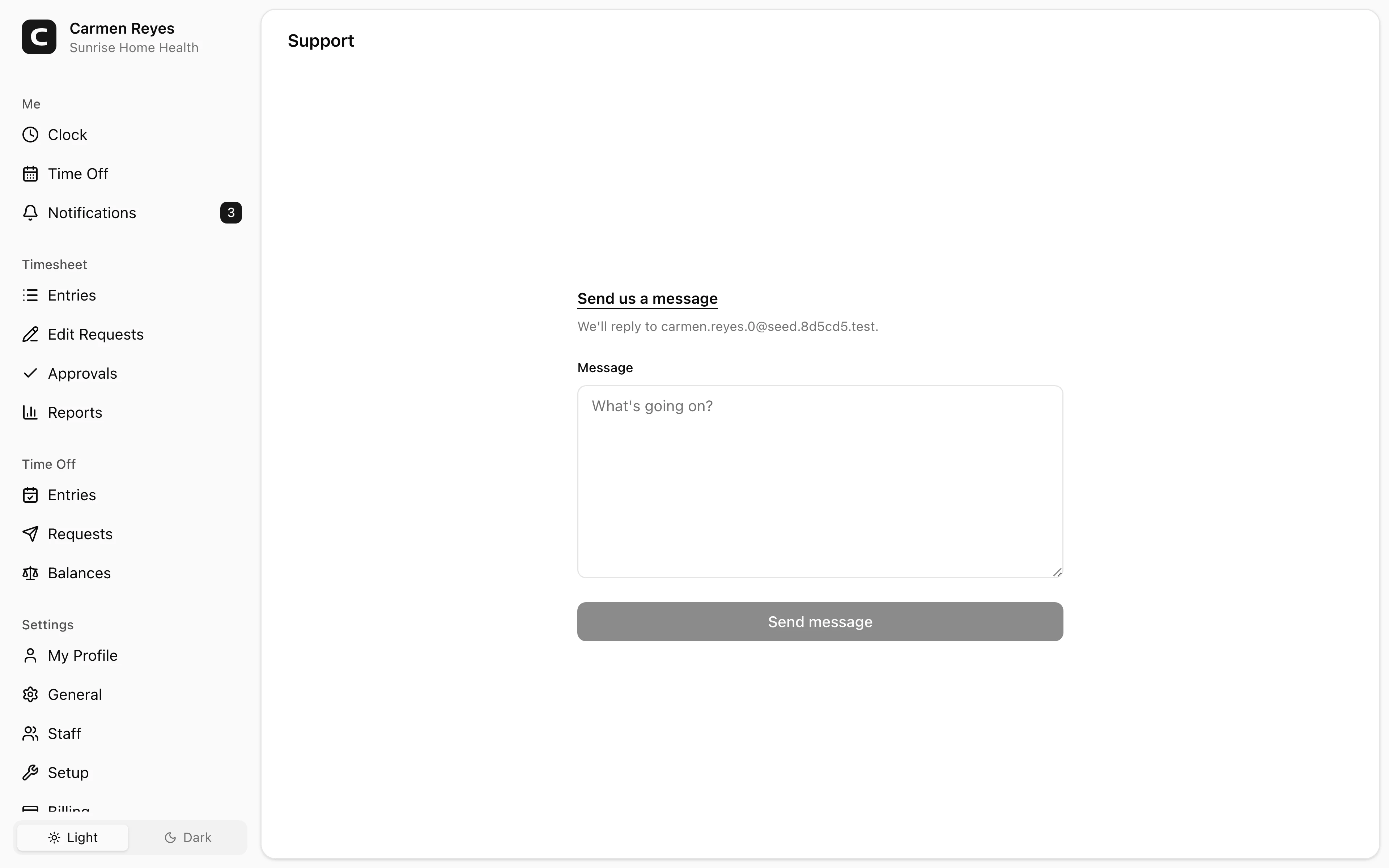
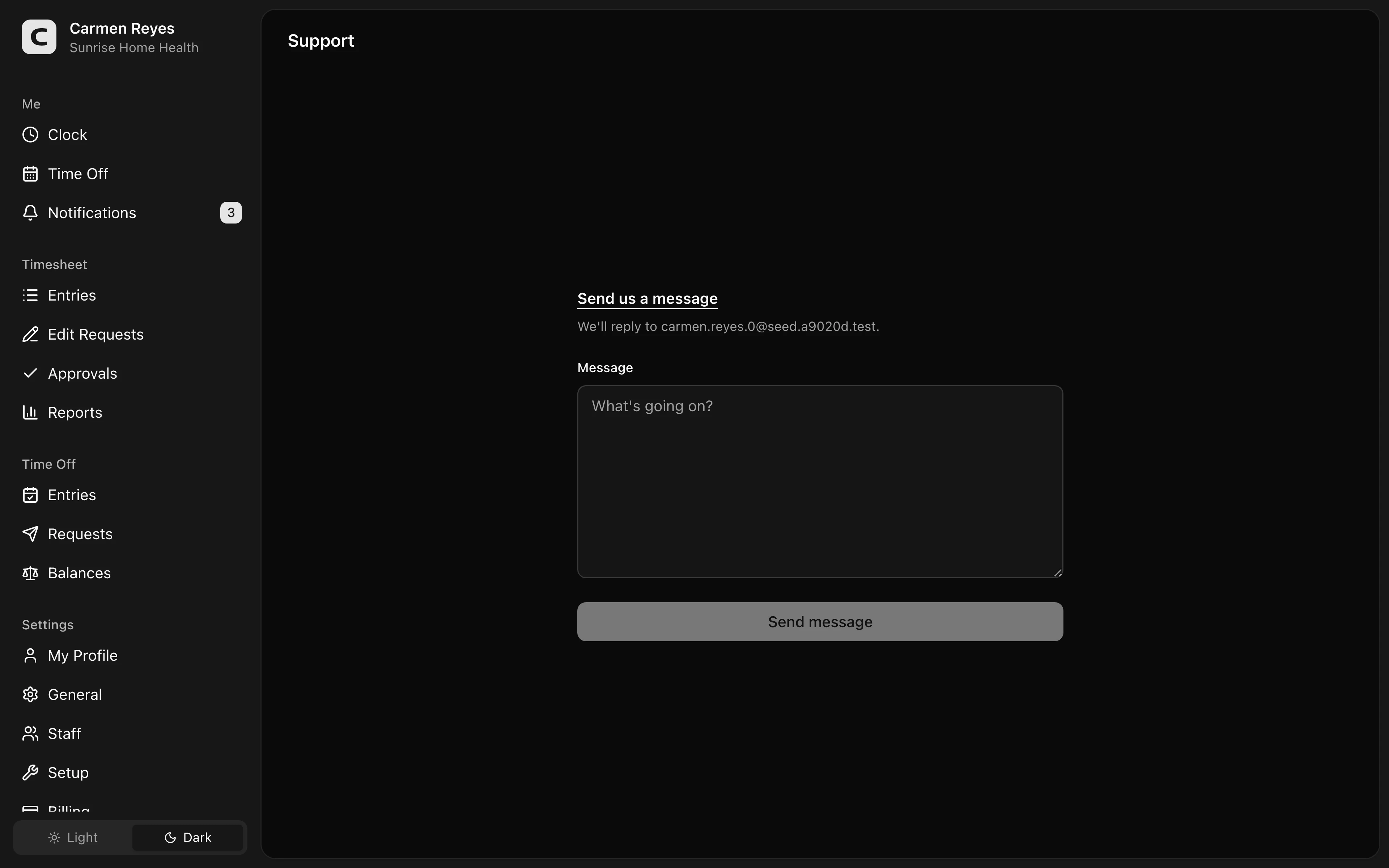
Sending a message
Type what's going on in the message field and press Send message. Replies come back to the email shown above the form.
What helps us respond faster
- What you were trying to do
- What you expected to happen
- What actually happened
- When it started
- Any error messages (copied as text)
Common questions
Can I attach a screenshot? Not directly through this form. If a screenshot would help explain the issue, mention that in the message and we'll reply asking for one.
Where can I see my past messages? This form doesn't show message history. Replies come through email, so your previous conversations live in that thread.