Time off
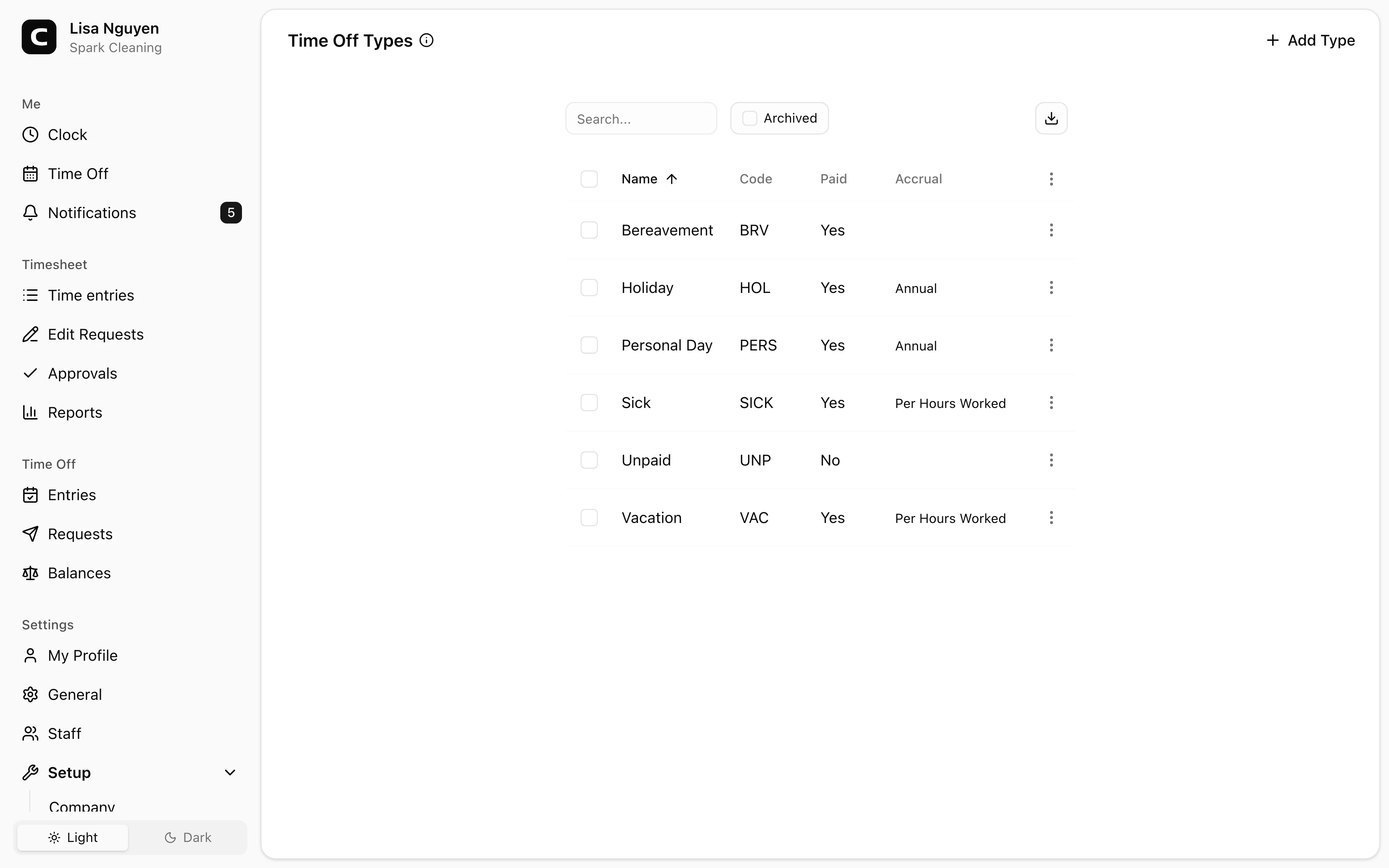
Time Off Types
Define vacation, sick time, and other time off types, including whether they are paid and how balances accrue.
No login required. Opens in one click.
What you can set per time off type
- Name — required; what employees see when requesting time off.
- Code — required; use it to match against payroll or accounting systems.
- Paid — whether hours on this type are paid. Counts toward the Paid Time Off columns on Hours Summary and Payroll Summary; unpaid types count toward Unpaid Time Off.
- Accrual policy — how balance grows over time:
- None — no automatic accrual; admin grants manually via balance adjustments.
- Annual — a fixed number of hours per year, granted on the accrual start date.
- Per Period — the annual total divided across weekly, biweekly, semi-monthly, or monthly periods.
- Hourly — earn a set amount of time off for a set amount of hours worked.
- Accrual start — anchor the accrual to the Calendar Year (Jan 1) or the employee's Hire Date.
- Waiting period — days from hire before accrual begins.
- Limits (optional, expand to configure) — max balance, max carryover, max usage per year, max accrual per year, and negative-balance allowance.
- Milestones (optional) — escalate accrual based on tenure.
Archiving
Use Archive (row menu or bulk action) to retire a time off type. Toggle the Archived view and use Restore to bring one back. Past time off on archived types stays visible in reports.
Common questions
- I changed an accrual rule. Does it affect past balances?
No — rule changes apply forward. Past accruals stay as they were calculated under the previous rule.
- An employee's balance didn't reset at year-end.
Check the Max carryover limit. With no carryover cap, the full balance rolls over each year. Set Max carryover to 0 to zero out at year-end, or to a number to cap the carryover at that amount.
- How do I give someone a one-time bonus of time off?
On the Time Off Balances page, click the employee's cell for that time off type to open the ledger, then press Adjust to add a positive amount with a note.
Related
Time Off
Check your time off balances and request time away.
Time Off Requests
Approve or reject employee time off requests.
Time Off Entries
Review, add, edit, or archive recorded time off across your employees.
Time Off Balances
Review and adjust each employee's current time off balance.
How time off accruals work
Understand the accrual methods, caps, and carryover behind every time off balance.