Workspace setup
Overtime Settings
Choose the current overtime thresholds and multipliers used by Clockspot reports.
No login required. Opens in one click.
What this page controls
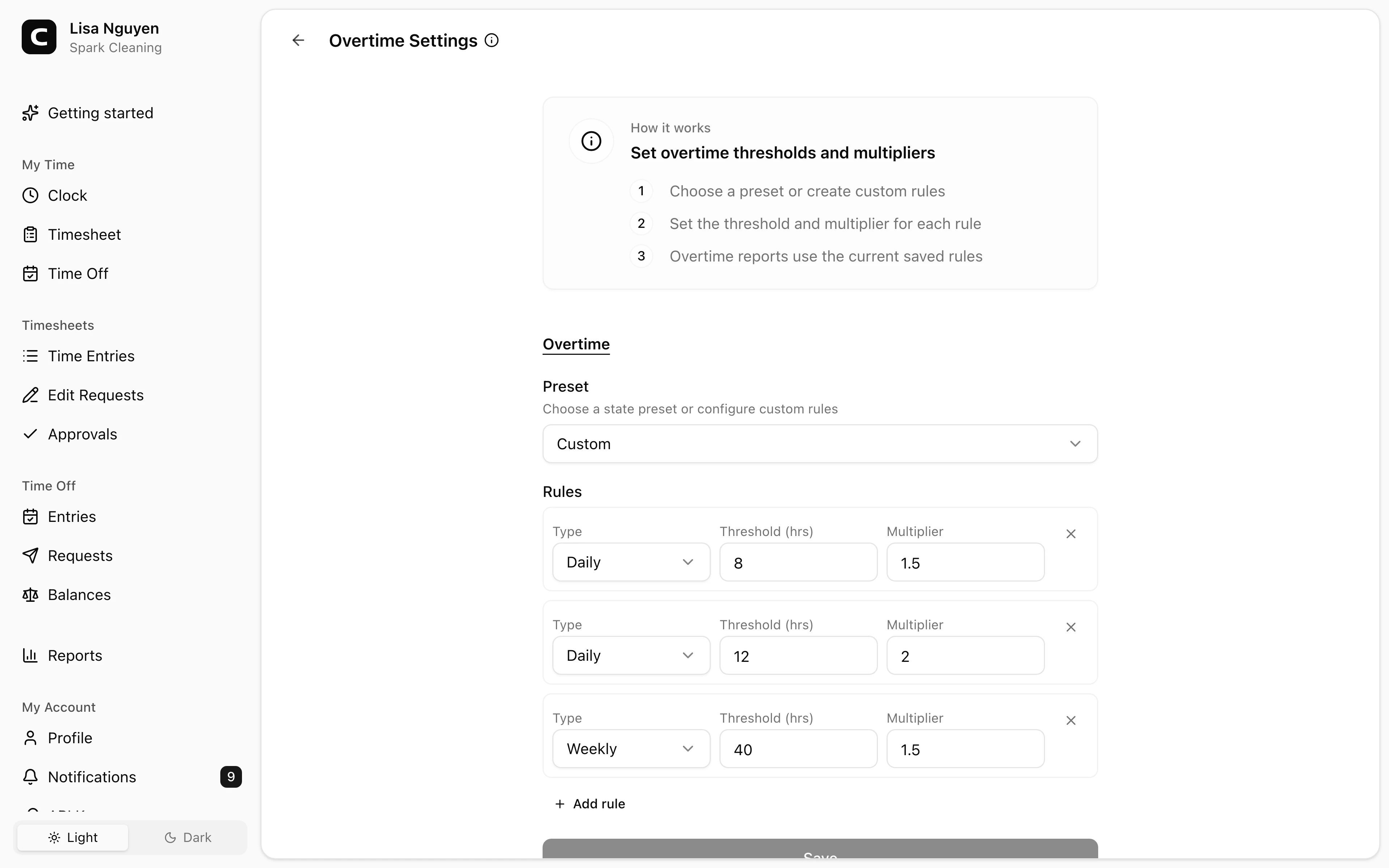
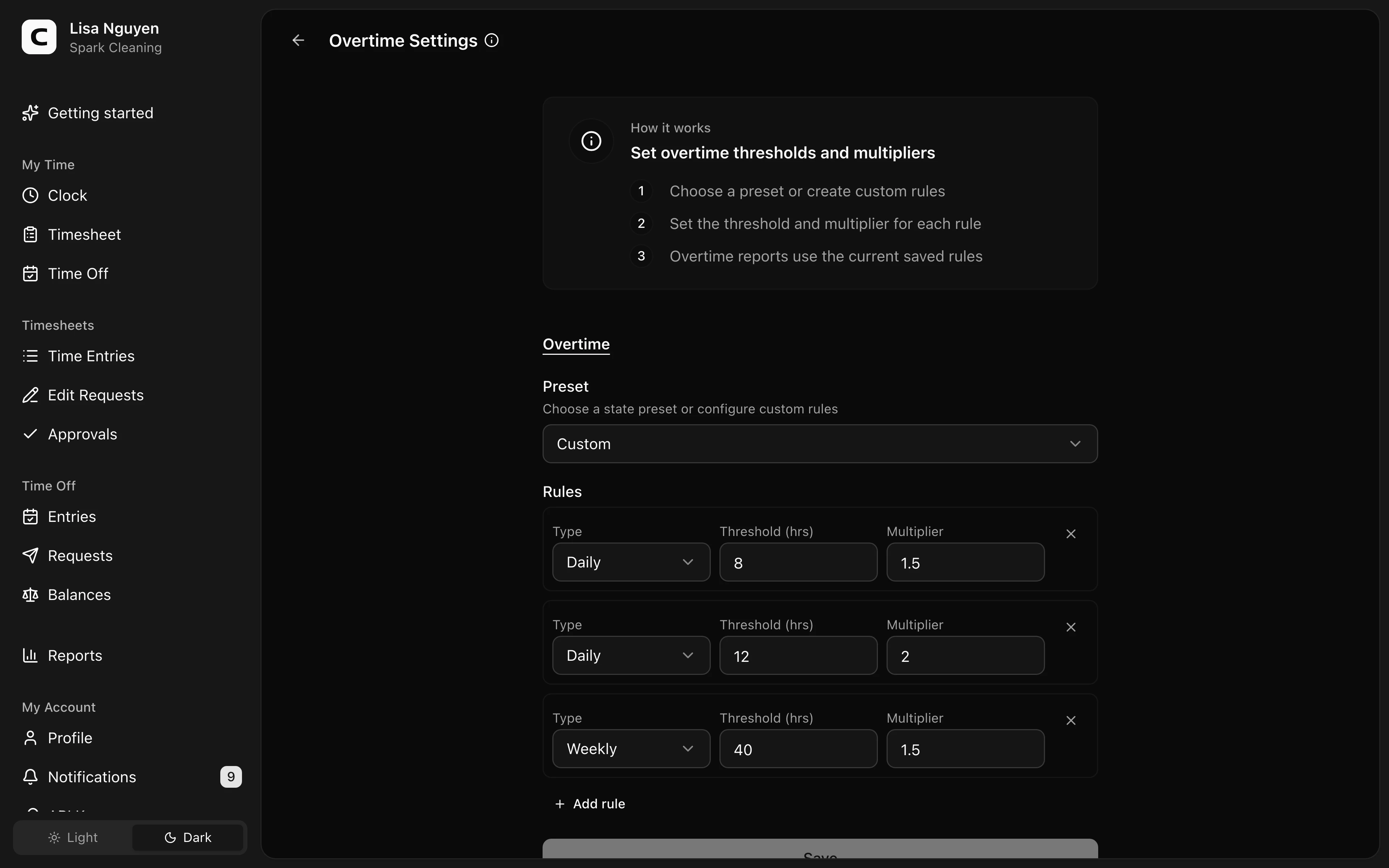
Overtime Settings sets the workspace-wide overtime rules Clockspot reports use when calculating overtime.
Presets
Use Preset to load Federal (default), California, Alaska, Nevada, Colorado, or Kentucky rules. If the current rules do not match a preset, the selector shows Custom.
Rules
Each rule has a Type, Threshold (hrs), and Multiplier:
- Weekly applies after the weekly threshold.
- Daily applies after the daily threshold.
- 7th Day applies on the seventh consecutive worked day in a workweek.
Use Add rule to add another rule. Use Remove overtime rule to remove one.
Common questions
- Can different employees use different overtime rules?
No. Overtime rules are workspace-wide. For employee-level control, set Exemption status on Employees to exclude an employee from overtime calculation.
- What happens when I edit a preset?
Selecting a preset loads its rules. If you change the rule list so it no longer matches a preset, the selector shows Custom.
- How many overtime rules can I add?
You can keep up to five rules on this page. The Add rule button is hidden once the list reaches five.
Related
Employees
Invite employees, edit profile and pay details, and handle owner-only access changes.
Roles & access
Who can see and do what — the difference between employees, admins, and the owner.
Custom fields
Add employee and time-entry fields for the details your workspace needs to track.
Jobs
Group time entries by job, project, client, or task so you can review where hours and labor costs go.
Company
Keep your company name, time zone, and address current.
Time Tracking Settings
Find the settings that control clock-ins, schedules, overtime, jobs, time off types, locations, kiosks, and phone clocking.
Timesheet Settings
Set required time-entry details, unrecognized-location warnings, and clock-time rounding.
Work Schedule
Set the default workweek and scheduled hours used by attendance and workweek-based reports.
API Keys
Connect third-party apps to your Clockspot workspace without sharing your password.