Workspace setup
Work Schedule
Set the default workweek and scheduled hours used by attendance and workweek-based reports.
No login required. Opens in one click.
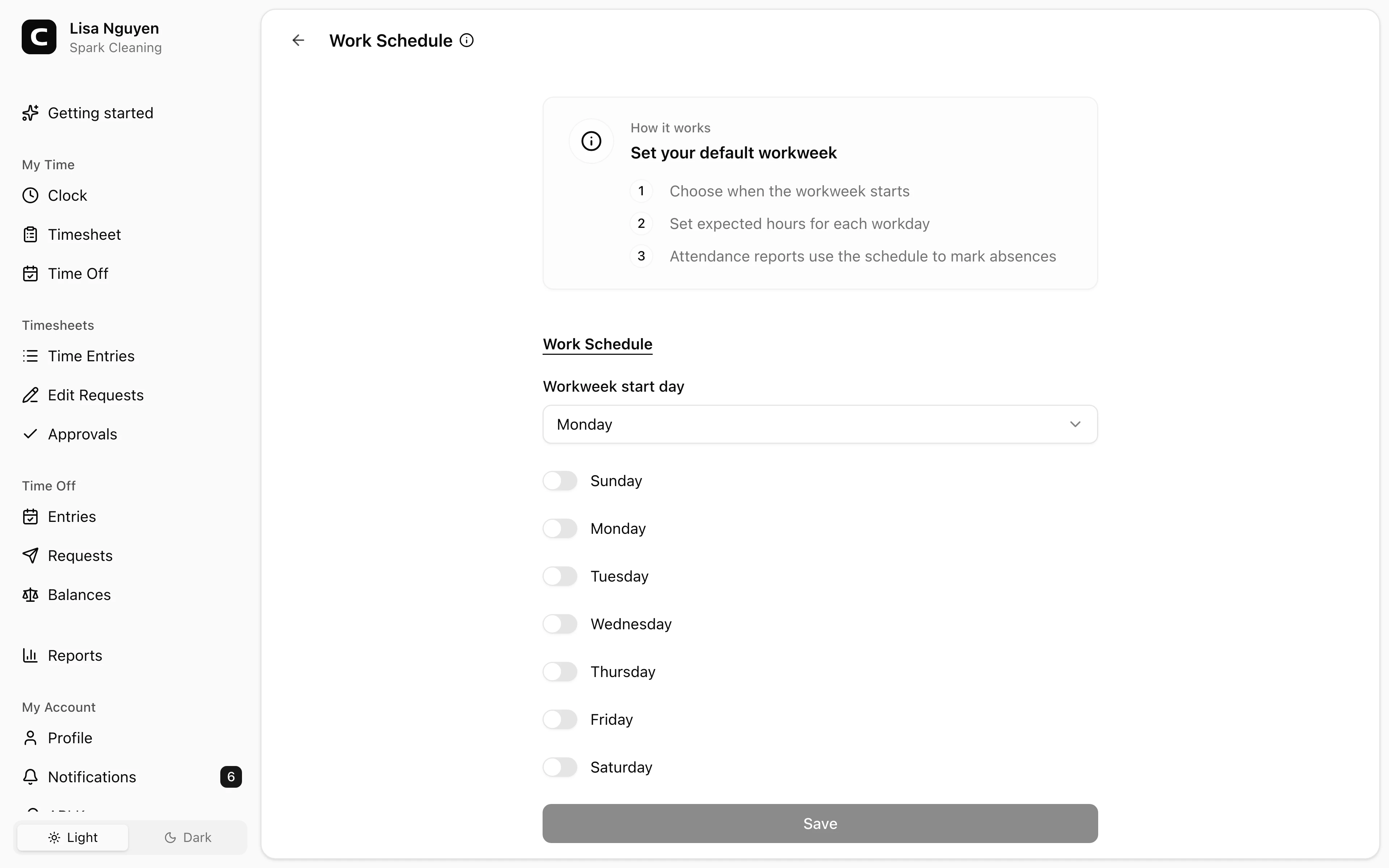
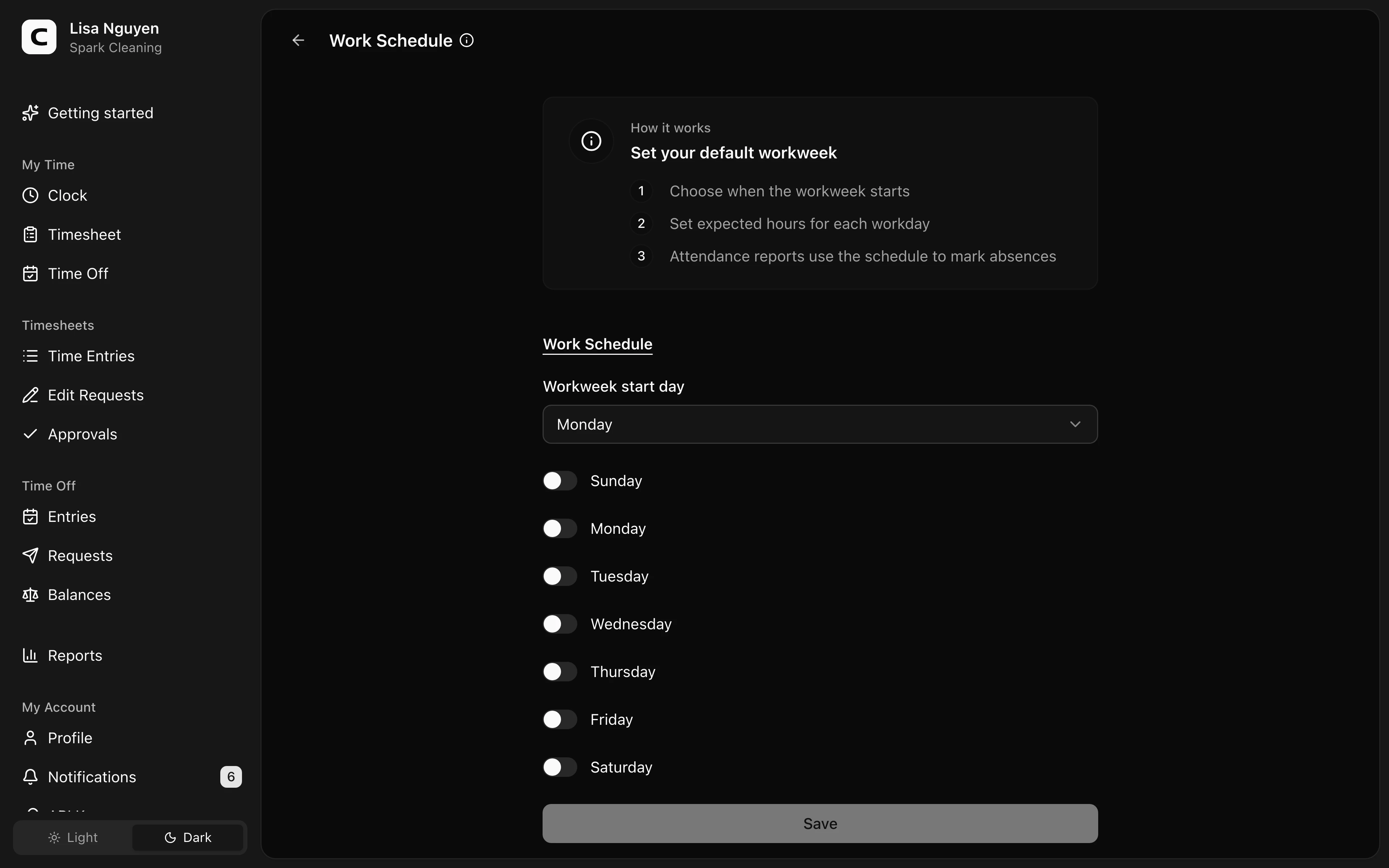
What this page controls
Work Schedule sets the workspace default workweek and expected hours for each scheduled day.
Workweek start
Use Workweek start day to choose where the workweek begins. Weekly overtime and whole-workweek report ranges use that boundary.
Scheduled days and hours
Turn on each scheduled day, then enter the expected hours in hrs. A newly enabled day starts at 8 hours, and you can change it in half-hour steps.
The Attendance report uses the workspace schedule to show expected workdays and absences. Employees with their own Work schedule on Employees use that employee schedule instead of the workspace default.
Common questions
- Can one employee use a different schedule?
Yes. Open the employee on Employees and set Work schedule in the employment details. Leave it off when the employee should use the workspace schedule.
- Why don't I see absences in Attendance?
Attendance marks absences only for days that are part of the workspace schedule or an employee-specific Work schedule.
- Is this where I set pay schedules?
No. Pay timing is employee-specific. Set Pay schedule on the employee's Employees page.
Related
Employees
Invite employees, edit profile and pay details, and handle owner-only access changes.
Roles & access
Who can see and do what — the difference between employees, admins, and the owner.
Custom fields
Add employee and time-entry fields for the details your workspace needs to track.
Jobs
Group time entries by job, project, client, or task so you can review where hours and labor costs go.
Company
Keep your company name, time zone, and address current.
Time Tracking Settings
Find the settings that control clock-ins, schedules, overtime, jobs, time off types, locations, kiosks, and phone clocking.
Timesheet Settings
Set required time-entry details, unrecognized-location warnings, and clock-time rounding.
Overtime Settings
Choose the current overtime thresholds and multipliers used by Clockspot reports.
API Keys
Connect third-party apps to your Clockspot workspace without sharing your password.