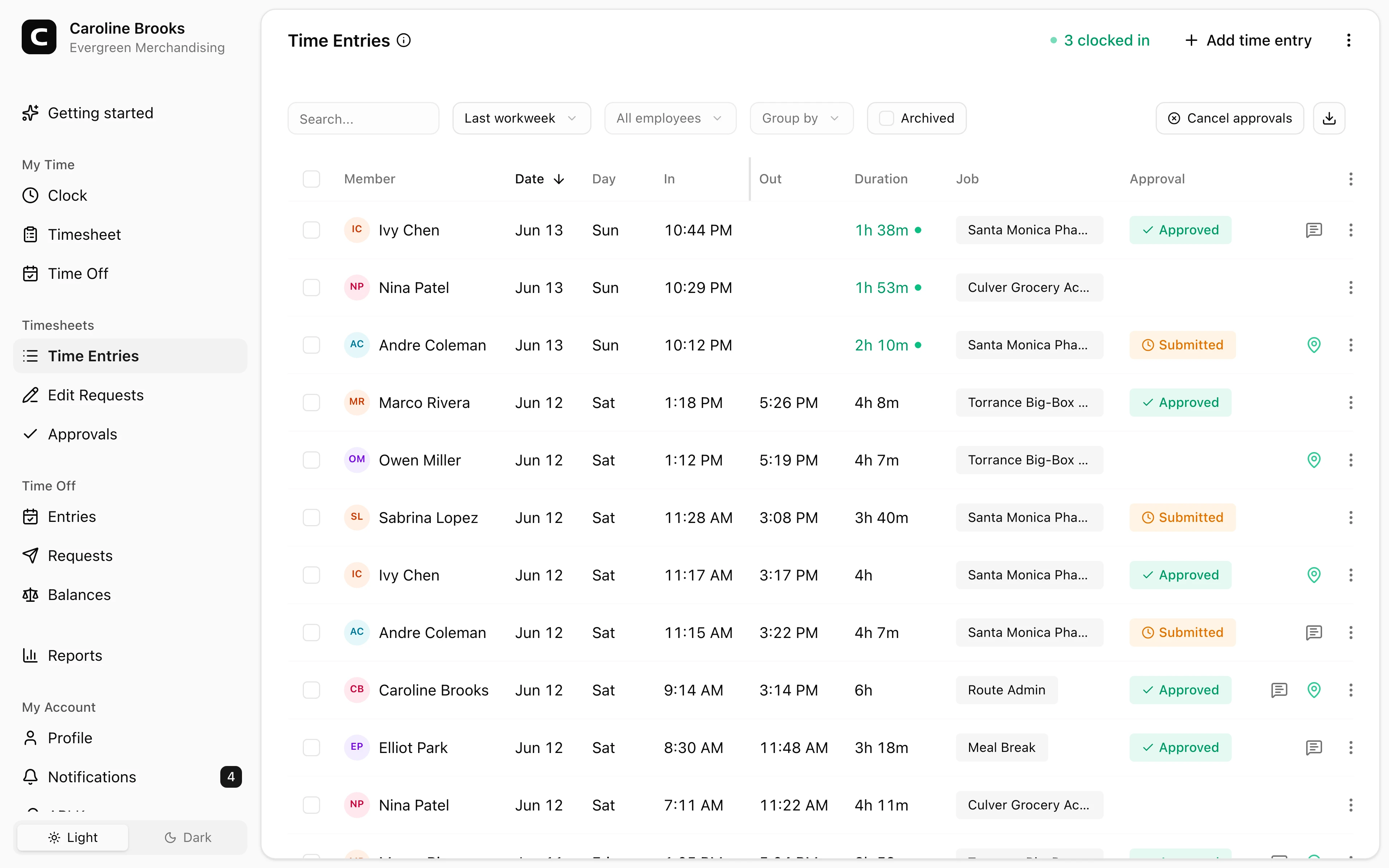
Fits store clock-ins
Employees can clock in from a browser, shared kiosk, or phone depending on the store setup.
Retail time clock
Store employees can clock in from a computer or kiosk, and field merchandisers can clock in from job sites. Managers review store, job, location, correction, and payroll details before export.
Store clock-ins
Use a computer, kiosk, phone, or browser.
Field visits
Clock in from client stores or job sites.
Store and job reports
Review hours by location, job, or employee.
Payroll exports
Download reviewed hours for payroll.
Retail benefits
Retail employees often mix in-store shifts with field merchandising work. Clockspot keeps employee hours organized for review before payroll.
Good for stores, branches, and field merchandising routes.
Employees can clock in from a browser, shared kiosk, or phone depending on the store setup.
Field merchandisers can clock in from the site where they start work and include job or location context.
Use jobs for stores, client locations, routes, projects, departments, or cost codes.
Managers can review corrections, approvals, overtime, and reports before export.
Customer story
We switched from a manual punchclock to Clockspot, and what a difference. The employees love reviewing their hours anytime, and it makes preparing payroll a snap.
Ken Swanson
Ion Vapor
Use one time clock workflow for employees who work in-store, across branches, or in the field.
Store clock-ins
Retail employees can use a shared kiosk, office computer, phone browser, or phone call.
Stores and jobs
Jobs help retail managers see where time went after the shift is done.
Payroll review
Managers can catch open shifts, review employee corrections, approve time cards, and export hours.
Retail questions
No. Clockspot is employee time tracking for payroll-ready records. It does not replace POS, inventory, scheduling, or store operations software.
Yes. Use a kiosk on a shared tablet or computer, and each employee clocks in with a personal PIN.
Yes. They can clock in from a browser when internet is available, or by phone call when dial-in is the better fit.
Yes. Use jobs for stores, routes, client locations, departments, or cost codes, then review job reports.
Keep reading
A retail time clock should track store hours, breaks, job or location context, corrections, approvals, and payroll-ready records.
Set up a time clock by deciding who tracks time, when employees clock in, how mistakes are fixed, who approves hours, and how records are kept.
A quick pre-payroll check for missing punches, overtime risk, manual edits, approvals, and the records behind the final hours.
Choose a retail or field merchandising time clock by checking store hours, location detail, breaks, missed punches, approvals, payroll export, and records.
30 days freeFull accessNo card required