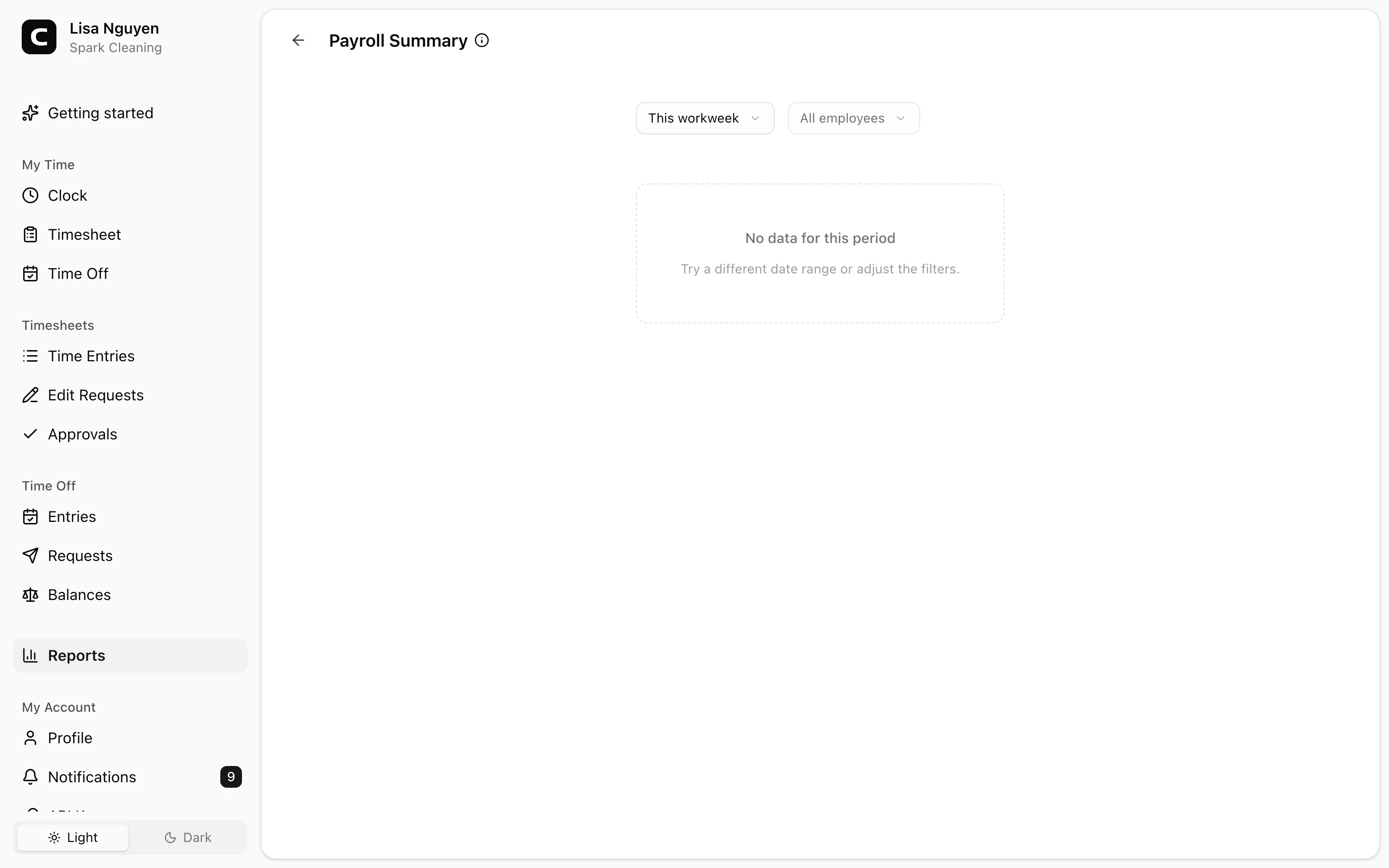
See what needs review
Open shifts, missing approvals, and corrections can be handled before the report is exported.
Payroll reports
Turn reviewed time entries into payroll-ready hour reports. Clockspot helps managers check open shifts, approvals, overtime, time off, and job detail before exporting the numbers.
Approved hours
Review time before it becomes payroll.
Overtime totals
See regular, overtime, and time off totals.
Job detail
Keep job hours available when you use jobs.
CSV export
Download the report for payroll review.
Payroll report benefits
Payroll is easier when the report is built from reviewed time instead of text messages, paper notes, and last-minute fixes.
Review hours, approvals, and exceptions in one workflow.
Open shifts, missing approvals, and corrections can be handled before the report is exported.
Review employee hours for the selected pay period, including regular, overtime, and time off totals.
When jobs are used, payroll reports can sit alongside job-costing reports for the same period.
Download CSV reports after the time cards are reviewed, approved, and ready to hand off.
Customer story
This program is easy for the employees to use, and for my bookkeeper to run payroll and overtime reports. Very user friendly, and we love it.
Karen Fuller
Summit County Mountain Retreats
Review the period, resolve exceptions, then export the report that payroll needs.
Prepare the period
Payroll reports are most useful after managers review the entries that feed them.
Read the report
Clockspot reports help you inspect the pay period before the numbers leave the time clock.
Export
Clockspot does not run payroll for you. It gives you reviewed time records you can export and use with your payroll process.
Payroll report questions
No. Clockspot tracks employee time and creates payroll-ready reports. It does not calculate payroll taxes, move money, or replace your payroll provider.
Yes. Managers can use time card approvals before exporting so the report is based on reviewed employee time.
Yes. Download reports as CSV, or print and copy the report when your payroll workflow needs a review packet.
Payroll reports focus on employee hour totals. When you also need job, client, or project hours, use the Job Costing report for the same period.
Keep reading
A quick pre-payroll check for missing punches, overtime risk, manual edits, approvals, and the records behind the final hours.
Close a pay period by completing time cards, resolving exceptions, approving hours, exporting approved hours, and keeping the record.
Manager approval is not one universal federal form, but it is a useful payroll control before hours are exported.
Use this payroll-ready time tracking workflow to capture hours, review exceptions, approve edits, and keep records you can explain later.