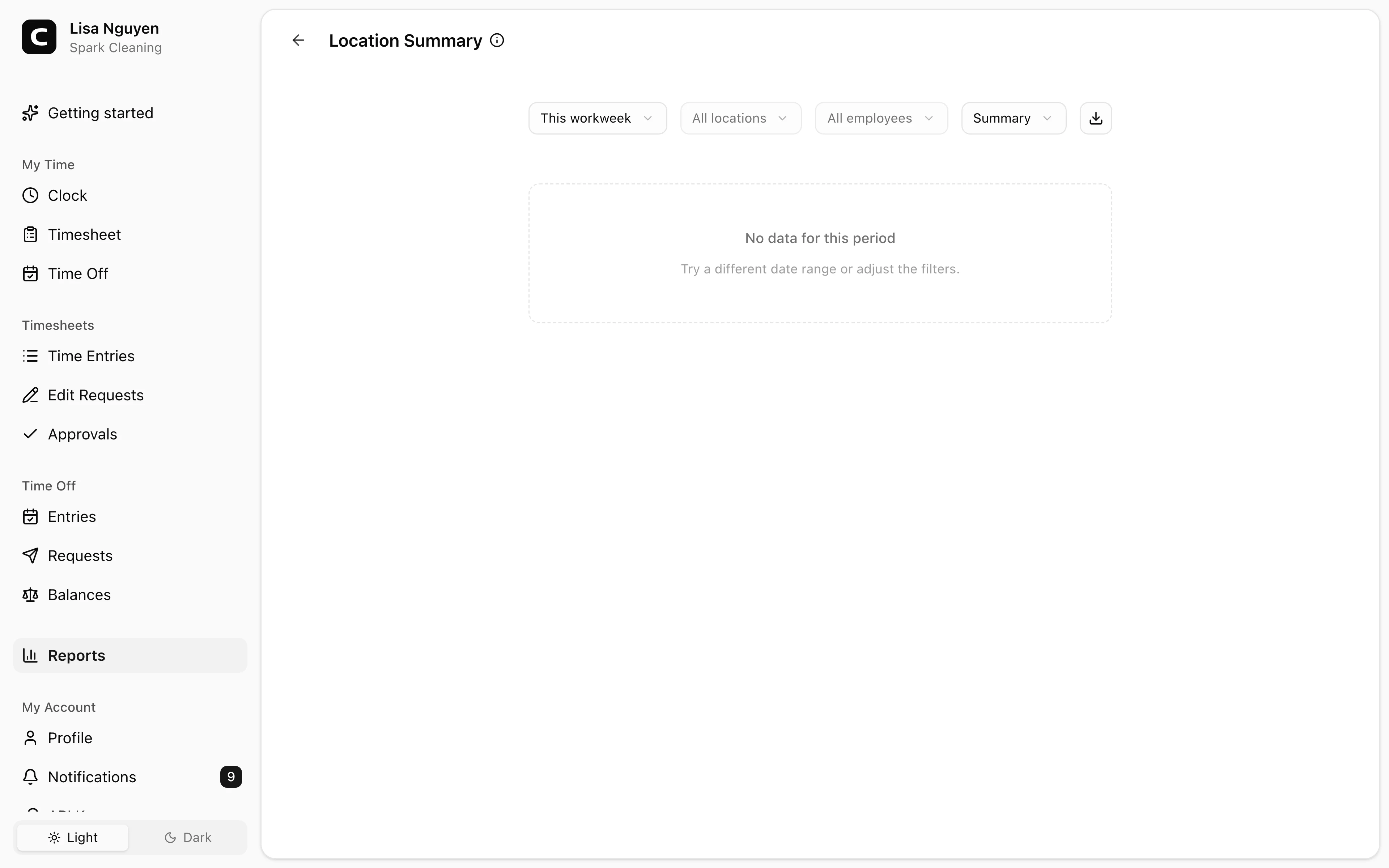
Separate locations from one total
Location Summary shows hours, entries, and employees by location for the selected period.
Multiple locations
Track employees who work across job sites, branches, client locations, routes, shops, or yards. Clockspot keeps hours, jobs, location context, corrections, and approvals ready for review.
Location reports
Review hours by location, employee, or summary.
Jobs and sites
Use jobs for sites, clients, routes, departments, or cost codes.
Location context
Review GPS, IP, and device context when available.
Approval status
See whether the period is ready before export.
Multiple-location benefits
A multi-location time clock should make the record clearer, not make managers rebuild the week. Clockspot gives the office a way to review hours by location, job, employee, and approval state before payroll.
Useful for branches, client sites, service calls, yards, and routes.
Location Summary shows hours, entries, and employees by location for the selected period.
Location mismatches can be normal when employees move between sites, routes, shops, and client jobs.
Jobs can represent locations, clients, routes, departments, service calls, projects, or cost codes.
Managers can check location reports, correction requests, and approval status before exporting hours.
Customer story
Because we have employees in different locations, Clockspot has enabled us to keep track of employee time in a much better way.
Peter Agho
Agho Clinic
Set up the places and jobs that matter, let employees clock in where work starts, and use reports to review the period.
Clock-in context
Clockspot can match employee-account clock-ins against configured clock locations using available GPS, IP, or device context.
Location reports
The location reports give managers different views of where time was recorded and what still needs a second look.
Jobs and payroll
Locations help answer where work happened. Jobs help answer what the hours belonged to. Approvals tell payroll whether the records are ready.
Multiple-location questions
Clockspot can warn employees and flag unrecognized clock locations for manager review when that setting is enabled. It is designed for reviewable time records, not a physical access-control system.
A location can be a branch, shop, yard, client site, job site, or any place your business wants to recognize with geolocation, IP, or device rules.
Yes. Multi-site shifts are common. Location reports help managers review where entries were recorded and whether any mismatches need follow-up.
Use locations to review where the clock event happened. Use jobs when the time needs a business label such as a client, project, route, department, or cost code.
Keep reading
Use GPS time tracking when location helps explain hours, jobs, field work, approvals, or payroll records.
A home services time clock should track technician hours, job or location detail, corrections, approvals, and payroll-ready records.
A property management time clock should track employee hours, property or location detail, missed punches, corrections, approvals, and payroll-ready records.
Choose a home services time clock by checking technician hours, job or location detail, travel time, corrections, approvals, and payroll-ready records.
30 days freeFull accessNo card required