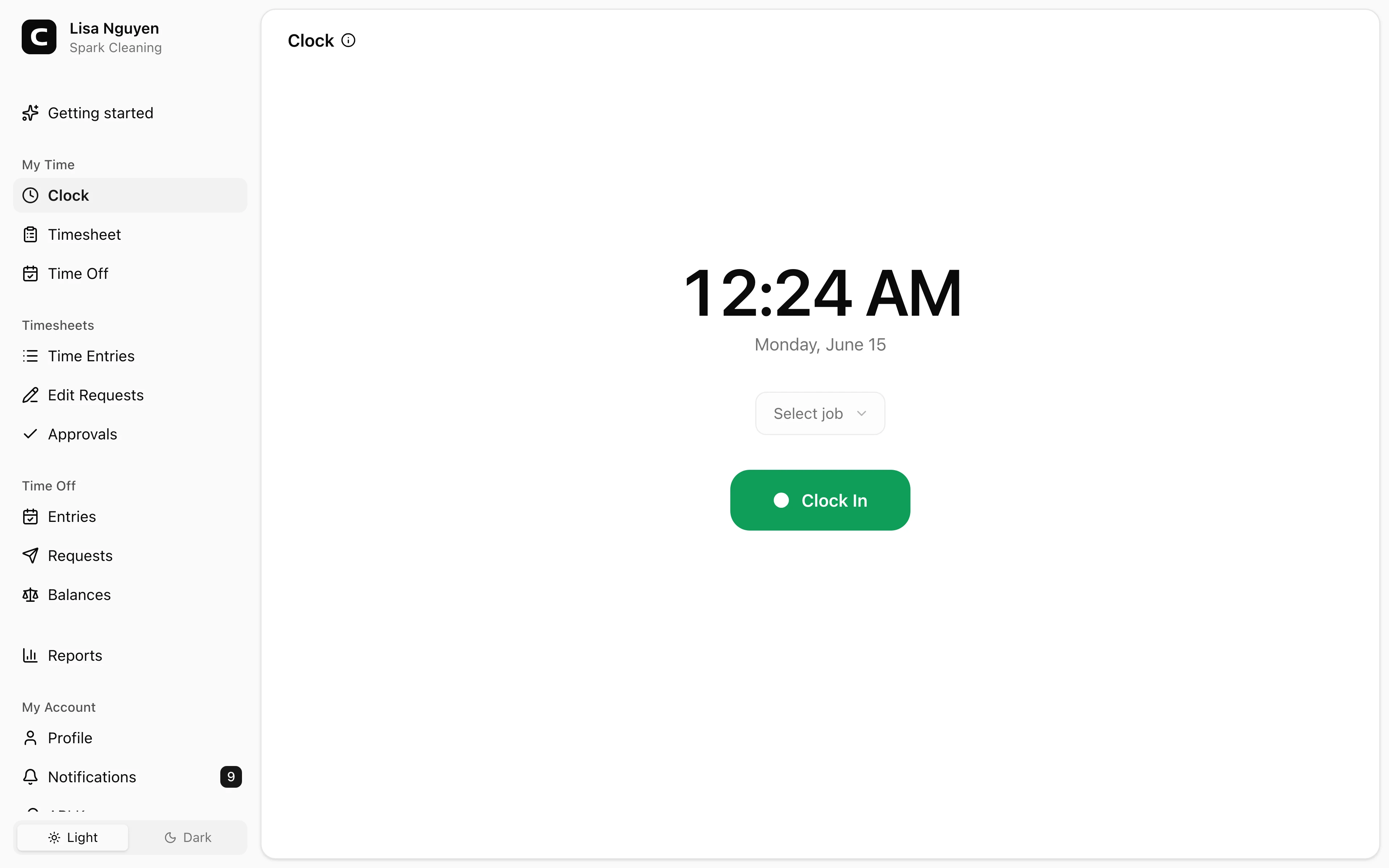
Fits work away from a desk
Employees can clock in from the device they can reach at the start of the shift, instead of waiting for a manager or shared time clock.
Mobile time clock
Employees can clock in from a phone browser, tablet, laptop, or desktop. Clockspot records the time, job when used, and available GPS, IP, and device context so managers can review hours before payroll.
Phone browser
Employees clock in from a phone, tablet, or computer.
GPS when available
Capture GPS, IP, and device details from employee accounts.
Jobs and notes
Attach job context and shift notes when your workflow needs them.
Ready for review
Entries flow into timesheets, approvals, and reports.
Mobile time clock benefits
Mobile clock-ins help when employees start work away from a shared office, front desk, or wall-mounted time clock. The record still stays simple enough to review before payroll.
Good for field work, mobile employees, and multi-site shifts.
Employees can clock in from the device they can reach at the start of the shift, instead of waiting for a manager or shared time clock.
Clockspot works from a browser, a shared kiosk, or a phone call, so you do not need a dedicated punch clock device.
Clock-ins from employee accounts can carry GPS, IP, and device context for manager review.
Mobile entries become the same timesheet records managers can edit, approve, and export.
Customer story
I have a maid service and I love the feature to clock in by mobile phone.
David Perez
Superior Cleaning Services
Employees clock in from a browser, Clockspot captures the available context, and managers review the record before payroll.
Clock in anywhere work starts
A mobile time clock is most useful when work starts at a job site, client location, branch, or field assignment instead of one office time clock.
Capture review context
Clockspot records the time and the available context so managers can review entries without chasing screenshots, texts, or paper notes.
Review before payroll
Mobile clock-ins do not bypass review. They become time entries managers can inspect, correct, approve, and export.
Common questions
No. Employees can clock in from a browser on a phone or computer. If they do not have reliable internet, phone clocking lets them call in from a landline or cell phone.
No. GPS is captured when the employee clocks in from their own account and the device shares location. Clockspot can also record IP and device context, and phone clock-ins capture calling number plus a voice check instead of GPS.
Use a shared time clock kiosk on a tablet or computer, or let employees clock in from an office computer. Mobile access is one option, not the only clock-in method.
Yes. If your workspace uses jobs, employees can pick a job, client, project, or location when they clock in from their own account.
Keep reading
Use GPS time tracking when location helps explain hours, jobs, field work, approvals, or payroll records.
Set up a time clock by deciding who tracks time, when employees clock in, how mistakes are fixed, who approves hours, and how records are kept.
A quick pre-payroll check for missing punches, overtime risk, manual edits, approvals, and the records behind the final hours.
A mobile time clock lets employees clock in from their phone with no app to install. What it captures, when GPS helps, and how to keep mobile hours payroll-ready.
30 days freeFull accessNo card required