Works at the front desk
Employees can clock in from a computer browser or shared kiosk at the office.
Dental office time clock
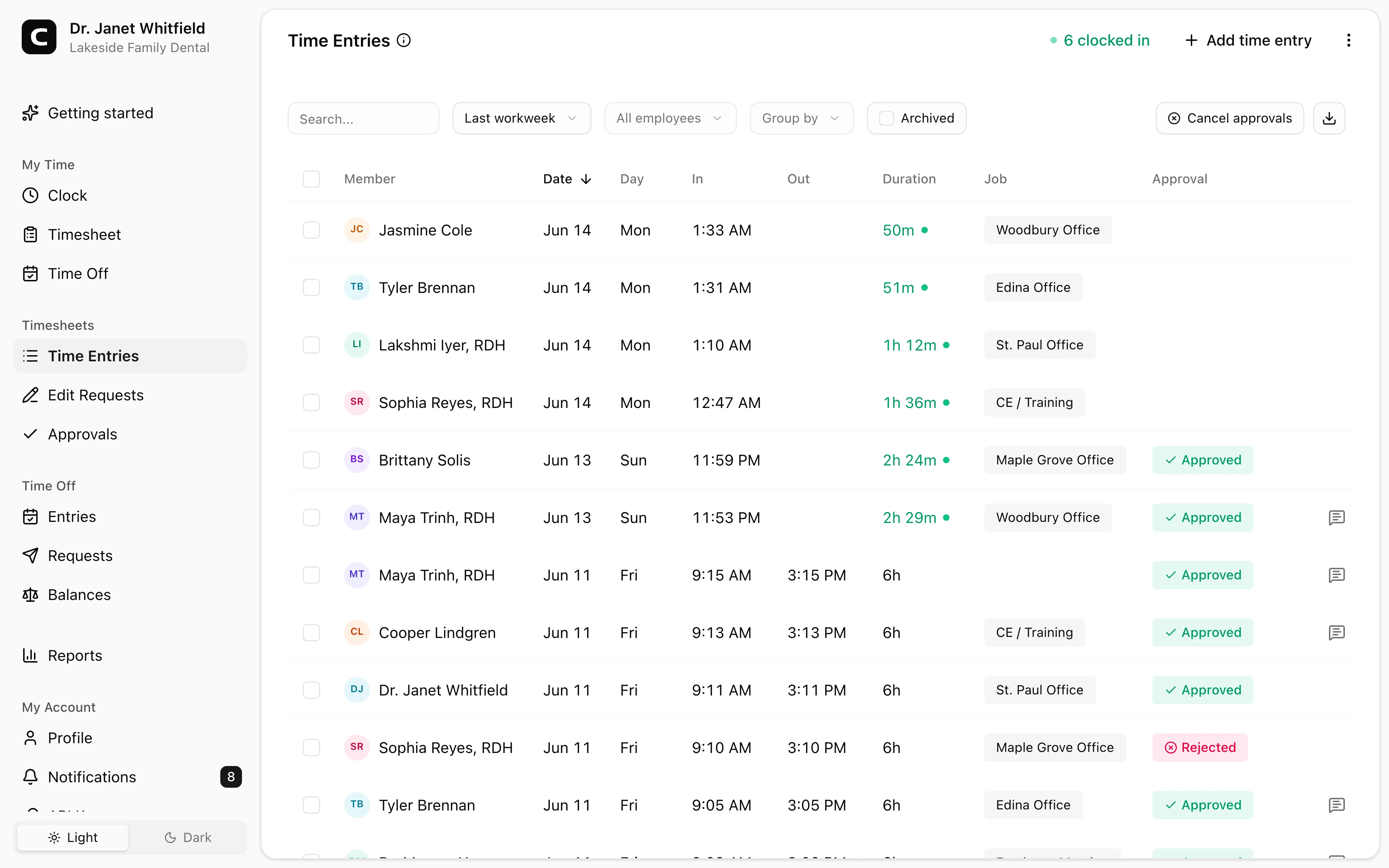
Hygienists, dental assistants, front desk, and billing staff can clock in from a computer, shared kiosk, or phone. Managers review corrections, approvals, and payroll reports before export.
Computer or kiosk
Use a browser or shared clock-in screen.
Staff roles
Organize hours by employee, role, location, or job.
Corrections
Review missed punches and edit requests.
Payroll reports
Export reviewed staff hours for payroll.
Dental office benefits
Dental practices run on hourly staff whose hours shift with the provider schedule and which days the office is open. Clockspot keeps hygiene, assisting, and front desk time ready for payroll review.
Employee time tracking for dental office payroll review.
Employees can clock in from a computer browser or shared kiosk at the office.
Use jobs for hygiene, assisting, front desk, billing, or sterilization so hours match the roles you review.
Employees can request corrections, and managers can review before payroll.
Approved hours can be exported after time cards are reviewed.
Customer story
Awesome product. Well thought out and easy to use. Great for small business owners.
Neal Shah
Austin Dental Arts
Clockspot gives staff practical clock-ins and gives managers records to review before payroll.
Clock-in setup
Use a computer browser, shared kiosk, phone browser, or phone call depending on how the office works.
Roles and locations
Jobs can represent office locations, roles, departments, projects, or cost centers.
Payroll review
Managers can catch missed punches, approve corrections, approve time cards, and export reports.
Dental office questions
No. Clockspot tracks employee time for payroll. It does not replace dental practice-management software such as Dentrix, Eaglesoft, or Open Dental, or your scheduling and patient records.
Yes. Run a kiosk on a shared tablet or computer, and employees clock in with personal PINs.
Yes. Use jobs or locations for offices, departments, roles, or cost centers.
No. Employees can clock in from a browser, shared kiosk, or phone call without installing a native app.
Keep reading
A dental office time clock should track employee hours, locations, corrections, approvals, and payroll-ready records.
A medical or dental time clock should track clinic hours, breaks, corrections, approvals, and payroll-ready records.
Manager approval is not one universal federal form, but it is a useful payroll control before hours are exported.
Choose a dental office time clock by checking hygienist and assistant hours, late appointments, breaks, corrections, approvals, and payroll-ready records.
30 days freeFull accessNo card required