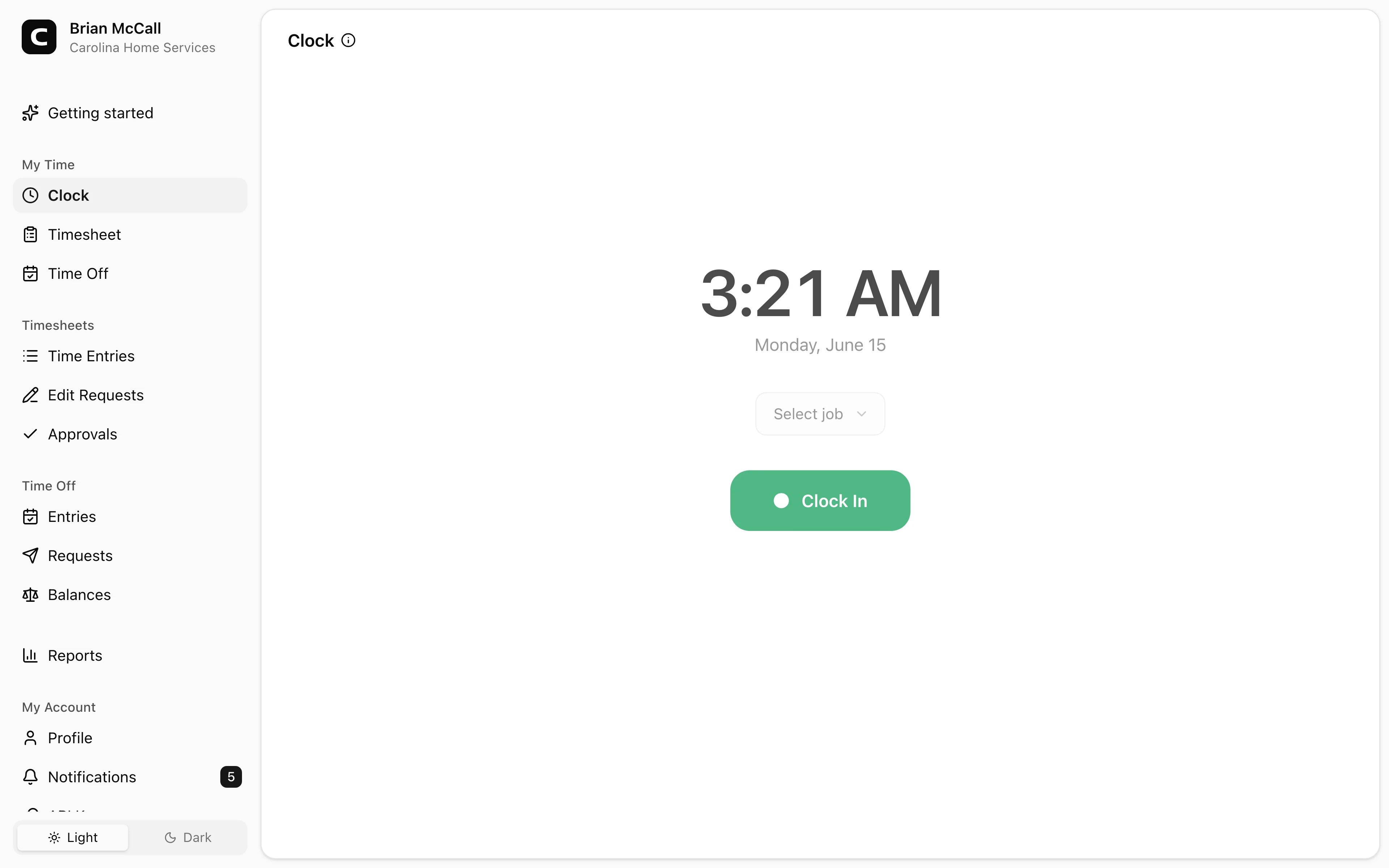
Faster employee setup
Send an invite link and employees can clock in from the browser they already use.
No app required
Clockspot runs in the browser, on a shared kiosk, or by phone call. Employees can start from an invite link, a kiosk PIN, or a phone clock ID and PIN instead of downloading software first.
Browser clock-in
Employees use a phone or computer browser.
Shared kiosk
Run a PIN-based clock on a tablet or computer.
Phone dial-in
Call in from a landline or cell phone.
Invite links
Employees start from the email you send.
No app required
An app-free workflow keeps rollout simple. Employees do not have to download software before they can clock in, and employers can still choose the clock-in method that fits each workplace.
Browser, kiosk, and phone clock-ins without a native app install.
Send an invite link and employees can clock in from the browser they already use.
A kiosk gives employees a shared screen when you do not want personal phones used for clock-ins.
Phone clocking lets employees dial in from a landline or cell phone when a browser is not practical.
There is no native app rollout to manage before employees can start tracking time.
Customer story
Bravo! No hardware. No software. The website is very easy to use and straight-forward.
Parthiv Shah
Saldo Drugs
Use the clock-in path that fits the workplace: browser, kiosk, phone call, or a mix.
Browser clock-ins
For employees with internet access, the simplest path is a browser clock-in from their own account.
Shared and phone options
Some workplaces want employees on their own accounts. Others want a shared kiosk or a phone dial-in path.
Review records
No-app clock-ins still become the same timesheets, approvals, and reports managers use before payroll.
Common questions
Browser and kiosk clock-ins need internet. If an employee has no reliable internet at the job site, phone clocking lets them dial in from a landline or cell phone.
No. Employees can use a browser on a computer, a shared kiosk, or phone clocking from a landline or cell phone.
No native app. Open the kiosk address in a browser on the shared tablet or computer, register it once, and employees clock in with PINs.
Invite them by email for browser access, send or set up kiosk PINs for shared devices, or set up a phone clock ID and PIN for phone clocking.
Keep reading
Employees can clock in by phone call, a shared computer, or a browser link, with no app to install. Here is how to keep those hours payroll-ready.
Set up a time clock by deciding who tracks time, when employees clock in, how mistakes are fixed, who approves hours, and how records are kept.
How to reduce buddy punching without turning a payroll problem into a biometric privacy problem.
How employees clock in without a smartphone or an app: phone call-in with a PIN, a shared computer or kiosk, and a browser link. What to look for before you choose.
30 days freeFull accessNo card required